
Joomla 5 and Joomla 6 look almost identical in the back end. The differences are underneath, and they decide how much an upgrade costs. These are the ten we check on every 5 → 6 project, ordered by how often they turn up as real work.
1. PHP 8.3 is the floor
Joomla 5 runs on PHP 8.1 and up. Joomla 6 refuses to start below 8.3.0. Every page shows the "incompatible PHP" notice, so there is no gradual failure to catch on a test page. Two things follow:
- Switch PHP to 8.3 on Joomla 5.4 first, and let the site run on it for a week. Joomla 5.4 supports 8.3, so any extension that breaks is a PHP problem, not a Joomla 6 problem, and you've separated the two.
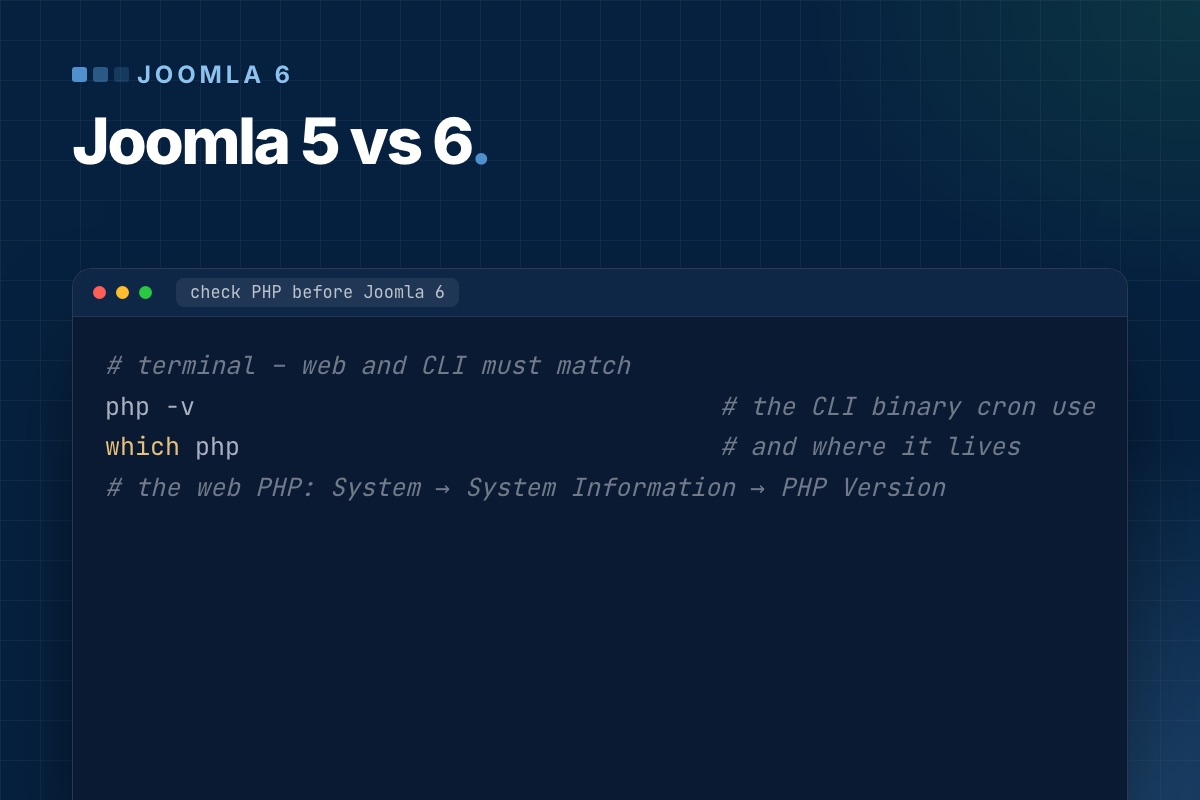
- Check the CLI PHP version too. Cron jobs and the Scheduler often run on a different binary than the web server.
# terminal – web and CLI must match
php -v                                   # the CLI binary cron uses
which php                                # and where it lives
# the web PHP: System → System Information → PHP Version
2. Old class names are off by default
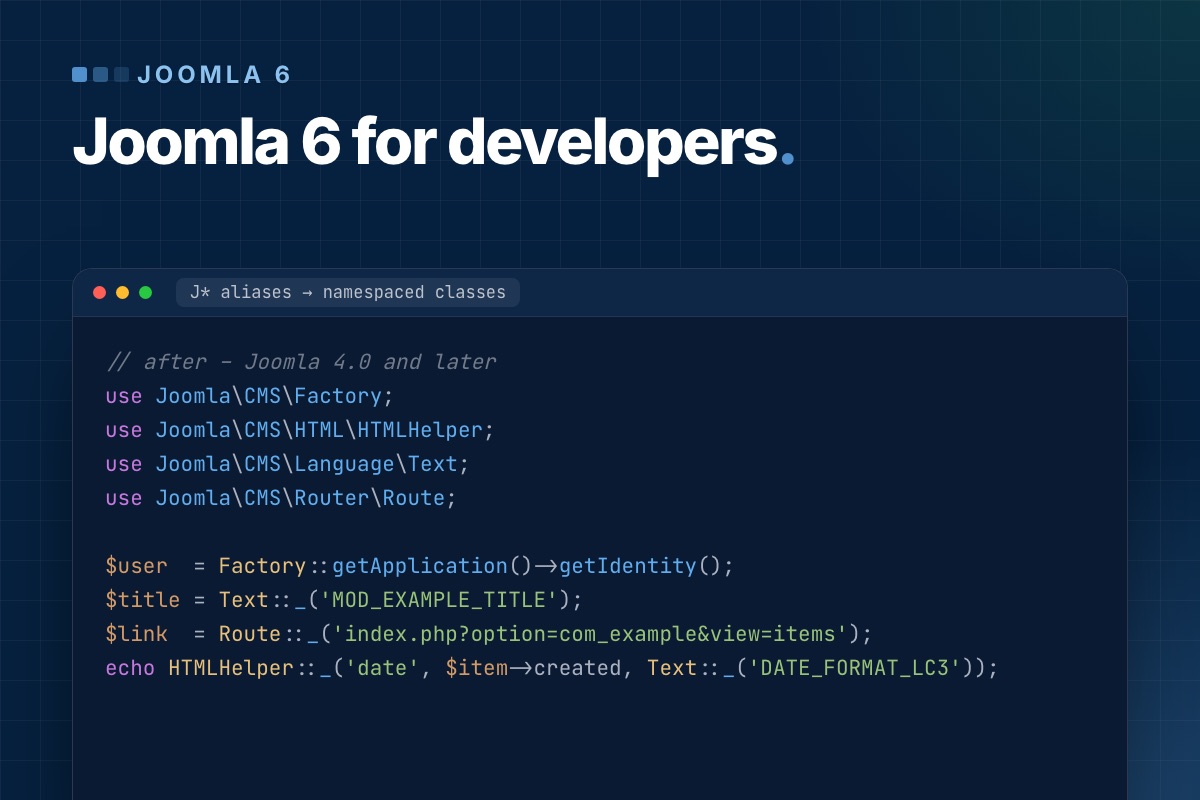
On Joomla 5, JFactory::getUser() works and logs a deprecation. On a fresh Joomla 6 install it's a fatal "class not found", because the ≈450 J* aliases moved into the "Behaviour – Backward Compatibility 6" plugin and its "Classes Aliases" option is off. Upgraded sites need the same check. This is the most common reason an extension "breaks on Joomla 6", and often the only one. The code fixes are in Joomla 6 for extension developers.
3. Filesystem and Input classes moved
Joomla\CMS\Filesystem\* and Joomla\CMS\Input\* are now provided by the compat plugin, and the replacements in the Joomla Framework throw exceptions where the old classes returned false. Upload handlers and importers are where this shows up. They work until the first failure, and then the error handling never runs.
4. Some front-end assets are gone
chosen (the old enhanced select) and wcpolyfill were removed. The compat plugin registers empty stubs, so there's no error message, just a plain <select> where a searchable dropdown used to be. Check the forms of older extensions by eye.
5. Template overrides compared against new core layouts
Joomla 6.2 changed the article image layouts (separate image and figure classes), and several components changed their default layouts across 6.0–6.2. After the upgrade, System → Templates shows which overrides have "changes found". Compare each one. The image layouts and the article/category blog layouts are the ones we rebuild most often.
6. Featured articles in the back end
Featured Articles is now a filter of the Articles list (view=articles&filter[featured]=1). The upgrade fixes the core admin menu, but custom admin menu items and editor bookmarks to view=featured need updating. The front-end featured menu item type is unchanged.
7. Versioning stores more
A saved version now includes custom fields, tags and the category, and modules get versions too (6.1). That's good for editors, but on a site with many fields and frequent saves the #__history table grows faster. Set "Maximum Versions" deliberately. Versions saved before the upgrade are marked is_legacy and don't contain field data.
8. Updates can install themselves
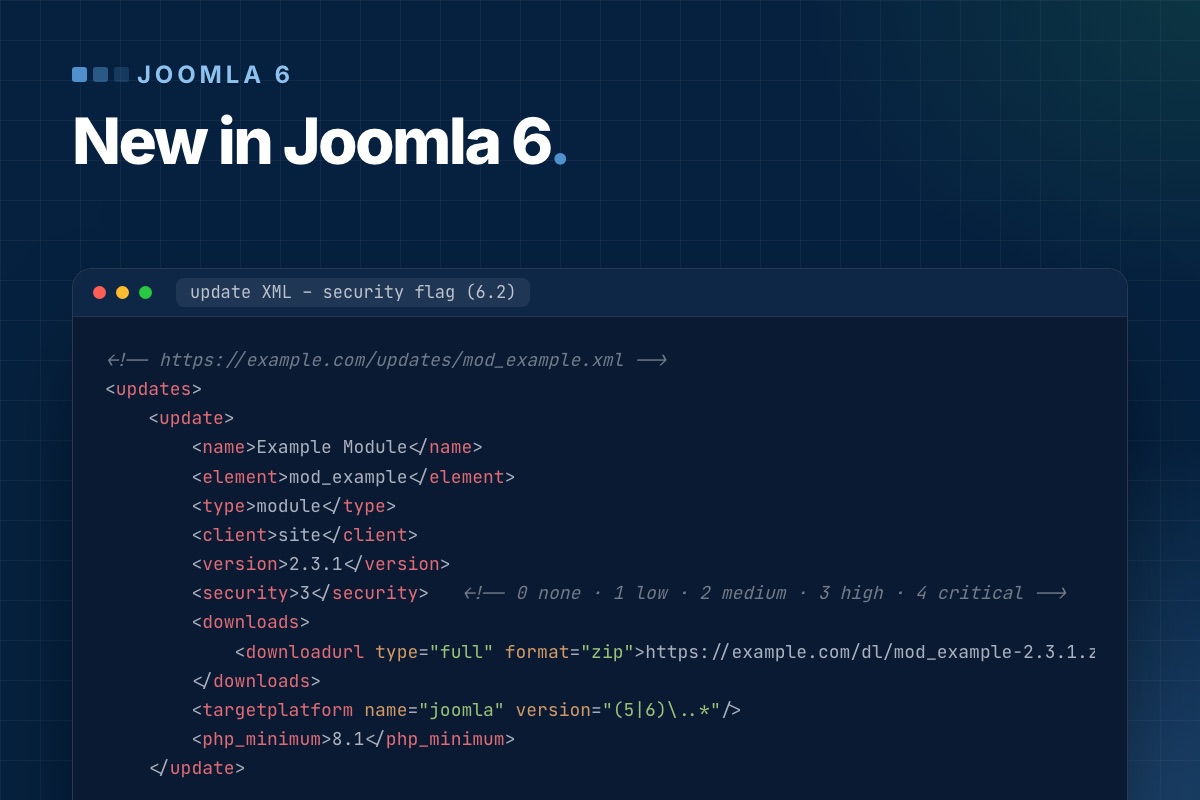
Joomla 6 can apply core updates automatically, using signed update metadata (TUF). For a site with overrides, a shop or a CRM we leave it off and update after a staging run. For a simple brochure site it's a reasonable default. Extension developers can now also flag a release as a security update with a severity (6.2), which the dashboard highlights.
9. Spam protection without a third party
Joomla 6.1 added a proof-of-work CAPTCHA plugin. No Google, no cookie, no API key. If your Joomla 5 site uses reCAPTCHA only because core had nothing else, the upgrade is a good moment to drop it, along with the consent-banner entry that comes with it.
10. Support timeline
| Version | Status (October 2026) |
|---|---|
| Joomla 5.4 | security fixes until October 2027 |
| Joomla 6.x | current; new features in 6.x minor releases |
| Joomla 4.4 and older | end of life, no security fixes |
Joomla 5.4 is not urgent to leave. It is urgent to have a plan, because extension vendors move their attention to 6.x well before 5.4 ends.
Before you decide: run the pre-update check
When Joomla Update on 5.4 offers the Joomla 6 upgrade, it runs a pre-update check first. It lists every third-party extension with a compatibility status from its update server: compatible, not compatible, or unknown. "Unknown" usually means the vendor doesn't publish Joomla 6 data. Treat it as "not compatible" until you have tested it.
For a quick inventory outside the back end:
# terminal – third-party extensions with their versions (adjust the table prefix)
mysql -e "SELECT type, element, folder, JSON_UNQUOTE(JSON_EXTRACT(manifest_cache, '$.version')) AS version,
                 JSON_UNQUOTE(JSON_EXTRACT(manifest_cache, '$.author')) AS author
          FROM jos_extensions
          WHERE JSON_UNQUOTE(JSON_EXTRACT(manifest_cache, '$.author')) NOT IN ('Joomla! Project', 'Joomla! Projects')
          ORDER BY type, element;" mydb
Our upgrade order
- PHP 8.3 on Joomla 5.4, one week in production.
- Update every extension to its latest 5.x release, and replace the ones with no Joomla 6 plan.
- On staging: upgrade to Joomla 6, turn on Debug and Log Deprecated API, and click through the site.
- Fix the deprecations, review the overrides, then decide whether the compat plugin options can be turned off.
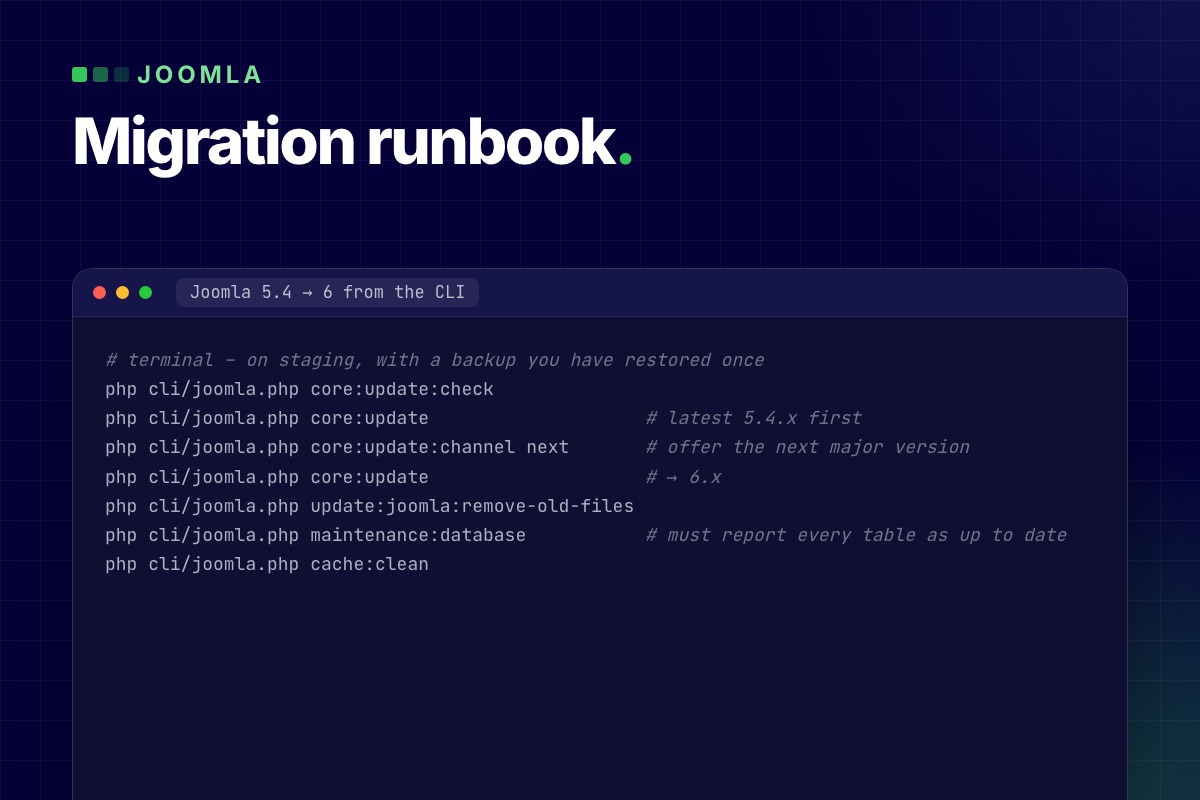
- Upgrade live in a quiet window, with a backup you have actually restored once.
If the site runs a shop or a CRM, check that piece first: VirtueMart on Joomla 6 and CiviCRM on Joomla 6 each have their own timeline.