
Joomla 6.0 came out in October 2025, and two feature releases have followed: 6.1 and 6.2. Most "what's new" lists repeat the release announcement. This one is written from the other side: we run Joomla 6.2 on our own site and upgrade client sites to it, so for each change we note what it means when you build, upgrade or maintain a site.
Joomla 6 in one table
| Joomla 5.4 | Joomla 6.x | |
|---|---|---|
| Minimum PHP | 8.1 | 8.3 |
| Database | MySQL 8.0.13+, MariaDB 10.4+, PostgreSQL 12+ | same |
Old J* class names (JFactory, JText …) | work, with a deprecation | only through the "Backward Compatibility 6" plugin, off on new installs |
| Core updates | manual or one click | automated updates available (TUF-signed) |
| Support | security fixes until October 2027 | current major version |
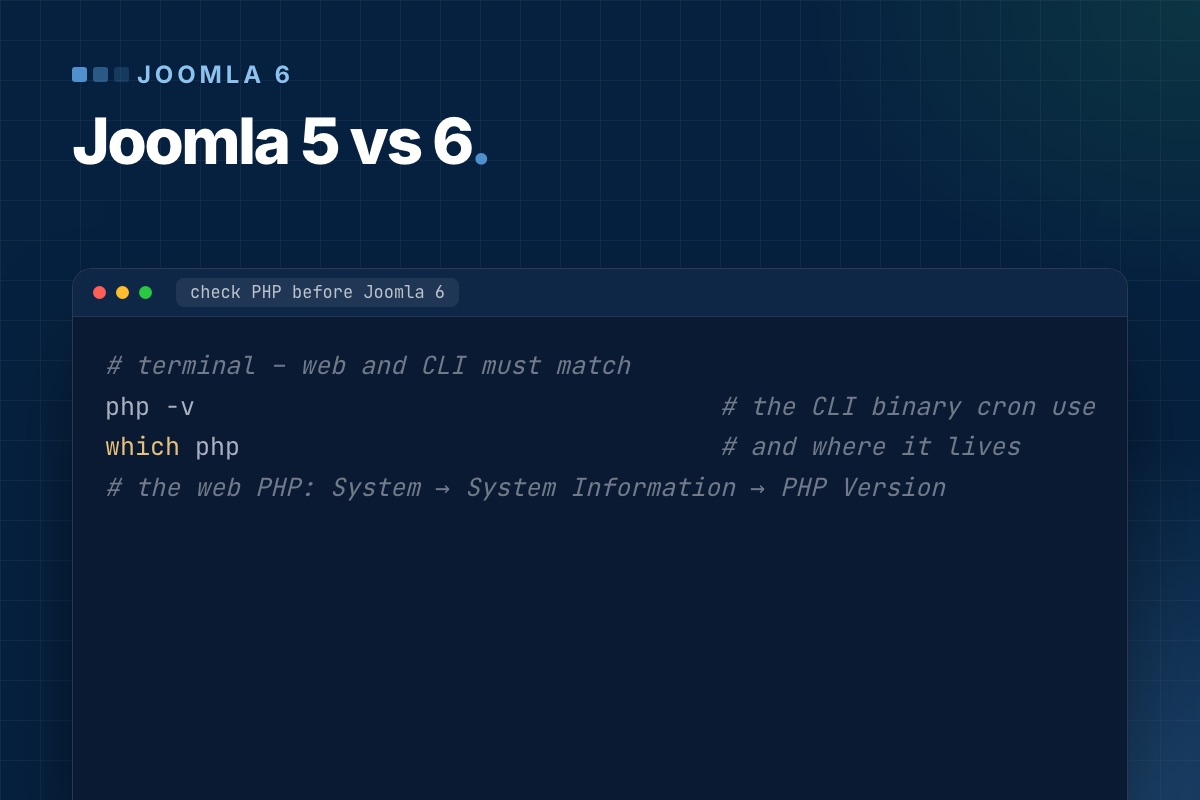
The PHP minimum is enforced in the first lines of index.php. A site on PHP 8.2 doesn't degrade gracefully after the upgrade: every page, front end and back end, shows the "incompatible PHP" notice instead. Check PHP first, before you even look at extensions.
// index.php (Joomla 6.2)
\define('JOOMLA_MINIMUM_PHP', '8.3.0');

if (version_compare(PHP_VERSION, JOOMLA_MINIMUM_PHP, '<')) {
    die(str_replace('{{phpversion}}', JOOMLA_MINIMUM_PHP, file_get_contents(\dirname(__FILE__) . '/includes/incompatible.html')));
}
Joomla 6.0: a cleanup release with a few features
Automated core updates
Joomla can now install core updates by itself. The update data is signed with The Update Framework (TUF), which Joomla adopted in 5.1, so a compromised mirror can't push a fake package. You'll find it under System → Update → Joomla → Options.
Our advice: turn it on for small brochure sites. On sites with a custom template, overrides or a shop, keep it off and update after a staging run. An automated update tests nothing that core tests don't, and overrides and third-party plugins are exactly where updates break.
Cassiopeia Extended: child templates, shown by example
Child templates arrived in Joomla 4.1, but few people used them. Joomla 6 ships Cassiopeia Extended, a child of Cassiopeia with font and colour options, as a working example. For developers it's the cleanest reference for the pattern: the child template contains only what it changes, and everything else falls back to the parent.
<!-- templates/cassiopeia_extended/templateDetails.xml (excerpt) -->
<extension type="template" client="site">
    <name>cassiopeia_extended</name>
    <inheritable>0</inheritable>
    <parent>cassiopeia</parent>
    …
</extension>
If you build a site on Cassiopeia, make a child template on day one and put your overrides and CSS there. The next Cassiopeia update then can't overwrite them.
Versioning that includes fields, tags and categories
Content history used to store only the article row. In Joomla 6 a version also covers custom field values, tags and the category, so "restore" really brings the article back to how it was. The #__history table got two new columns for this, is_current and is_legacy. Versions saved before the upgrade are marked as legacy, because they don't contain field data.
One side effect to plan for: more data per version. On sites with many fields and frequent saves, set "Maximum Versions" in the Articles options to a sensible number.
Featured articles merged into the Articles view
The separate Featured Articles manager in the back end is gone. It is now the Articles list with the featured filter (view=articles&filter[featured]=1). The upgrade rewrites the admin menu link. Custom admin menus, bookmarks or extensions that link to view=featured in the back end need the new URL. The front-end featured menu item type is unchanged.
Smaller things that matter
- Two new custom field types: Number (min, max, step, decimals, currency) and Note (a heading or info box in the edit form).
- Mail template for new articles: the "new article submitted" notification is now an editable mail template (
plg_content_joomla.newarticle). - Batch remove a tag from many items at once.
- Language update site moved to the 6.x translation list. Language packs for 5.x won't show up as updates.
Joomla 6.1: spam protection and module versioning
- Proof-of-work CAPTCHA (
plg_captcha_powcaptcha). The browser solves a small puzzle in the background. There's no third-party service, no cookie and no API key. reCAPTCHA sends visitor data to Google and usually needs cookie consent, so this is now our default for contact and registration forms. Enable the plugin and set it as default in Global Configuration. - Workflow diagram. With Workflows on, the Articles → Workflows screen draws the stages and transitions as a graph. Stages have a new
positioncolumn for the layout. - Media custom fields for audio, video and documents. They render as HTML5
<audio>,<video>or a document link. - Module versioning and multilingual associations. Modules get version history like articles (a new
com_modules.modulecontent type), and module instances can be associated across languages. - Language override status. Missing overrides are shown and can be created in one step.
Joomla 6.2: editor and template quality of life
- Separate image and figure classes for intro and full-text images. You no longer need an override just to put a class on the
<figure>. - Media Manager picker and a Read More button in the editor.
- Multi-level dropdown menus in Cassiopeia.
- Login module toggles to hide the "Forgot your password/username?" links without an override.
- "Show subcategory image" option for Articles, Contacts and News Feeds categories.
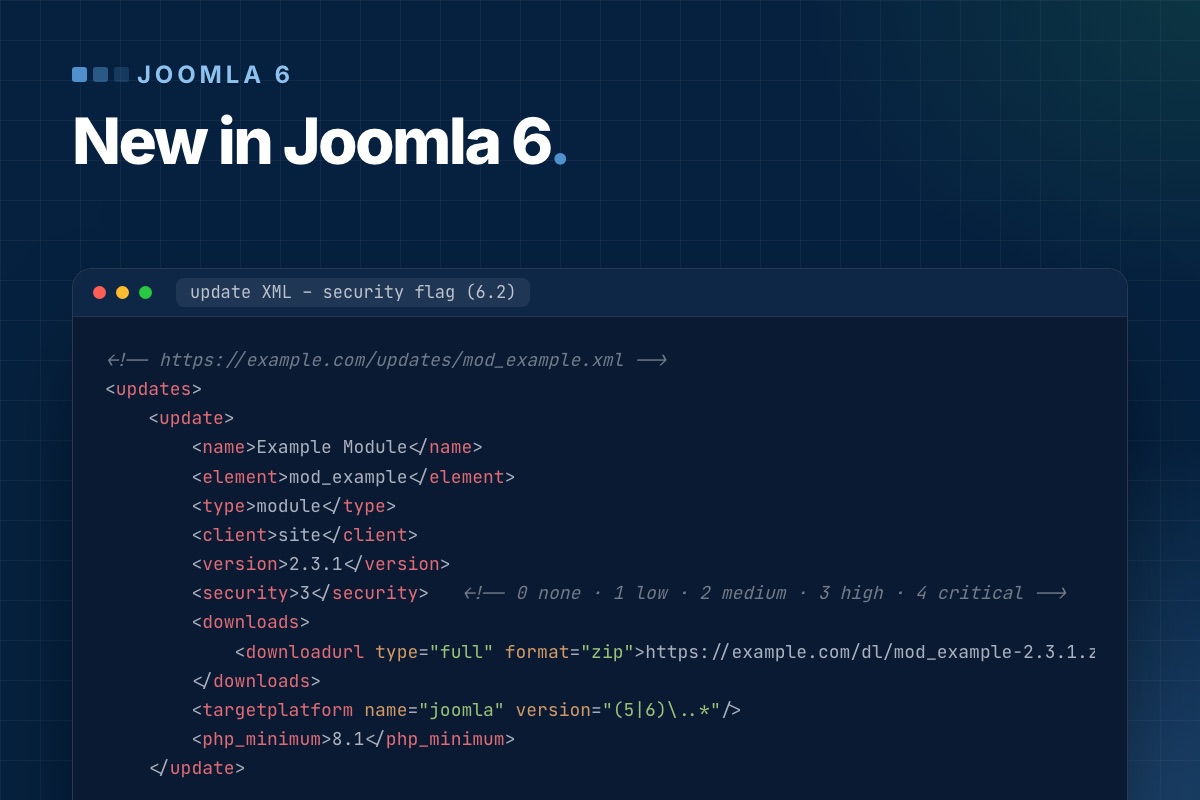
- Security flag for extension updates. An extension's update XML can mark a release as a security release with a severity from 0 (none) to 4 (critical). Joomla stores it in the new
#__updates.securitycolumn and highlights the update in the dashboard. If you publish extensions, start using it:
<!-- https://example.com/updates/mod_example.xml -->
<updates>
    <update>
        <name>Example Module</name>
        <element>mod_example</element>
        <type>module</type>
        <client>site</client>
        <version>2.3.1</version>
        <security>3</security>   <!-- 0 none · 1 low · 2 medium · 3 high · 4 critical -->
        <downloads>
            <downloadurl type="full" format="zip">https://example.com/dl/mod_example-2.3.1.zip</downloadurl>
        </downloads>
        <targetplatform name="joomla" version="(5|6)\..*"/>
        <php_minimum>8.1</php_minimum>
    </update>
</updates>
What breaks when you upgrade
The features are the easy part. The work in a 5 → 6 upgrade is in code that relied on things Joomla 6 removed or moved:
- Old class names.
JFactory,JText,JHtml,JRouteand about 450 otherJ*aliases now live in the "Behaviour – Backward Compatibility 6" plugin. Its "Classes Aliases" option is off on a fresh install. On upgraded sites, check it before you blame an extension. - Moved classes.
Joomla\CMS\Filesystem\*,Joomla\CMS\Input\*and the old CLI application classes are only loaded through the same plugin's "Include Deprecated Classes" option. Their replacements are the framework packagesJoomla\Filesystem\*andJoomla\Input\*. - Removed assets.
chosenandwcpolyfillare gone. The compat plugin registers empty stubs, so an extension that asks for them doesn't throw an exception, but whatever relied on Chosen.js no longer gets it.
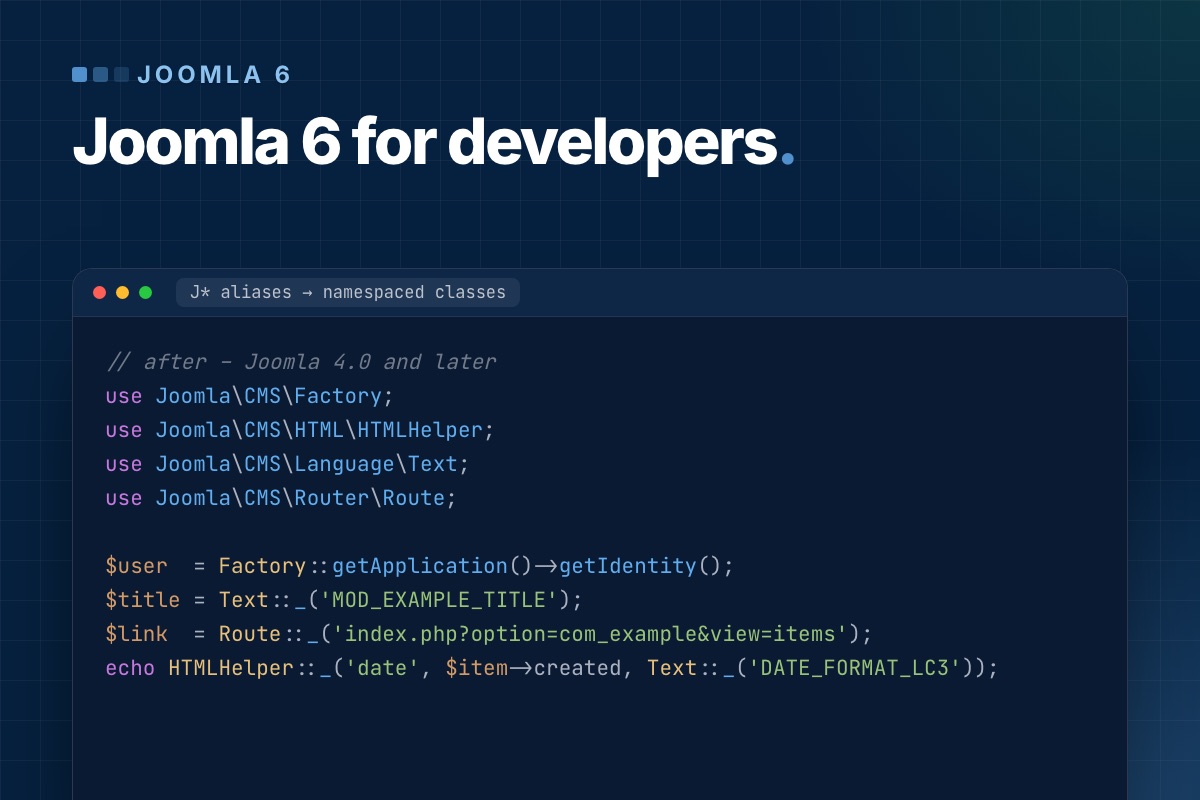
The code side of each of these, with before/after examples, is in Joomla 6 for extension developers. The side-by-side comparison for site owners is in Joomla 5 vs Joomla 6.
Should you upgrade now?
- New sites: start on Joomla 6.2 and PHP 8.3 or 8.4.
- Joomla 5.4 sites with maintained extensions: yes, after a staging run. Most well-kept extensions released Joomla 6 versions in 2025–2026.
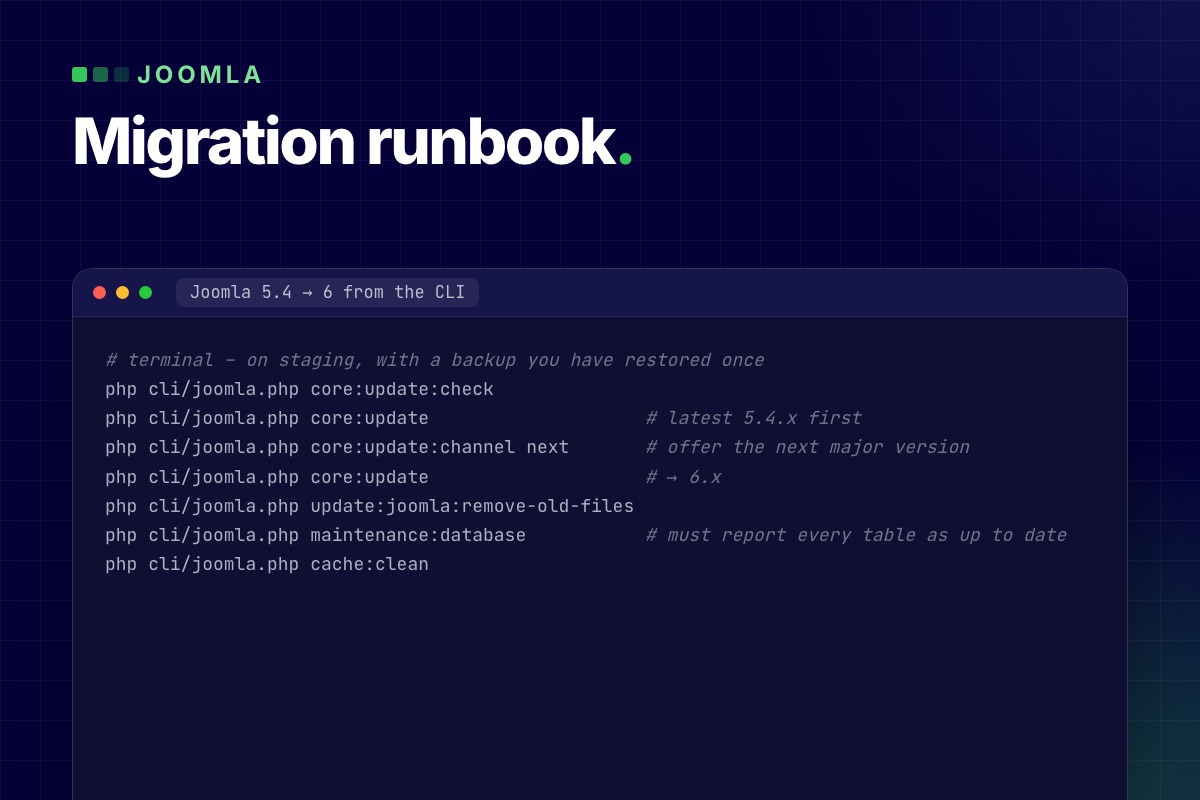
- Sites with an abandoned extension, an old shop or CRM: stay on 5.4 for now. It has security support until October 2027. Plan the extension replacement first. Our VirtueMart and CiviCRM status pages show what that looks like for two big ones.
- Sites still on Joomla 3 or 4: go to 5.4 first, then 6. There is no direct jump.