
PX Content
Build any content block — and edit it right on the page.
Build any page section from content blocks, then edit text, links and images right on the front-end — double-click and type. Free for every Joomla 6 site.
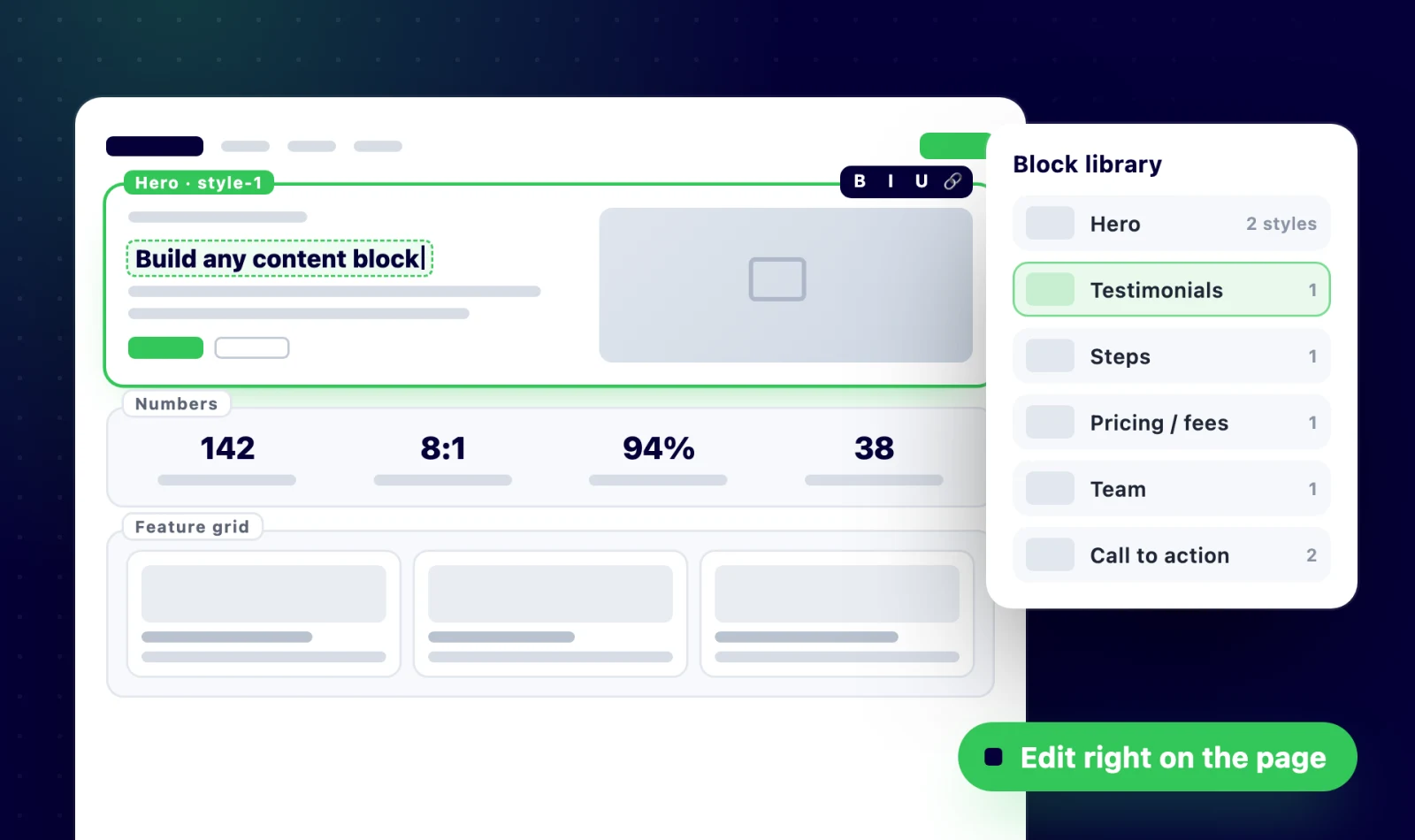
Double-click any text and type
Logged-in editors edit headings, paragraphs and button labels right where they appear on the page. A small toolbar adds bold, italic and underline, and changes save straight to the block.
- Edit text in place, no admin needed
- Bold, italic and underline toolbar
- Ctrl/Cmd + Enter to save
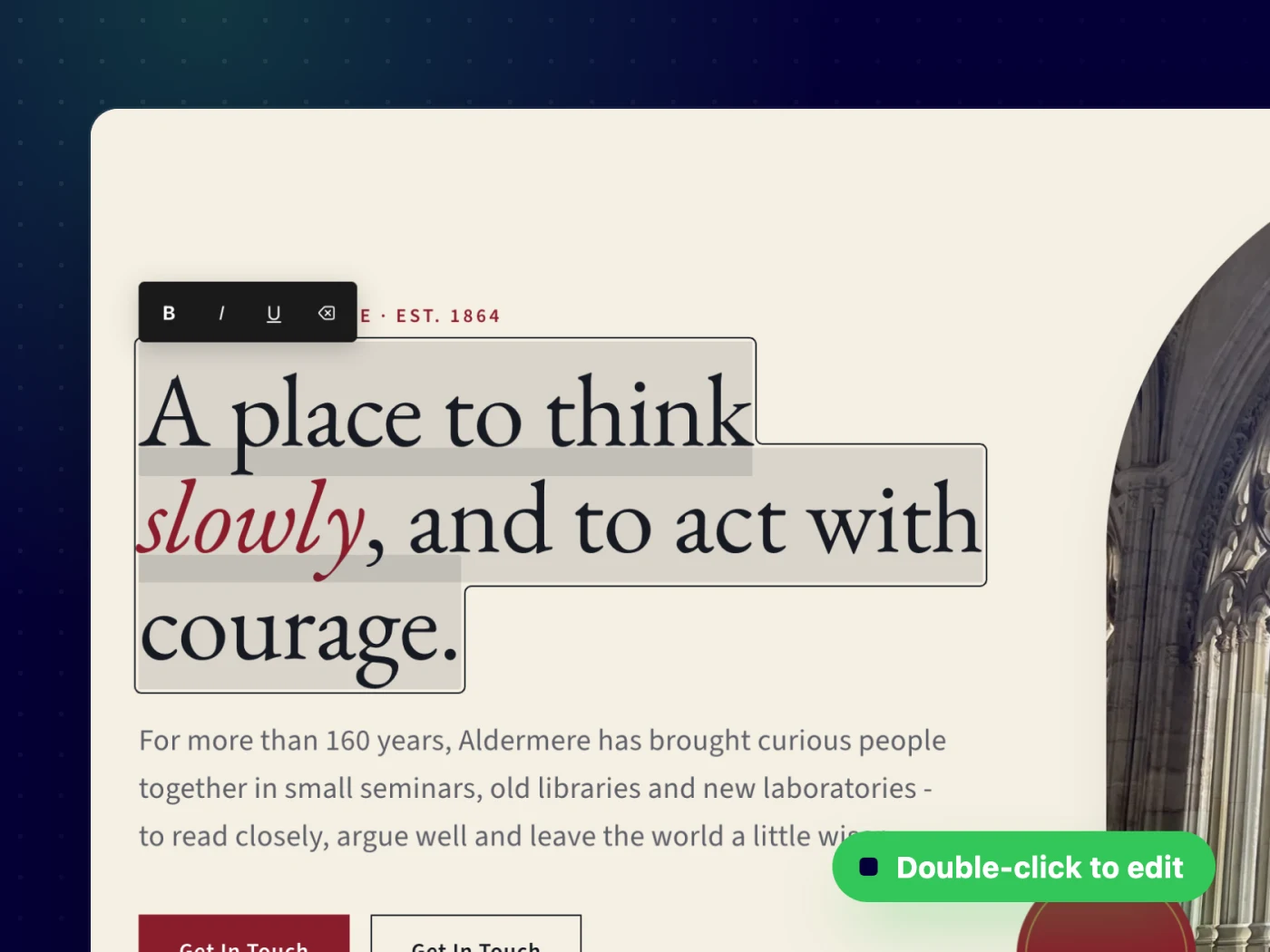
An edit mode made for editors
One Edit content button turns the page into an editor: every editable text, link and image is outlined, and each block gets an Edit button for its full settings. Click Done and the page is back to normal.
- Clear outlines on everything you can change
- Only for users allowed to edit the module
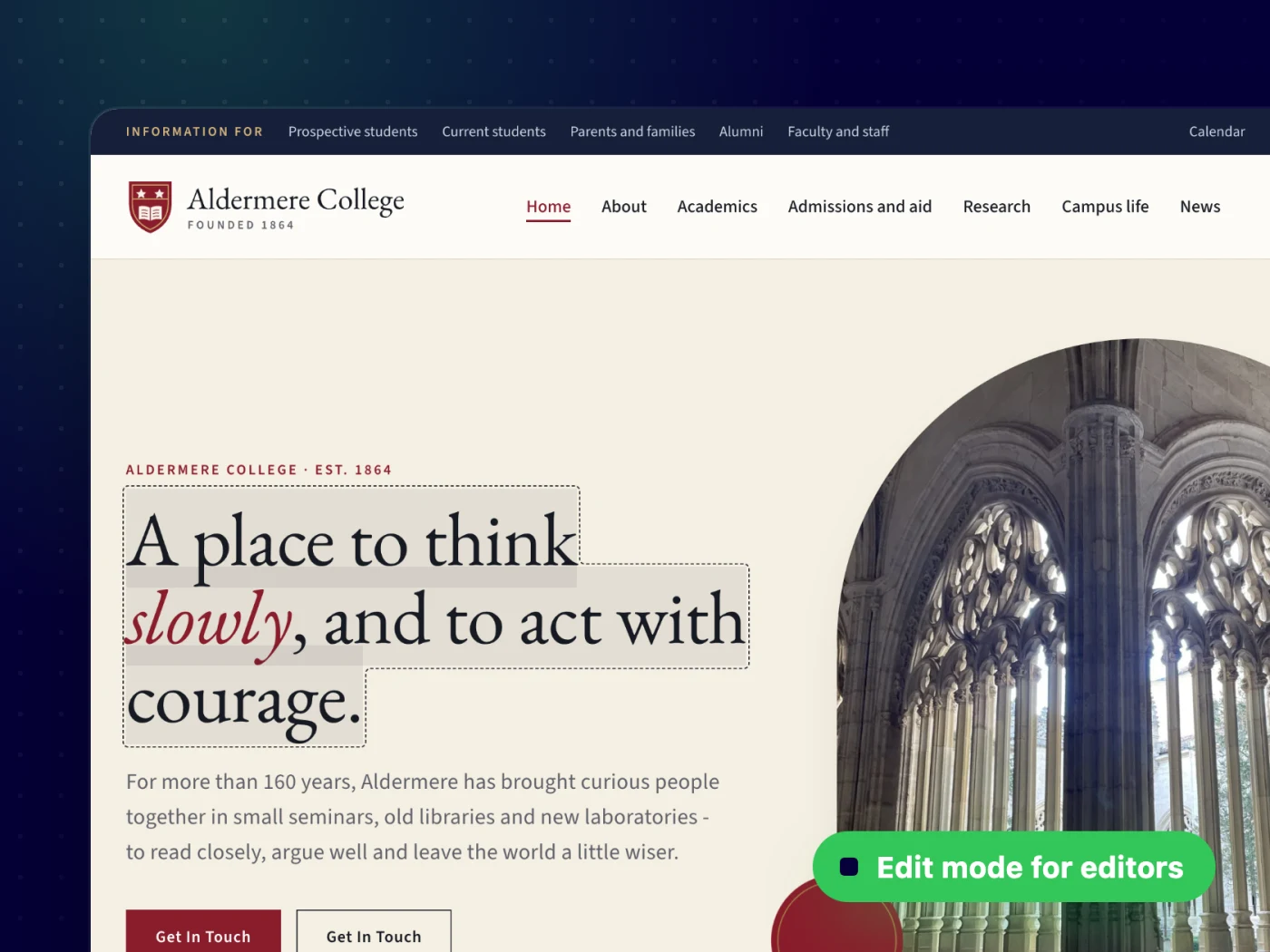
Change links and images on the page too
Buttons and links open a small URL editor, and images open the Joomla Media Manager, so a new photo or a fixed link takes seconds instead of a trip through the admin.
- URL editor on every link
- Swap images with the Media Manager
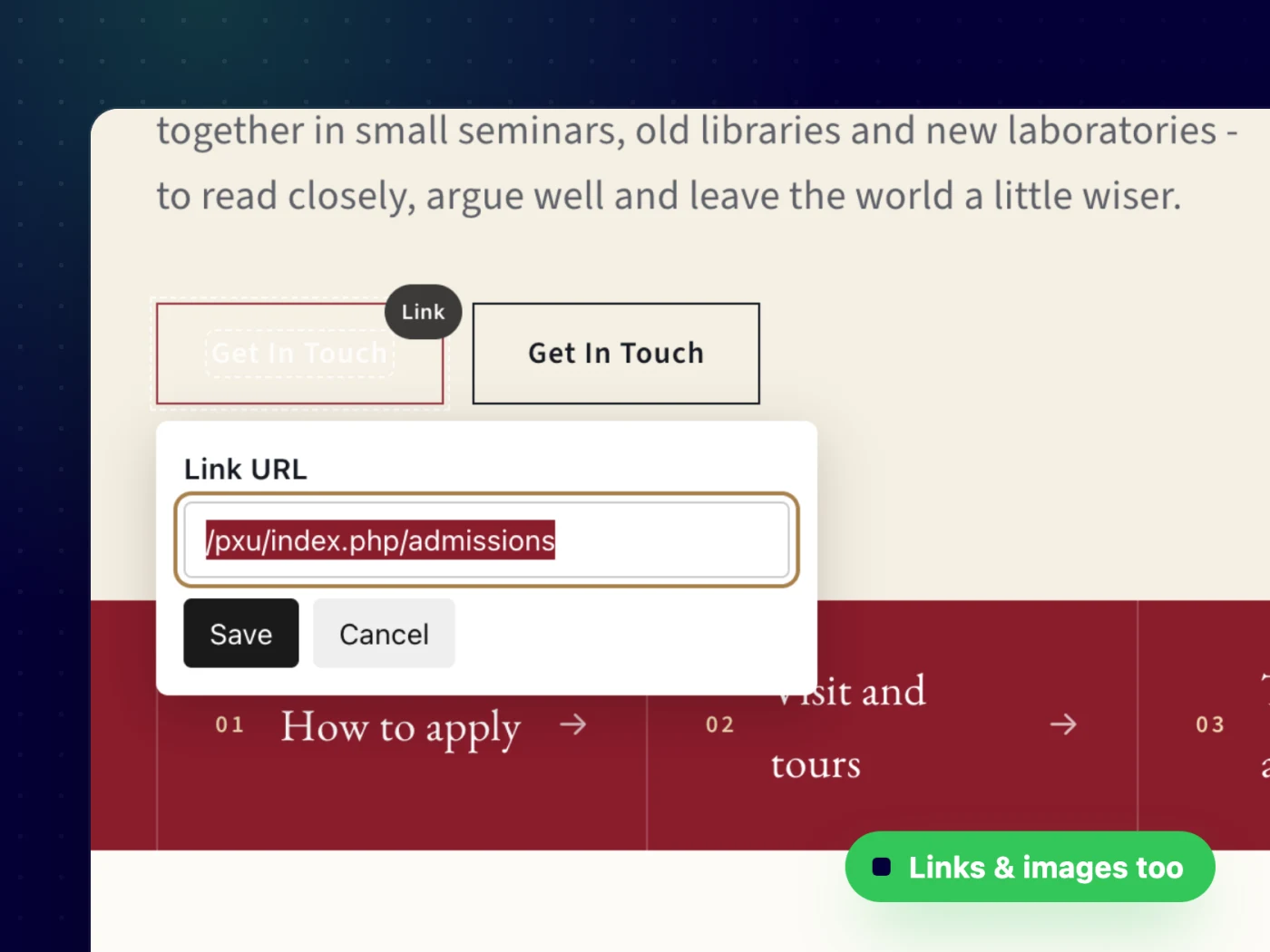
Build any content block
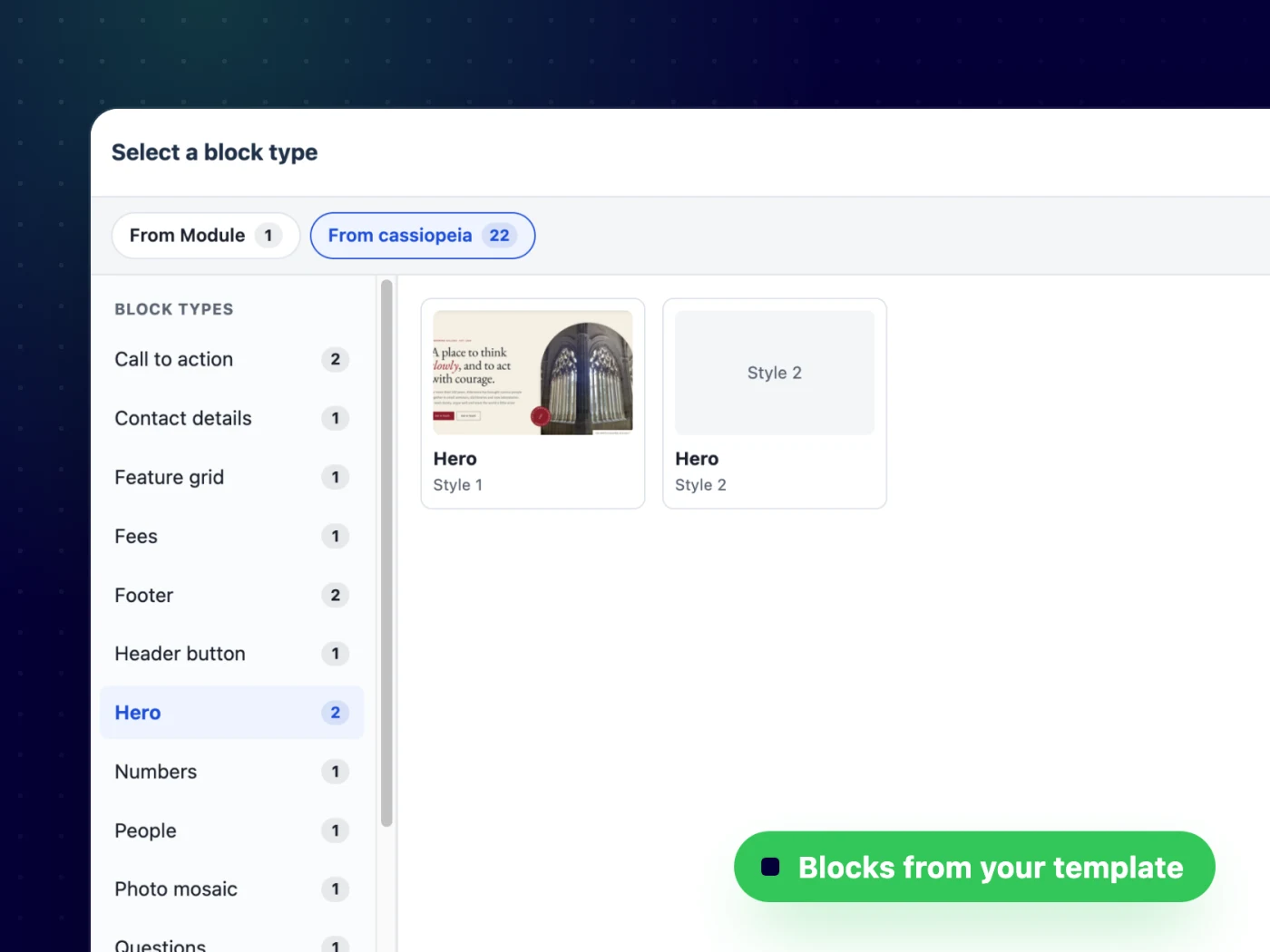
Hero, numbers, steps, fees, timeline, team, testimonials, call to action — pick a block and a style from a visual library. Templates ship their own blocks, so the choice grows with every template.
- Preview thumbnails per style
- Blocks from the module and from your template
Clear forms in the admin, too
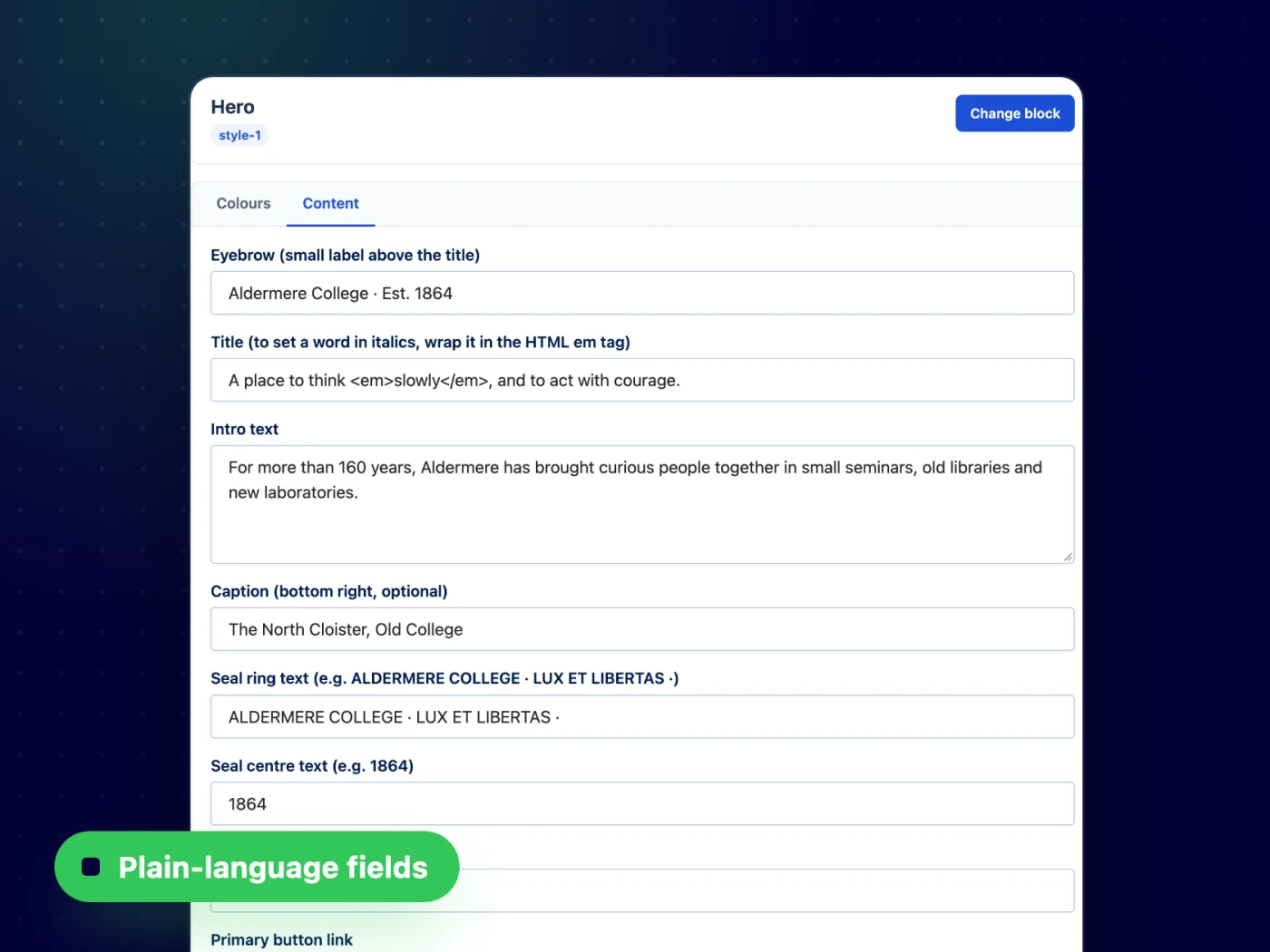
Prefer the back-end? Every block opens as a short form with plain-language labels, tabs, colour pickers, media fields and repeatable rows.
- Text, media, colour and list fields
- Repeatable rows for cards, steps and numbers
A block is just a folder
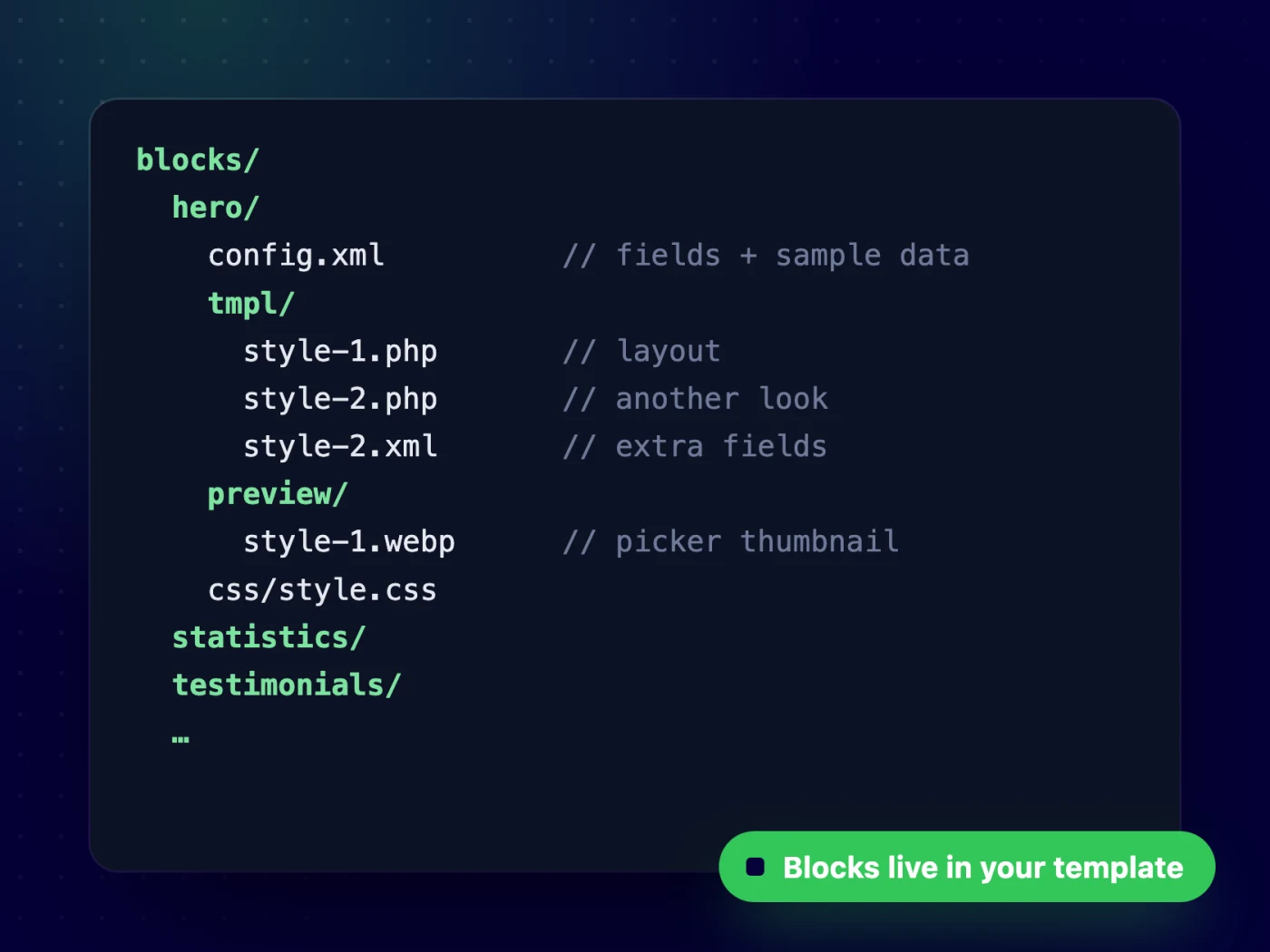
A config.xml for fields and sample data, one PHP file per style and an optional preview image. Templates add or override blocks without touching the module.
- Template overrides in templates/your_template/blocks
- Per-style fields and an Advanced JSON editor
Up and running in minutes — no code needed
All features
Everything you get out of the box — no add-ons to buy.
- Front-end inline editing for text, links and images
- Friendly edit mode with outlines and an Edit button per block
- Bold / italic / underline toolbar
- Images through the Joomla Media Manager
- Block library with preview thumbnails
- Several styles per block
- Simple admin forms with plain-language labels
- Blocks shipped and overridden by your template
- Advanced JSON editor for power users
- Free · Joomla 6
Free to download.
Free to use.
PX Content is free for every registered user. Want all our premium templates too? Have a look at our membership plans.
Updates & FAQ
PX Content is actively maintained and kept compatible with the latest Joomla releases.
Changelog
- v1.0.0 Oct 15, 2026 Initial release: content blocks with styles, front-end inline editing for text, links and images, block picker with previews and template block overrides.
FAQ
Will it work with my template?
Yes — our extensions do not depend on a specific template or framework.
Can I use PX Content on more than one website?
Yes — memberships cover unlimited websites, for your own projects and for your clients.
What happens if I cancel my membership?
Websites you have built keep working — the templates are GPL. You just stop receiving new downloads, updates and support.
Can you build a custom extension for me?
Yes — we build components, modules and plugins for Joomla 5 and 6, from a small tweak to a complete application.

