
PX File Manager
Your site's files, right inside Joomla.
A fast, VS Code-style file manager inside Joomla admin: browse, search, edit, preview and manage your files — no FTP needed.
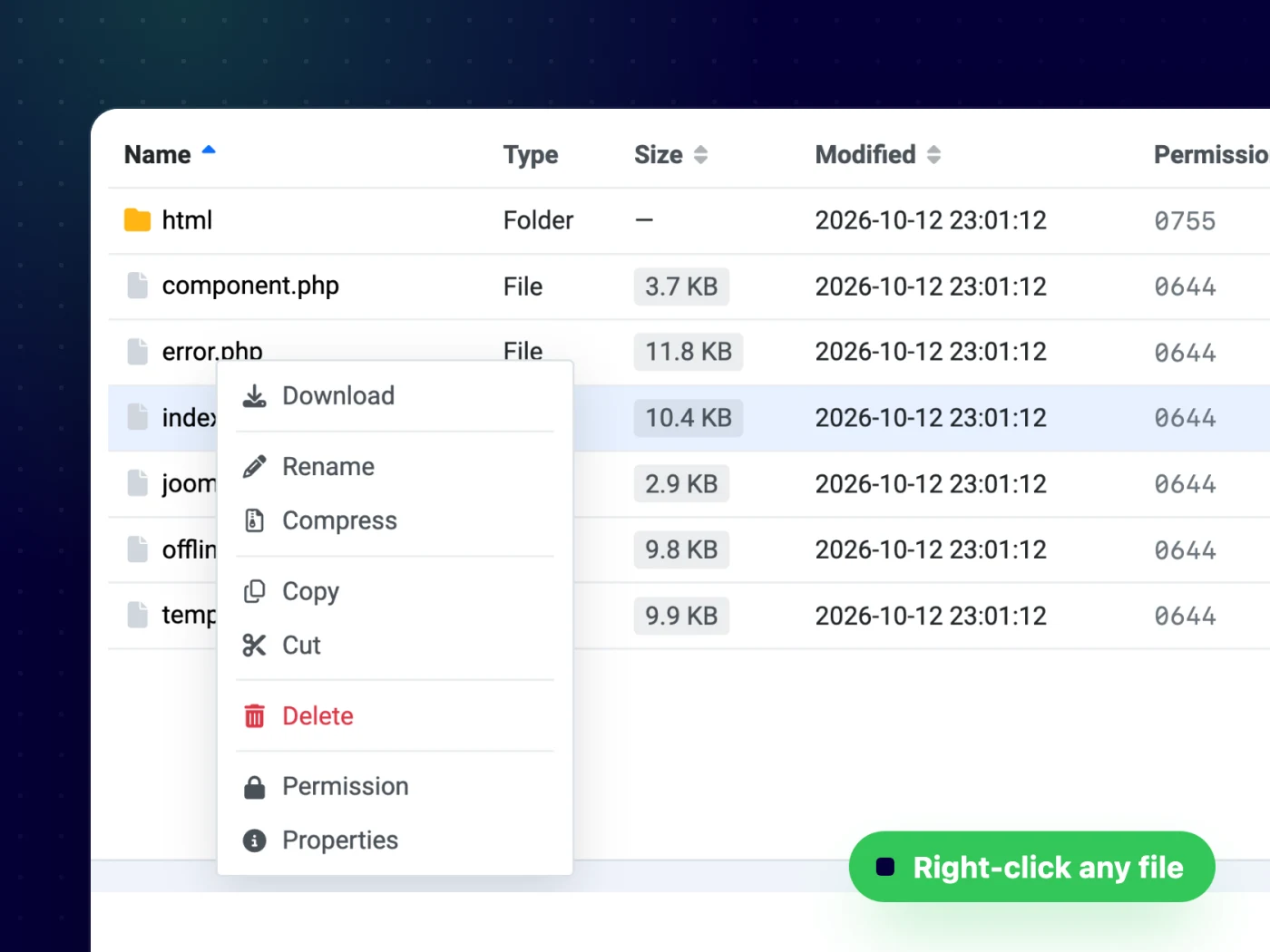
Browse your site like on your desktop
A folder tree next to a sortable file list, with breadcrumbs, a quick filter and a right-click menu on every item — no FTP client needed.
- Sort by name, size, date or permission
- Right-click to download, rename, compress or inspect
- Multi-select with ⌘/Ctrl-click and Shift-click
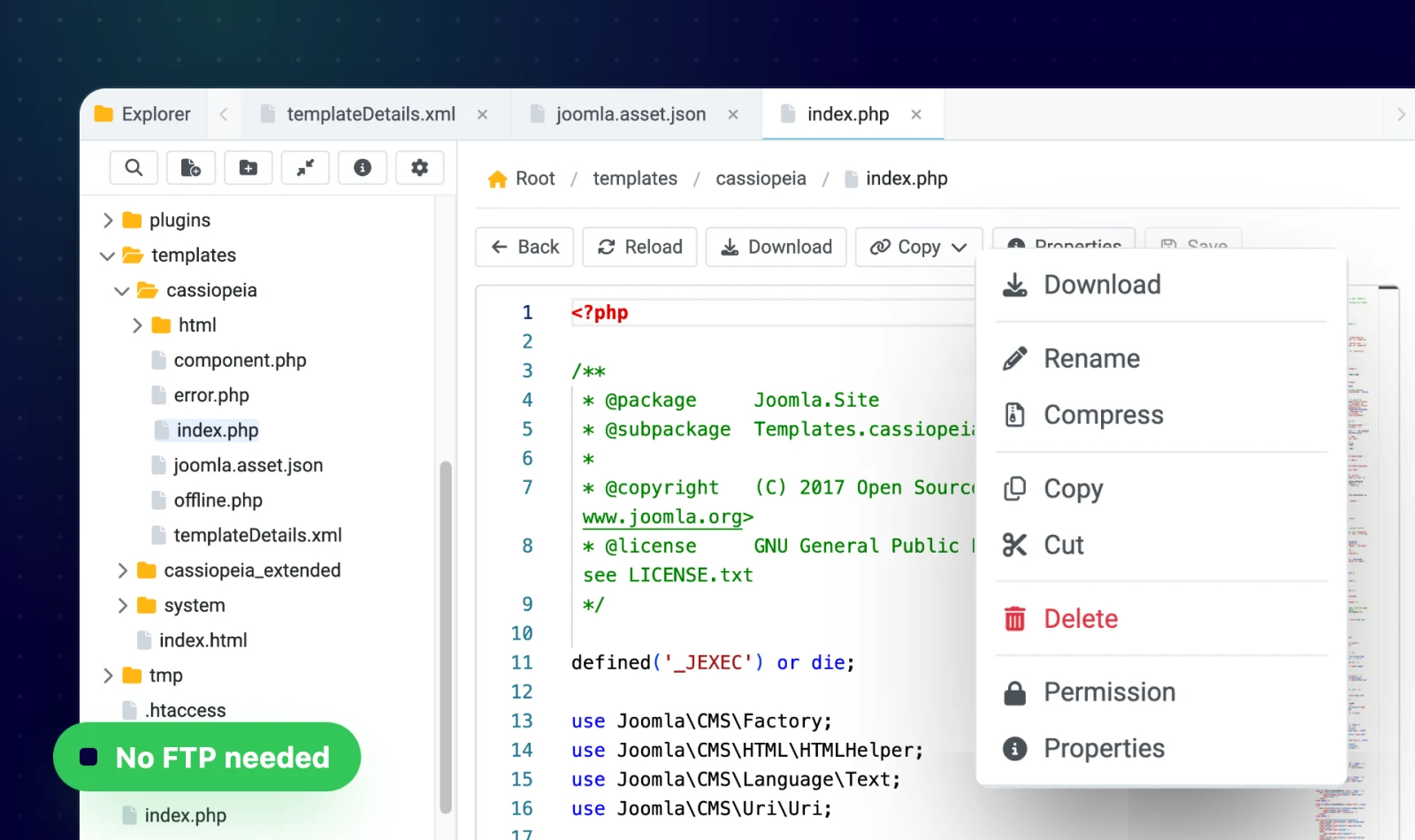
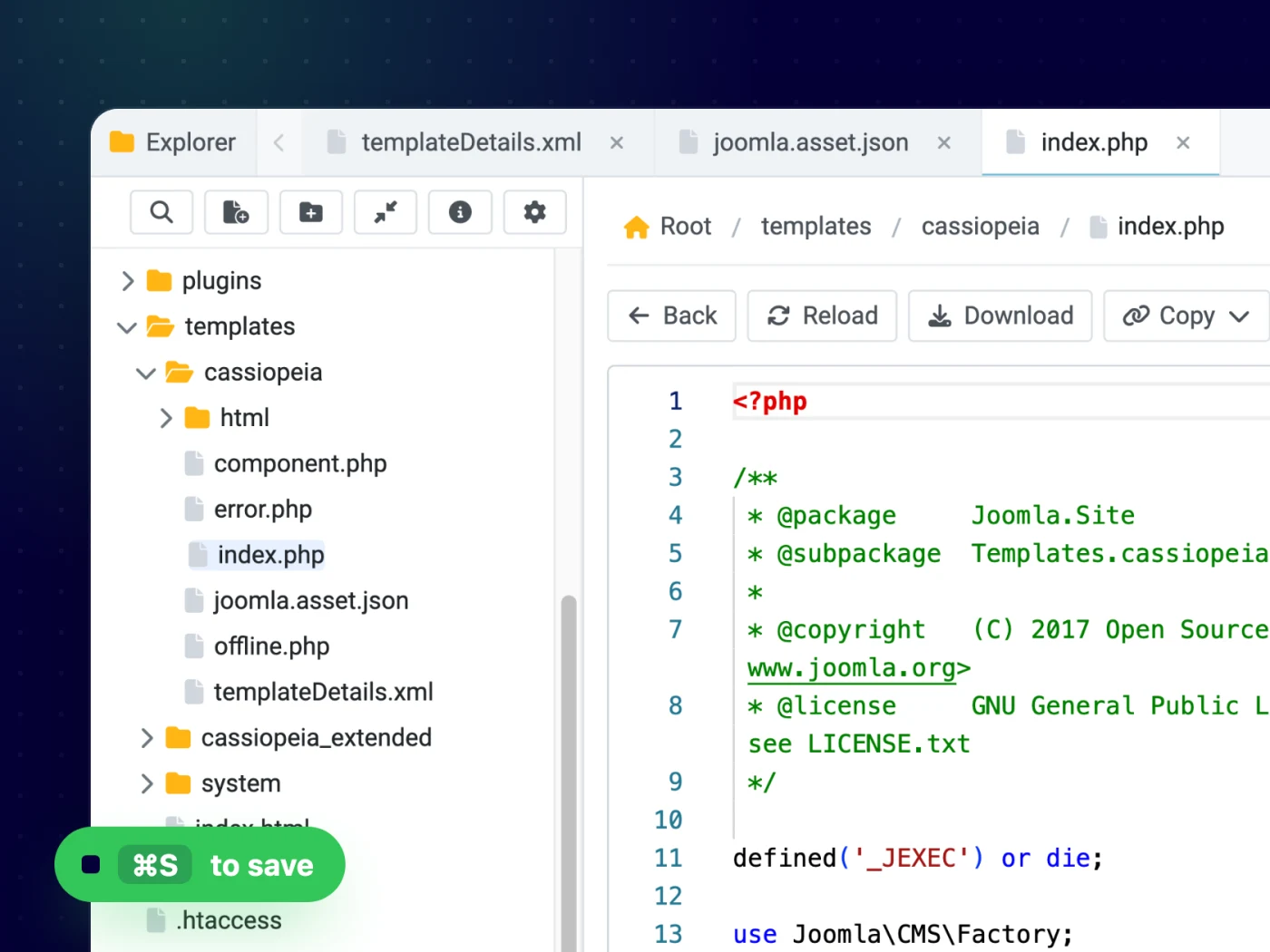
Edit code in tabs, like in VS Code
Open several files at once in tabs. The editor is powered by Monaco — the engine behind VS Code — with syntax highlighting, a minimap and ⌘/Ctrl+S to save.
- Syntax highlighting for PHP, JS, CSS, XML, JSON and more
- Unsaved-changes warning and reload from disk
- Adjustable editor font size
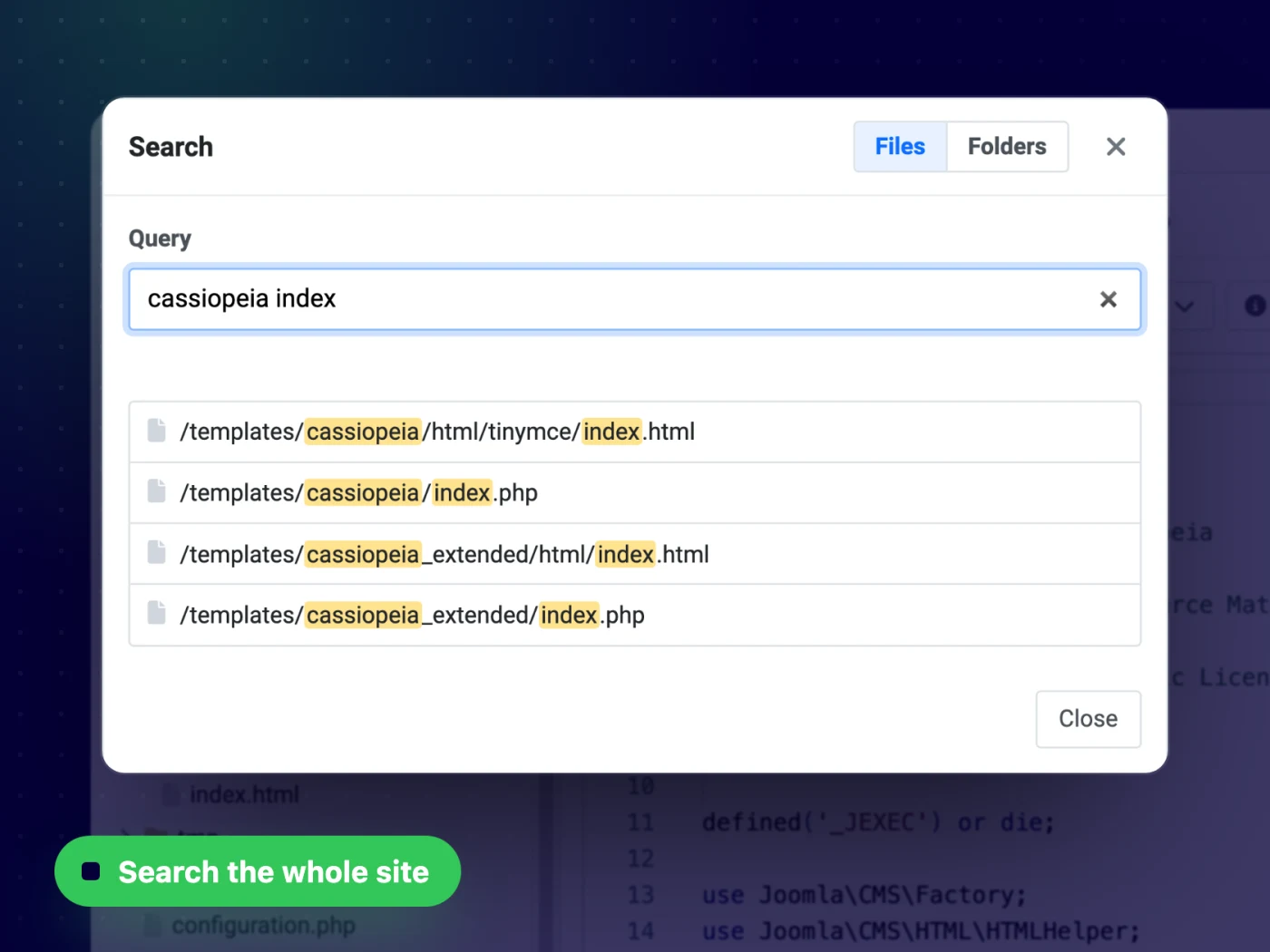
Find any file in seconds
Search the whole site by file or folder name. Type a few words of the path — like “cassiopeia index” — and jump straight to the file.
- Files or folders mode, matches highlighted
- Skips cache, logs and .git by default
- Your own ignore list in the options
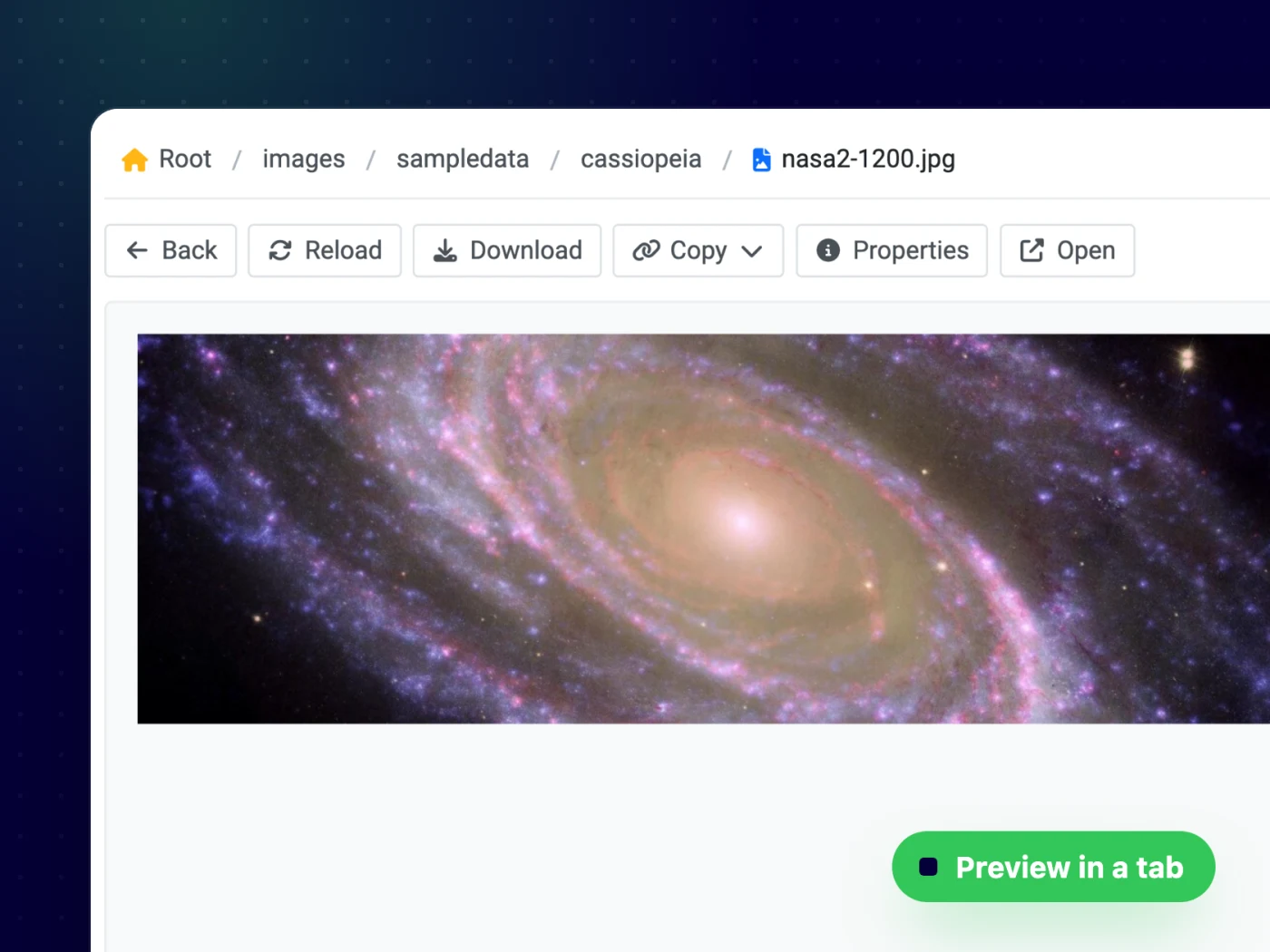
See images before you change them
Open an image in a tab to preview it, check its size and dimensions, and copy its public URL for your content.
- Instant previews in their own tab
- Copy the public URL, relative URL or file name
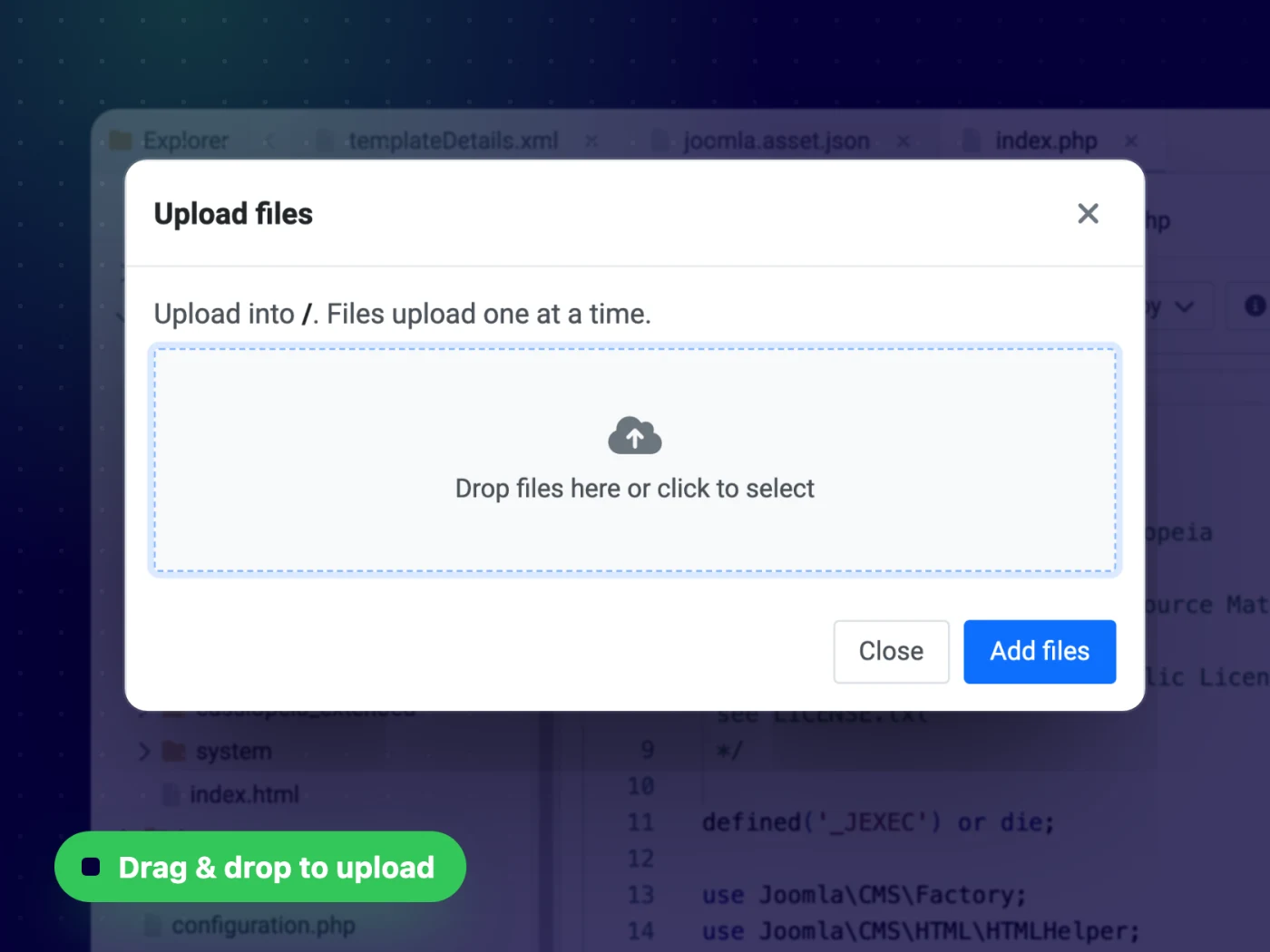
Upload, move and zip — without FTP
Drag and drop files to upload them, copy or cut and paste between folders, compress a selection to zip or extract an archive. When names clash, you choose: overwrite or keep both.
- Multi-file upload with progress and cancel
- Copy, cut and paste with keyboard shortcuts
- Zip and unzip in place
Safe by design
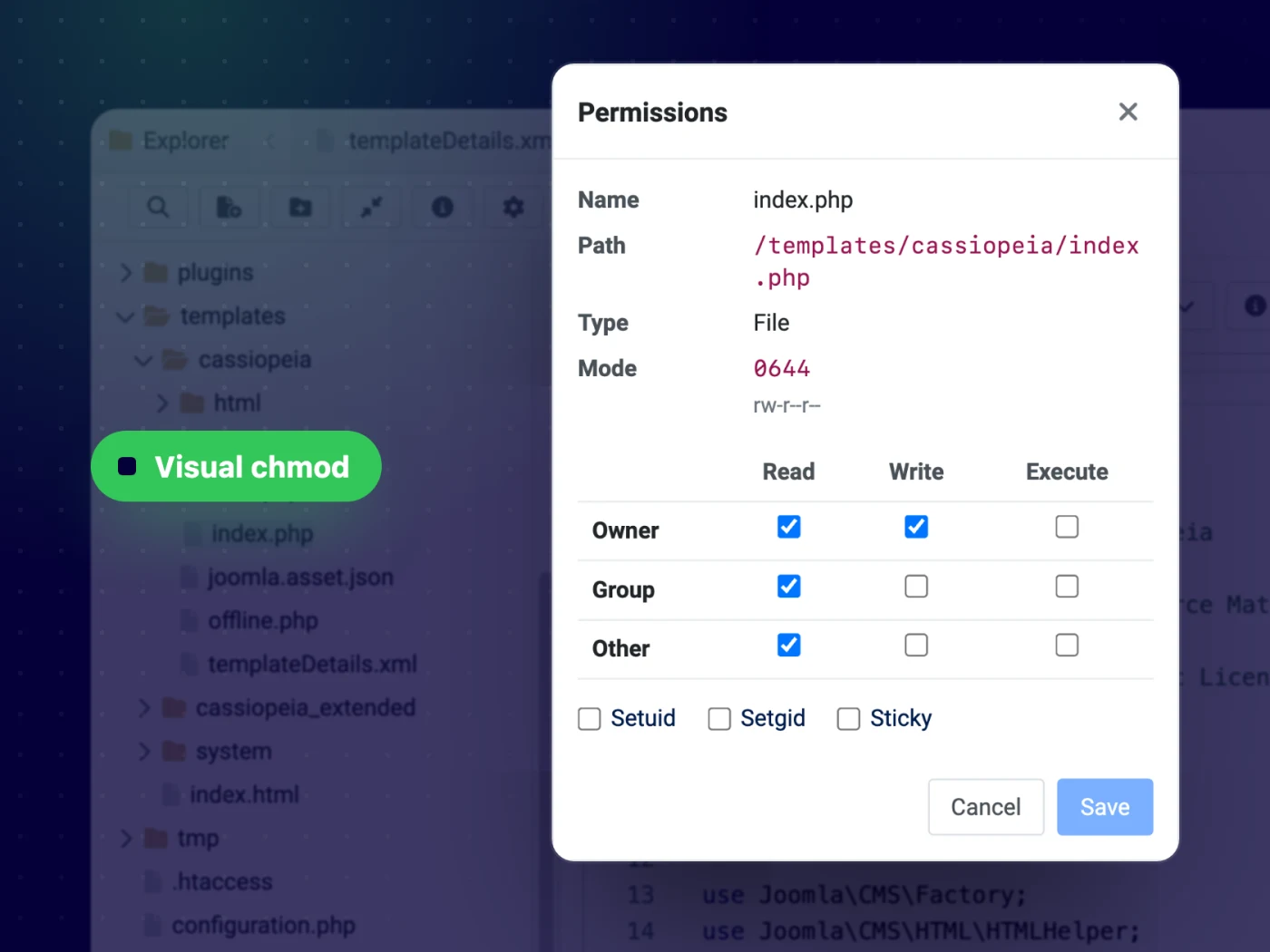
Change file permissions with checkboxes instead of chmod commands. Access follows your Joomla user groups, and deleting a folder with content needs two confirmations.
- Visual chmod for owner, group and other
- Joomla ACL: manage, create, edit and delete
- Two-step confirmation for force delete
Up and running in minutes — no code needed
All features
Everything you get out of the box — no add-ons to buy.
- Folder tree and sortable file list with quick filter
- Right-click menu on every file and folder
- Tabbed Monaco code editor with syntax highlighting
- Site-wide search for files and folders
- Image preview with dimensions and copy URL
- Drag & drop multi-file upload
- Copy, cut & paste with keyboard shortcuts
- Zip & unzip with overwrite / keep both
- Visual permissions (chmod) and file properties
- Respects Joomla ACL
- Joomla 4.4, 5 & 6 · PHP 8.0+
One membership. Every template & extension.
PX File Manager is included in Pro — together with every template and extension, new releases, updates and support.
Updates & FAQ
PX File Manager is actively maintained and kept compatible with the latest Joomla releases.
Changelog
- v1.0.0 Oct 13, 2026 Initial release: explorer, tabbed code editor, site-wide search, image preview, upload, copy/move, zip/unzip and permissions.
FAQ
Will it work with my template?
Yes — our extensions do not depend on a specific template or framework.
Can I use PX File Manager on more than one website?
Yes — memberships cover unlimited websites, for your own projects and for your clients.
What happens if I cancel my membership?
Websites you have built keep working — the templates are GPL. You just stop receiving new downloads, updates and support.
Can you build a custom extension for me?
Yes — we build components, modules and plugins for Joomla 5 and 6, from a small tweak to a complete application.

