

Many Joomla sites keep CiviCRM's data in its own database, next to Joomla's. It is a sensible setup – separate backups, separate credentials, a smaller Joomla database. But for a long time, upgrading CiviCRM through the Joomla installer could quietly break it.
The bug
When CiviCRM was upgraded on Joomla, the installer rewrote the CiviCRM settings files with the Joomla database credentials. Right after the upgrade, CiviCRM started reading and writing in the Joomla database instead of its own. The issue was reported several times (dev/joomla#47, then dev/joomla#60) and admins worked around it by copying CIVICRM_DSN back from their old settings file after every upgrade.
It was fixed in CiviCRM 6.19.0 (7 October 2026). The release notes list it under Joomla integration.
How to tell if you are affected
- You are on a CiviCRM version before 6.19.0, and
CIVICRM_DSNin your settings file points at a different database from the one in Joomla'sconfiguration.php.
Signs after an upgrade:
- CiviCRM looks empty or asks to be installed again – it is looking at a database without its tables.
- Or worse, it works but recent contacts and contributions are "missing", and new ones appear in
civicrm_*tables inside the Joomla database.
Where the settings live
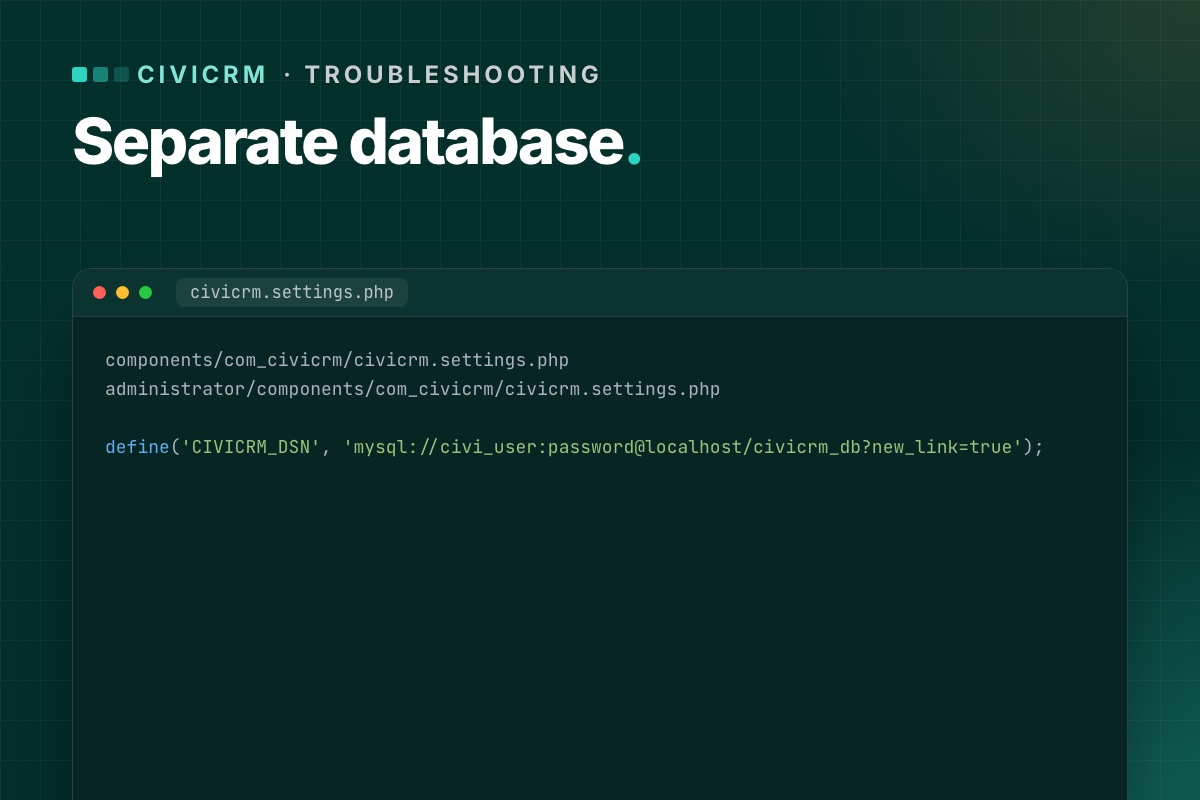
CiviCRM on Joomla has two settings files, and both must agree:
components/com_civicrm/civicrm.settings.php
administrator/components/com_civicrm/civicrm.settings.php
The line that matters:
define('CIVICRM_DSN', 'mysql://civi_user:password@localhost/civicrm_db?new_link=true');CIVICRM_UF_DSN is the connection to the Joomla database (for users) and should point there – don't change it to the CiviCRM database.
The fix if you are already affected
- Stop cron and, if you can, put the site in maintenance mode, so nothing more is written to the wrong database.
- Restore
CIVICRM_DSNin both settings files from your pre-upgrade copies. - Clear
media/civicrm/templates_c. - Open CiviCRM and run the database upgrade again if it asks:
/administrator/index.php?option=com_civicrm&task=civicrm/upgrade&reset=1 - Check for stray data: look for
civicrm_*tables in the Joomla database. If anything was written there after the upgrade (new contributions, contacts, activities), it has to be moved across by hand or re-entered – do this with care, ideally with help. - When it is clean, drop the stray
civicrm_*tables from the Joomla database (after a backup).
Prevent it
- Upgrade to 6.19.0 or later – the fix is in the installer.
- Until then, before every CiviCRM upgrade, copy both settings files outside the site, and after the upgrade compare
CIVICRM_DSNbefore anyone logs in. - Always upgrade on staging first. This is exactly the kind of bug that is harmless on staging and expensive on live.
Check it in ten seconds
# terminal – the two settings files must agree, and CIVICRM_DSN must not point at the Joomla database
grep -h "define('CIVICRM_DSN'" components/com_civicrm/civicrm.settings.php administrator/components/com_civicrm/civicrm.settings.php
grep -E "public \$(db|user) " configuration.php

# stray CiviCRM tables in the Joomla database = data written to the wrong place
mysql -e "SELECT table_name, table_rows FROM information_schema.tables
          WHERE table_schema = 'joomla_db' AND table_name LIKE 'civicrm\_%' ORDER BY table_rows DESC;"
On a correctly separated site the last query returns nothing. If it returns tables with rows, compare their newest records (civicrm_contribution.receive_date, civicrm_activity.activity_date_time) with the date of the upgrade to see what was written there.
Separate databases are part of our upgrade checks. Both settings files and both databases are backed up, compared and tested before anything goes live.
CiviCRM Joomla 6 upgrade →
