

CiviCRM puts out a new feature release about once a month, bug-fix releases in between, and security releases when needed – sometimes rated "highly critical". Sites that update rarely end up making risky jumps under pressure. Sites with a routine update calmly. Here is ours.
Know which releases matter
- Security releases – update within days. The release notes say "Fix security vulnerabilities? yes" and link an advisory with a risk rating.
- Bug-fix releases (x.y.1, x.y.2…) – usually small; update if they fix something you use, or with the next routine update.
- Feature releases (x.y.0) – may change the database schema or the API. Update on staging first, always.
- ESR – CiviCRM also has an extended support release line that gets security fixes for longer, if you prefer fewer, bigger updates.
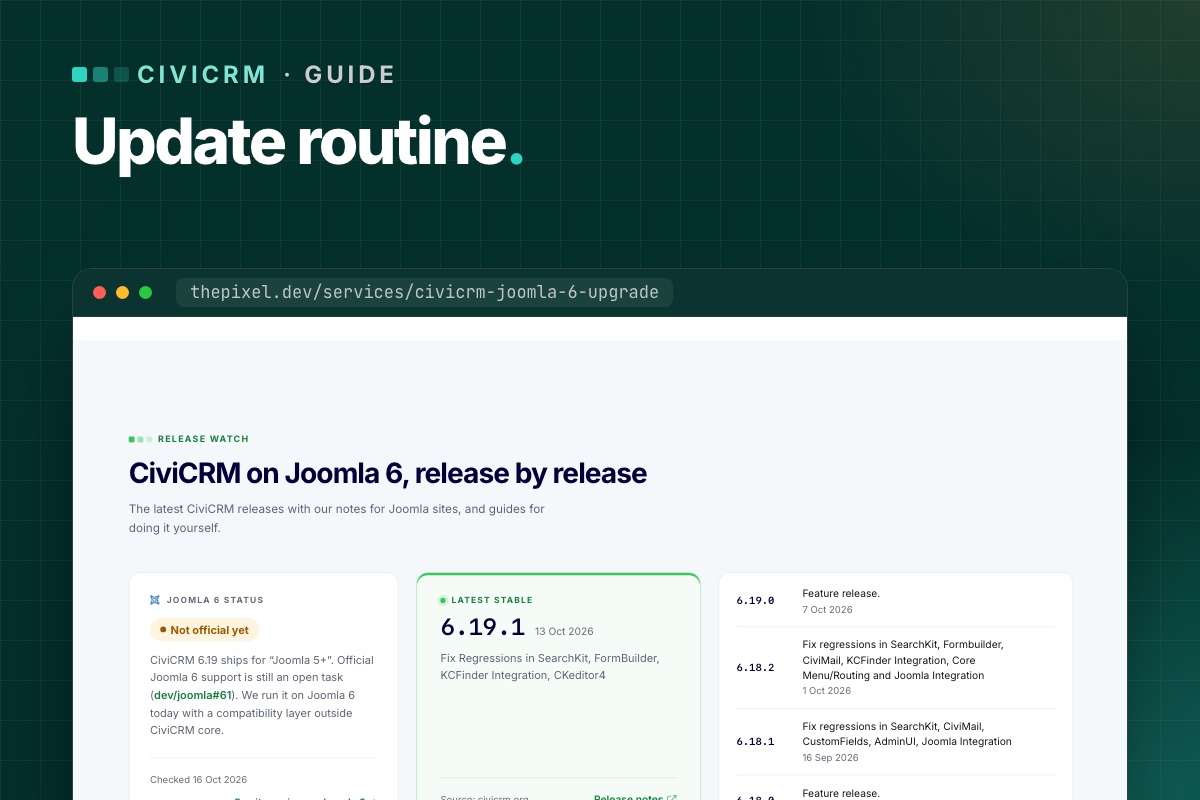
Every CiviCRM release note starts with a short synopsis table – schema change, API change, security, features, bugs. Read that first. We summarize each release for Joomla sites on our CiviCRM Joomla 6 upgrade page.
The routine
1. Read
Release notes and any "version-specific upgrade steps" in CiviCRM's sysadmin guide. Note anything touching what your site uses: CiviContribute, CiviMember, CiviEvent, CiviMail, your payment processor, Joomla integration.
2. Refresh staging
Copy live to staging (files and databases), with email blocked and payments in test mode. Staging that is months old tests the wrong site.
3. Update staging
- Back up both
civicrm.settings.phpfiles. - Install the new
civicrm-x.y.z-joomla.zipthrough Install from Folder. - Clear
media/civicrm/templates_c. - Run the database upgrade (
task=civicrm/upgrade&reset=1), or from the shell withcv upgrade:dbfollowed bycv flush. - Update CiviCRM extensions that have new versions.
4. Test
Run the short version of our post-upgrade checklist: one donation, one membership or event sign-up, one test mailing, one cron run. On Joomla 6, also check the user–contact sync. For feature releases, run the full list.
5. Update live
Same steps, in a quiet hour, with a fresh backup taken just before. Pause cron during the update so no job runs against a half-upgraded database.
6. Check message templates
If your organization has customized system workflow messages (receipts, confirmations), CiviCRM stops updating those templates. After feature releases, compare your customized ones with the new defaults – CiviCRM's upgrade guide explains how.
7. Write it down
Date, from-version, to-version, what was tested, anything odd. Three lines in a shared document.
Rolling back
If something important breaks on live and can't be fixed quickly: restore the pre-update backup of files and databases together. Never roll back files without the database – a newer schema with older code is worse than either. Anything recorded on live since the update (new donations) has to be re-entered, which is why updating in a quiet hour matters.
How often?
- Security releases: within a few days.
- Everything else: once a month, or every second release – whatever you can keep up with reliably.
The worst routine is the one that stops. If monthly updates don't fit your team, that is what our maintenance plans are for.
Find your customised message templates
CiviCRM keeps two rows per system message template in civicrm_msg_template: the active one (is_default = 1) and a pristine reserved copy (is_reserved = 1). Where the two differ, your organisation has customised it, and upgrades won't touch it:
# terminal – customised workflow templates (CiviCRM database)
mysql -e "SELECT d.workflow_name, d.msg_title
          FROM civicrm_msg_template d
          JOIN civicrm_msg_template r ON r.workflow_name = d.workflow_name AND r.is_reserved = 1
          WHERE d.is_default = 1 AND (d.msg_html <> r.msg_html OR d.msg_subject <> r.msg_subject);" civicrm_db
That's your list to review after each feature release. Compare each one with the new reserved version, so a fix CiviCRM shipped in a receipt template doesn't miss your site.
One script for staging
# terminal – update-staging.sh (after unzipping the new package into tmp/ and installing it)
set -e
cv upgrade:db --cwd=/var/www/staging.example.org
cv flush --cwd=/var/www/staging.example.org
cv api4 System.check --cwd=/var/www/staging.example.org | grep -iE '"(title|severity)"'
cv cron --cwd=/var/www/staging.example.org
mysql -e "SELECT run_time, name FROM civicrm_job_log ORDER BY id DESC LIMIT 5;" civicrm_staging
Want CiviCRM updates handled? We update on staging, test, and update live – and we have CiviCRM running on Joomla 6.
CiviCRM Joomla 6 upgrade →
