
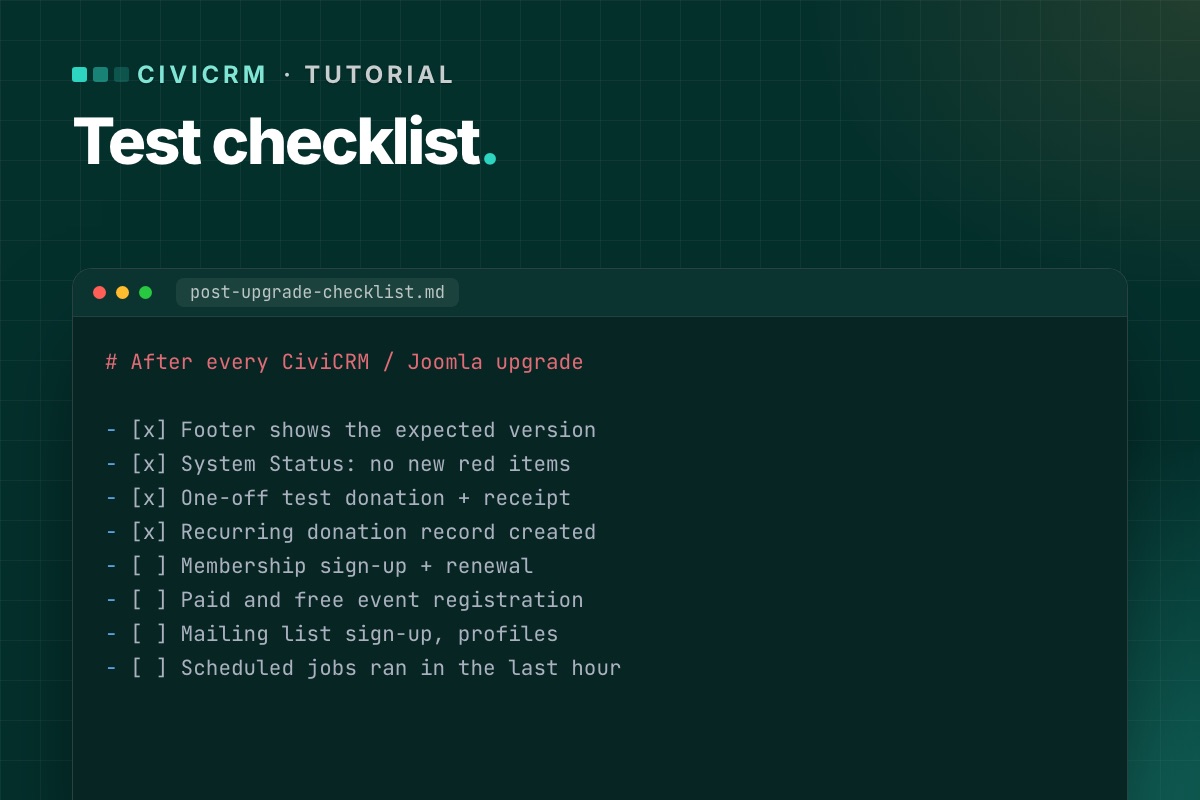

An upgrade is finished when the things that bring in money, members and sign-ups work – not when the installer says "success". This is the list we run on staging after every CiviCRM or Joomla upgrade, and a shorter version on live right after the switch.
Before you start on staging: payment processors in test mode, outgoing email to a mail catcher, and a test contact you can safely fill with records.
1. CiviCRM itself
- Footer shows the expected CiviCRM version.
- System Status has no new red or orange items (resource URLs, extensions, cron).
- Dashboard, contact search and one contact record open without errors.
- Extensions page: no extension shows an error or a missing dependency.
2. Donations
- Each public contribution page loads from its Joomla menu item.
- A one-off test donation completes; the contribution is recorded with the right financial type and status.
- The receipt email arrives (in the mail catcher) with correct amounts and links.
- A recurring donation can be set up, and the recurring record is created.
- Premiums, price sets and "other amount" fields behave as before.
3. Memberships
- Membership sign-up page completes with a test payment.
- The membership is created with the right type, dates and status.
- Renewal works for an existing member, including from the link in a renewal email.
- Members-only Joomla content still checks access correctly, if you use it.
4. Events
- Event listing, information page and registration form load.
- A paid and a free registration complete; participants are recorded.
- Confirmation emails arrive; waitlist and full-event behavior still work.
- Personal campaign (PCP) pages load and accept a donation, if you use them.
5. Forms and profiles
- Profile create/edit forms and FormBuilder forms submit and save.
- Mailing-list subscription page adds the contact to the group, with confirmation if enabled.
- The CiviCRM user dashboard shows a logged-in user their contributions, memberships and events.
6. Joomla users and contacts
- Creating a Joomla user creates or matches a CiviCRM contact.
- Changing a user's email in Joomla updates the contact (if your setup syncs it).
- Login and logout work on pages that show CiviCRM content.
On Joomla 6 this is the part that touches CiviCRM's Joomla plugins and its user matching – test it carefully. Background: Joomla 6 plugin events.
7. CiviMail and scheduled jobs
- A test mailing to a small group sends; open and click tracking links work.
- Unsubscribe and opt-out links in that mailing work.
- Cron runs from the command line and the job log shows "Success". If not.
- Bounce processing connects to its mailbox, if configured.
8. Links already out there
- Old
task=civicrm/…links from past emails still open the right page. - Changed menu aliases have redirects. How to check.
9. On live, right after the switch
A short version, with real (small) payments if your processor has no test mode on live:
- One donation, one membership or event sign-up, one mailing-list sign-up.
- One cron run checked in the job log.
- System Status checked.
Refund the real test payments afterwards, and write down what you tested and when. If someone reports a problem next week, you'll know what was working at launch.
Checks you can script
# terminal – System Status, without opening the browser
cv api4 System.check --cwd=/var/www/example.org | grep -iE '"(title|severity)"'

# did cron run after the upgrade? (CiviCRM database)
mysql -e "SELECT MAX(run_time) FROM civicrm_job_log;" civicrm_db

# Joomla users without a CiviCRM contact link (adjust database names and prefix)
mysql -e "SELECT u.id, u.username FROM joomla_db.jos_users u
          LEFT JOIN civicrm_db.civicrm_uf_match m ON m.uf_id = u.id
          WHERE m.id IS NULL AND u.block = 0 LIMIT 20;"
Users who never opened a CiviCRM page may legitimately have no link yet, because CiviCRM creates it on first use. A user who has CiviCRM records but no link after the upgrade is a real problem.
On staging, define('CIVICRM_MAIL_LOG', '…/mail.log') in both settings files sends every CiviCRM email to a file instead of the mail server, so you can check receipts and confirmations without a mail catcher.
Every CiviCRM upgrade we do ends with this list – and a written test report you keep.
CiviCRM Joomla 6 upgrade →
