
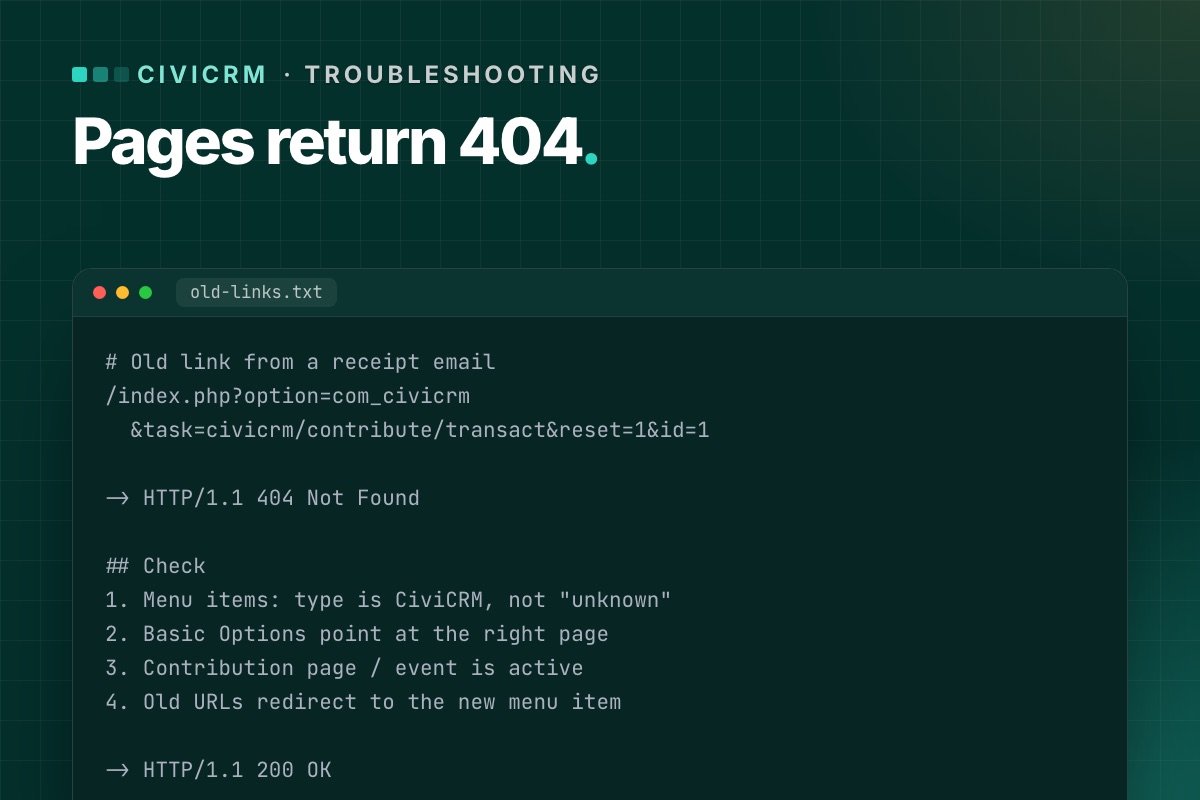

CiviCRM's public pages – contribution pages, event registration, profiles, mailing-list sign-ups – reach visitors through Joomla. After a Joomla upgrade or a site rebuild, it is common for some of them to stop working while the CiviCRM back end looks fine. Here is how to find and fix them.
How CiviCRM pages reach the front end
There are two ways a visitor lands on a CiviCRM page in Joomla:
- A Joomla menu item of a CiviCRM type: Contribution Page, Event Information Page, Event Registration Form, Event Listing, Mailing List Subscription, Profile forms, CiviCRM Dashboard and others. The menu item stores which page it shows (for example, the contribution page ID).
- A direct component URL with a CiviCRM path in the
taskparameter, for example:
These are in old emails, receipts, social posts and other sites linking to you./index.php?option=com_civicrm&task=civicrm/contribute/transact&reset=1&id=1
Both can break in an upgrade for different reasons.
Check 1: The menu items still exist and are valid
- Open Menus » All Menu Items and filter by the CiviCRM component. Every item should show a CiviCRM type, not "Menu item type unknown".
- Open each one and check Basic Options still points at the right page (contribution page, event, profile).
- Check access levels: the CiviCRM Dashboard should be Registered, public forms Public.
- Check the menu item is published and assigned to the right language.
If a CiviCRM menu item type is missing entirely, the component may not have installed cleanly – reinstall the same CiviCRM version over itself and check again.
Check 2: The CiviCRM page itself is active
A contribution page or event that was disabled, ended, or reached its registration limit shows an error or redirect, which can look like a broken page. In CiviCRM, open the page's settings and check it is active and within its dates.
Check 3: SEF URLs and aliases
- If you changed menu aliases or moved items between menus, the friendly URL changes. Links in emails and on other sites still use the old one.
- Joomla's Redirects component (enable the "System - Redirect" plugin with "Collect URLs" on) shows which old URLs visitors are hitting. Add a redirect for each.
- Long
task=civicrm/…URLs should keep working as long as the component is installed and the CiviCRM page exists. If they 404 too, the problem is the component or the page, not the alias.
Check 4: Old links in emails and receipts
Receipts and mailings sent years ago still carry links. Test a few real ones from your sent items: renewal links, event "register" links, unsubscribe and opt-out links. Unsubscribe and opt-out links are the ones you must not break – they come from CiviMail and need the component working, not a menu item.
Check 5: The template
A new template may lack an override CiviCRM's front-end pages rely on, or hide the component area on certain pages. If the CiviCRM form loads but appears empty or unstyled, test the same page with Joomla's default template (Cassiopeia). If it works there, the template is the cause.
Prevent it next time
- Before an upgrade, export a list of every CiviCRM menu item with its target page.
- Keep aliases unchanged during the upgrade; redesign URLs separately, with redirects.
- Add every public CiviCRM page to your post-upgrade test list – our test checklist has them all.
List every CiviCRM menu item from SQL
Before and after an upgrade, export the CiviCRM menu items with the page each one points to. Then a broken one is a diff, not a hunt:
# terminal – Joomla database, adjust the prefix
mysql -e "SELECT id, menutype, published, path, link
          FROM jos_menu
          WHERE link LIKE 'index.php?option=com_civicrm%' AND client_id = 0
          ORDER BY menutype, lft;" joomla_db
The link column carries the CiviCRM route (task=civicrm/contribute/transact, civicrm/event/register, civicrm/profile/create …) and the page id, so you can check each one against CiviCRM: is contribution page 3 still active, does event 12 still exist?
For old links that must keep working, test them as a visitor would, without a session:
# terminal – status code of each old link (one URL per line in old-links.txt)
while read -r url; do
  printf '%s %s
' "$(curl -s -o /dev/null -w '%{http_code}' -L "$url")" "$url"
done < old-links.txt
We keep the links that are already out there. On every CiviCRM upgrade we check menu items, old task URLs and add redirects where needed.
CiviCRM Joomla 6 upgrade →
