

CiviCRM core keeps up with PHP well. CiviCRM extensions – payment processors, reports, integrations, small helpers someone installed years ago – are maintained on their own schedules, and they are usually what breaks when PHP goes up. CiviCRM's own docs warn about exactly this. Here is how we audit them before an upgrade.
1. List what is installed
Go to Administer » System Settings » Extensions. For each enabled extension note:
- name and key (for example
org.civicrm.example) - installed version
- whether an update is offered
- what the site uses it for – ask the people who run the site, not just the admin screen
With shell access, cv ext:list -Li lists installed extensions with versions, which is quicker to paste into a spreadsheet.
Disabled extensions still sit on disk. Remove the ones nobody needs before the upgrade – less to check, less to break.
2. Check each one
For every enabled extension, find its page in the CiviCRM extensions directory or its code repository and look for:
- Supported CiviCRM versions in the release info – does it list your target version?
- Last release date. Nothing in two or three years on an extension with PHP code is a warning sign.
- Open issues mentioning PHP 8.2 or 8.3, "deprecated", or the CiviCRM version you are moving to.
Then sort the list into three groups:
| Group | What it means | Action |
|---|---|---|
| Compatible | Recent release supporting your targets | Update it on staging |
| Update needed | A newer version exists | Update first, then test its feature |
| Unclear or abandoned | No recent release, no word on PHP 8.3 | Test on staging; replace, patch or remove |
3. Test on staging with errors visible
On a staging copy running the target PHP version, turn on CiviCRM's debugging and keep an eye on the PHP error log. Then use each extension's feature – run the report, make a test payment through the processor, trigger the integration.
On PHP 8.x, look for:
- Fatal errors – the extension is not usable as is.
- "Deprecated" notices – fine today, but they become errors in a later PHP version. Note them for the next round.
- Silent failures – a payment that never records, a report that comes back empty. Only testing the actual feature catches these.
4. Decide what to do with the problem ones
- Is it still needed? Often the feature moved into CiviCRM core (SearchKit and FormBuilder replaced many old report and form extensions).
- Is there a maintained alternative? Especially for payment processors.
- Can it be patched? Small PHP 8 fixes are usually quick. Send the patch upstream, so you are not maintaining a private fork.
What a good audit looks like
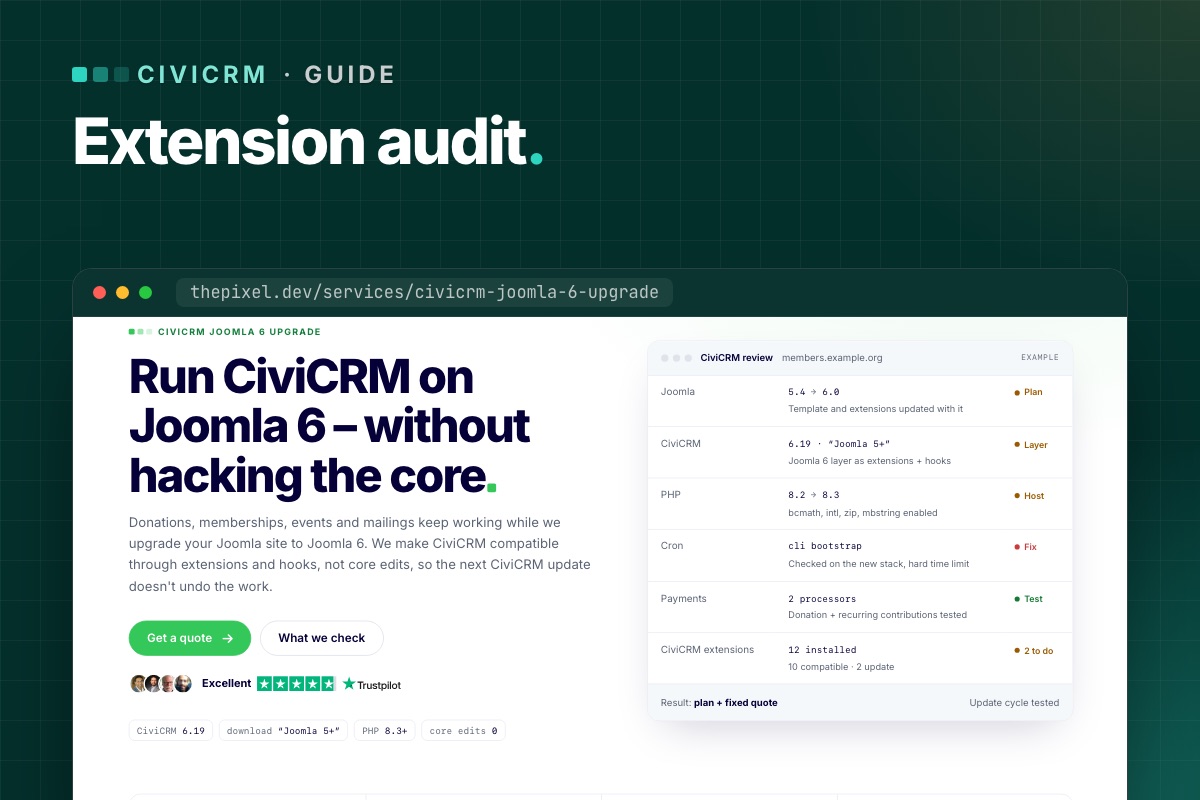
On a typical site we review, most extensions are fine, a few need an update and one or two need a decision. That one-line summary – "12 installed, 10 compatible, 2 to update" – is what should go into the upgrade plan and the quote, before any work starts.
Part of the bigger picture in CiviCRM on Joomla 6: the complete guide.
Speed it up with static checks
Clicking through every feature is the only real test, but a static pass finds the obvious PHP 8 problems first, so the click-through is shorter:
# terminal – where extensions live, and their declared compatibility
cv ext:list -Li --cwd=/var/www/example.org
grep -h -A3 "<compatibility>" /path/to/civicrm/ext/*/info.xml | grep "<ver>"

# syntax check every extension with the target PHP binary
find /path/to/civicrm/ext -name '*.php' -print0 | xargs -0 -n1 php8.3 -l | grep -v '^No syntax errors'

# PHP 8.3 compatibility scan (PHP_CodeSniffer + PHPCompatibility)
composer global require squizlabs/php_codesniffer phpcompatibility/php-compatibility
phpcs -p --standard=PHPCompatibility --runtime-set testVersion 8.3- /path/to/civicrm/ext/org.example.someext
PHPCompatibility reports removed functions, changed signatures and deprecated syntax. It can't see behaviour that changed silently (string-to-number comparisons, for example), which is why the feature test still decides.
Want the audit done for you? Every CiviCRM upgrade review we do lists each extension with a verdict, before we quote.
CiviCRM Joomla 6 upgrade →
