
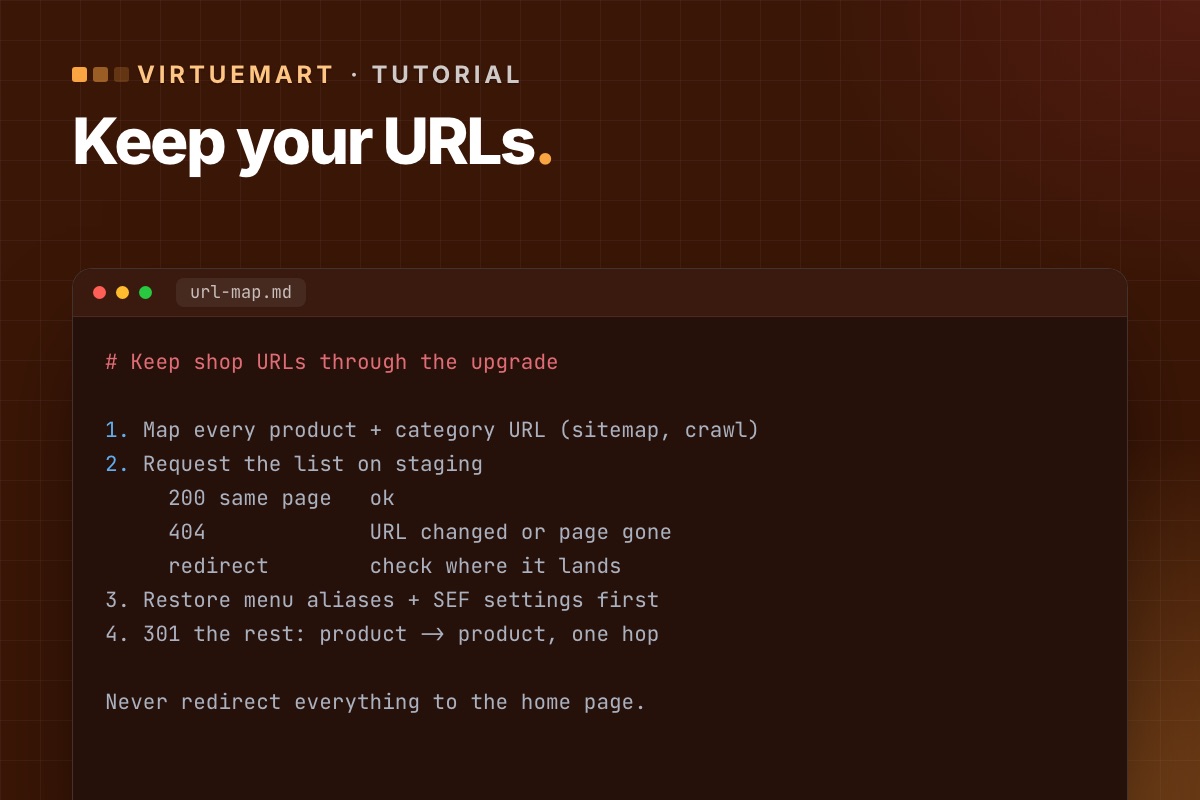

A shop's product and category pages carry years of search rankings and inbound links. A Joomla or VirtueMart upgrade can change their URLs – a router change, a renamed menu item, a different slug setting – and those rankings quietly drain away. Here is how to keep them.
Why URLs change
- Router changes between Joomla versions and between VirtueMart versions.
- Menu items renamed, moved or recreated during the upgrade – VirtueMart URLs are built from them.
- Slug handling. VirtueMart added a hidden setting for product slugs that can change a URL when the product name changes.
- SEF extensions (sh404SEF, JoomSEF and others) dropped or replaced because they have no new version.
1. Map the URLs before you start
On the live shop, collect every product and category URL:
- Export them from your XML sitemap, or crawl the shop with a crawler tool.
- Add the URLs that matter most from Google Search Console (Pages and Links reports) and your analytics: top landing pages, pages with backlinks.
Save the list. It is your before-picture.
2. Compare on staging
After the upgrade on staging, request every URL from the list (a crawler can take a list as input) and sort the results:
- 200, same page – fine.
- 404 – the URL changed or the page is gone.
- Redirect to something unexpected – often the home page or a category; check each.
VirtueMart improved its 404 handling in late 2025 (parts of the router used a wrong fallback), so some old URLs that used to "work" by accident may now correctly return 404 – they still need a redirect.
3. Fix the cause where you can
Before adding redirects, try to keep the original URLs: restore the menu item aliases, the category structure in menus, and the SEF settings the old shop used. Every URL kept as-is is better than a redirect.
4. Redirect the rest with 301s
- Use Joomla's Redirects component, or server rules (
.htaccess/ nginx) for large or patterned changes. - Redirect each old URL to its own new page – product to product, category to category. Redirecting everything to the home page is treated like a 404 by search engines.
- Redirect in one hop; avoid chains.
5. After go-live
- Turn on the "System – Redirect" plugin with URL collection for a few weeks and redirect the 404s it records.
- Submit the new sitemap in Search Console and watch the Pages report.
- Check feeds for Google Shopping or comparison sites – they carry product URLs too.
For developers: the settings that shape the URLs
VirtueMart's SEF output depends on a few configuration values (Configuration → SEO). Note them on the old shop and set the same on the new one before comparing anything:
| Setting (config key) | Effect on URLs |
|---|---|
seo_disabled | VirtueMart's own SEF router on or off |
seo_full | with 0, categories are left out of product URLs |
seo_use_id | IDs in the URL instead of slugs only |
seo_translate | translated URL segments ("detail", "manufacturer"…) |
Then the comparison itself is a loop over the old URL list:
# terminal – status and final URL of every old product/category URL against staging
sed 's#https://shop.example.com#https://staging.example.com#' old-urls.txt | while read -r u; do
  curl -s -o /dev/null -L -w '%{http_code} %{url_effective}
' "$u"
done | tee url-check.txt | awk '$1 != 200' | head -50
Redirects for large, patterned changes are best as server rules. For a few hundred one-off URLs, Joomla's Redirects component (table #__redirect_links, columns old_url, new_url, header = 301) can take them as a bulk import.
We keep or redirect every product and category URL when we upgrade a shop, so it keeps its rankings.
VirtueMart Joomla 6 upgrade →
