
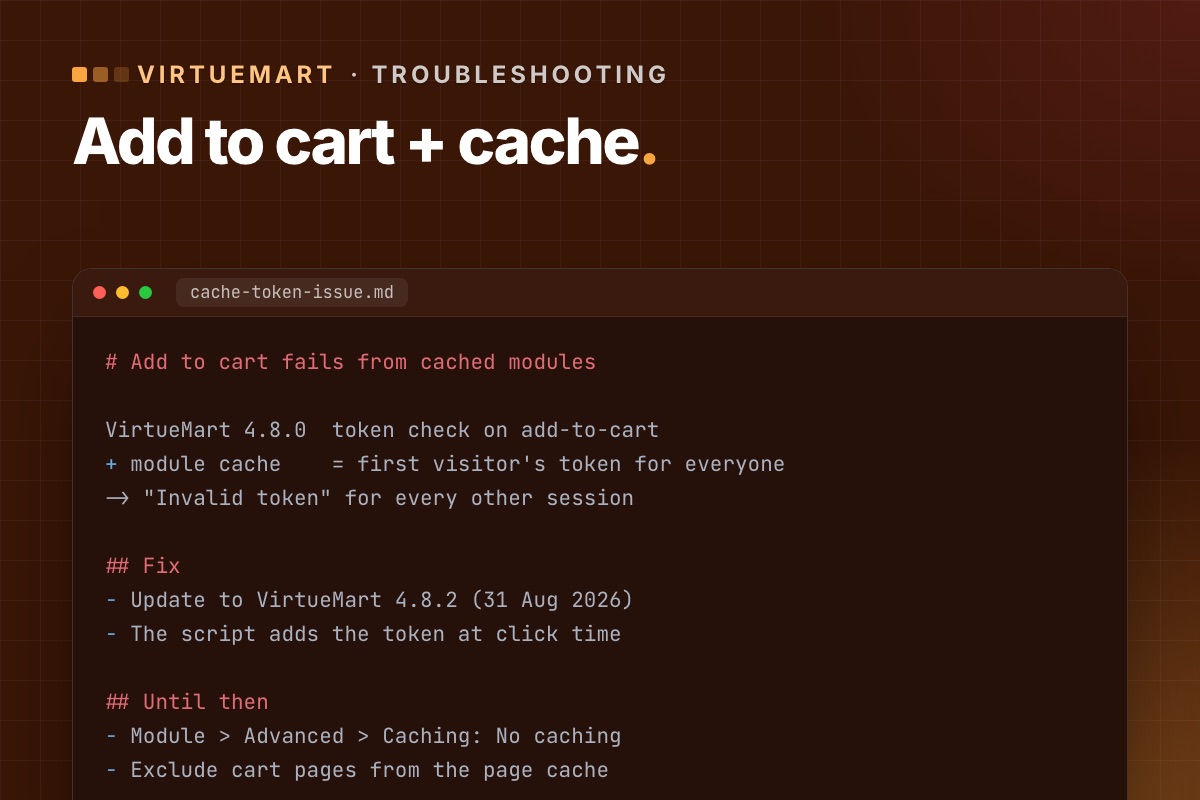

A symptom that showed up after the VirtueMart 4.8.0 security release: "Add to cart" works on the product page but fails from a product module – latest products, featured, related – especially on sites with caching turned on. Here is what happened and how to fix it.
Why it happens
VirtueMart 4.8.0 added a token check to the "add to cart" form. A token belongs to one visitor's session. When a product module is cached, Joomla stores its HTML – including the token of whoever loaded it first – and shows that same HTML to everyone. For every other visitor the token is wrong, so the add-to-cart request is rejected.
VirtueMart's lead developer explained it in the 4.8.2 announcement: the token check for add-to-cart had no real attack scenario, but caching made it break real shops.
The fix: update to 4.8.2
VirtueMart 4.8.2 (31 August 2026) solves it properly: the add-to-cart script now adds the token itself, from VirtueMart's JavaScript object, at the moment of the click – so cached HTML no longer matters. It also widened the script's selector so it finds VirtueMart forms in more templates.
The same release reverted an accidental change to the parameters of a plugin function (onstoreplugintable) that broke some plugins, and tidied the display of custom form fields. Worth installing for those alone.
If you can't update yet
- Turn off caching for the affected product modules (module settings, Advanced » Caching » No caching).
- If you use a page cache (Joomla's System – Page Cache plugin or a host-level cache), exclude pages with add-to-cart buttons, or at least the cart.
Both cost some speed. Treat them as a bridge to 4.8.2, not a fix.
Check it works
- Update to 4.8.2 and clear all caches.
- In a private browser window (a fresh session), add a product to the cart from each product module.
- Repeat in a second private window – a different session – to be sure the cached HTML works for everyone.
- Turn caching back on if you turned it off, and repeat.
Seeing "Invalid token" when updating the cart instead? That is the template-override issue: five ways to fix it.
For developers: find what is cached
# terminal – VirtueMart modules with caching on (Joomla database, adjust prefix)
mysql -e "SELECT id, title, module, position,
                 JSON_UNQUOTE(JSON_EXTRACT(params, '$.cache')) AS cache,
                 JSON_UNQUOTE(JSON_EXTRACT(params, '$.cache_time')) AS cache_time
          FROM jos_modules
          WHERE module LIKE 'mod_virtuemart%' AND published = 1 AND client_id = 0;" shop_db

# is the page cache plugin on?
mysql -e "SELECT element, enabled FROM jos_extensions WHERE folder = 'system' AND element = 'cache';" shop_db
The general rule behind this bug applies to every extension: anything tied to a session (form tokens, cart counts, "Hello, name") must not be rendered into HTML that a cache can serve to someone else. Either the page part isn't cached, or the value is added in the browser at the moment it's needed, which is what 4.8.2 does. More on cache scope in Joomla performance from the code up.
Keeping VirtueMart current without surprises is part of every shop we look after – updates on staging first, then test orders.
VirtueMart Joomla 6 upgrade →
