

Template overrides are how most VirtueMart shops get their look: copies of VirtueMart's layouts in the template, edited to fit the design. They are also the part of a shop that ages worst. VirtueMart keeps improving its layouts – new fields, security tokens, fixes – and an override from years ago keeps none of it. After an upgrade, that is where things break.
1. Find every override
VirtueMart overrides live in the active template:
templates/your-template/html/com_virtuemart/   – views: category, productdetails, cart, user, orders …
templates/your-template/html/mod_virtuemart_*/ – VirtueMart modules
Check which template the shop really uses: the default site template style, but also templates assigned to menu items, and templates set per category in VirtueMart. A child template can have its own overrides too.
List the files. A typical shop has somewhere between five and thirty.
2. Find the original each one came from
Each override replaces a core file in the component:
components/com_virtuemart/views/<view>/tmpl/<layout>.php
components/com_virtuemart/sublayouts/<sublayout>.php
Get the core file from the version the override was based on (often unknown) and from the version you are upgrading to.
3. Compare
Use a diff tool – or git, if the template is in a repository – to compare the override with the new core file. You are looking for:
- Missing token fields in forms (cart, checkout, account, ratings). These cause "Invalid token" errors. Details.
- Missing fields or variables added in newer layouts – custom fields, prices, stock messages.
- Old function calls that changed or were removed – especially relevant for VirtueMart 5, where some helper functions became static.
- jQuery-only scripts – VirtueMart 5 is moving away from jQuery.
- Design changes – the part that is actually yours and must be kept.
4. Rebuild, don't patch
For each override that differs a lot from core: start from the new core file and re-apply only your design changes. Patching an old copy just carries old bugs forward.
For overrides that only change markup or classes, a careful merge is enough.
And ask the honest question for each one: is the override still needed? Many shops override layouts to change one detail that CSS or a VirtueMart setting can handle today. Every override you remove is one less to maintain.
5. Test with real flows
Overrides break in use, not on sight. After rebuilding, run the shop as a customer – browse, filter, add to cart from pages and modules, update the cart, check out with each payment method. Test-order checklist.
6. Keep them maintainable
- Keep the template in version control, with a note in each override saying which VirtueMart version it was based on.
- At every VirtueMart feature release, diff your overrides against the new core layouts.
- Prefer CSS and VirtueMart settings over overrides for small changes.
For developers: diff all overrides in one go
# terminal – in the site root: which overrides differ from the current core layout, and by how much
T=templates/your-template/html/com_virtuemart
for f in $(cd $T && find . -name '*.php'); do
  view=$(dirname "$f" | cut -d/ -f2); file=$(basename "$f")
  core=components/com_virtuemart/views/$view/tmpl/$file
  [ -f "$core" ] || core=components/com_virtuemart/sublayouts/$file
  [ -f "$core" ] || { echo "NO CORE  $f"; continue; }
  echo "$(diff -u "$core" "$T/$f" | grep -c '^[-+][^-+]') lines  $f"
done | sort -rn
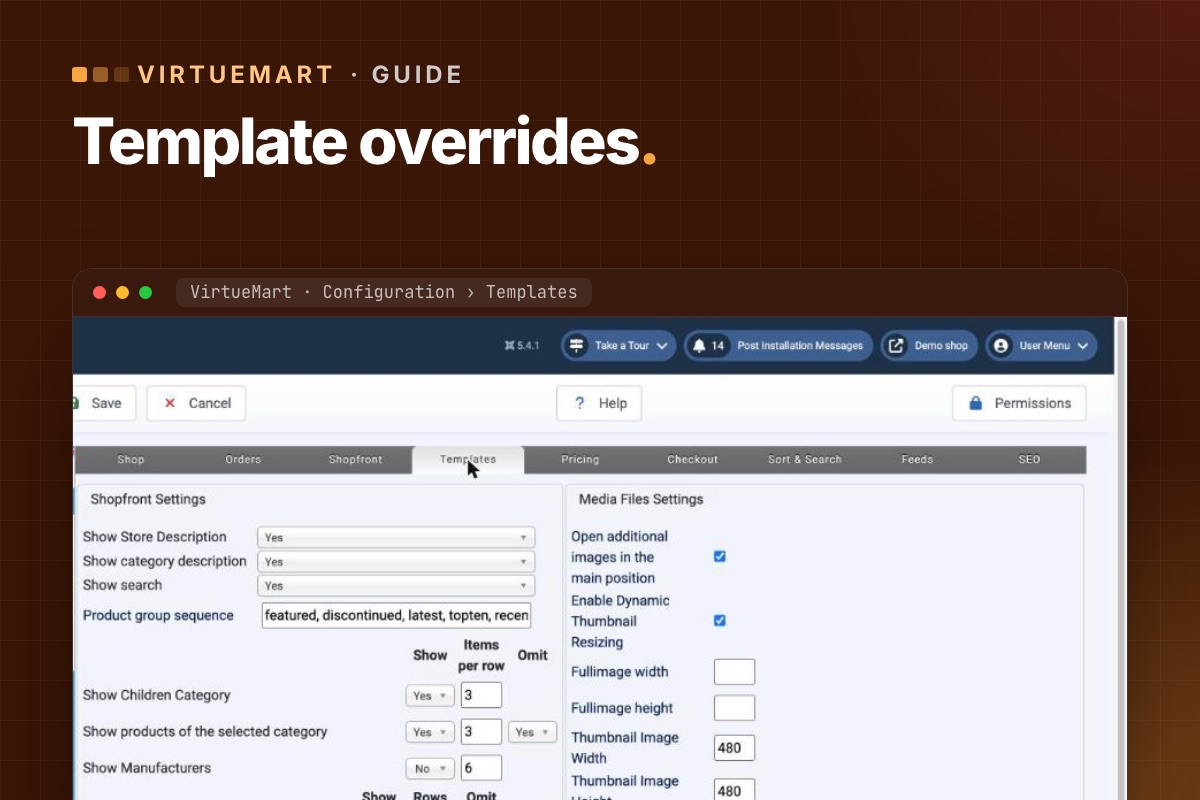
The biggest numbers are the rebuild candidates, and "NO CORE" means the layout no longer exists in this version (or was a custom addition). VirtueMart honours overrides only while useLayoutOverrides is on (Configuration → Templates, "Use current shop template overrides"). Switching it off for a minute is the fastest way to prove an override is the cause of a bug.
Overrides are a fixed part of our store audit: every file listed, compared with the new core and rebuilt where needed.
VirtueMart Joomla 6 upgrade →
