

An upgraded shop is done when it can take an order from start to finish with every payment and shipping method – and the shop owner can process it. This is our list. Run it in full on staging, and a short version on live right after the switch.
On staging: payment gateways in sandbox mode, outgoing email caught, and a few test products you can safely order.
1. Before you test: compare the data
- Counts of products, categories, manufacturers, orders and shoppers match the old shop.
- Five random products: prices, taxes, discounts, stock, images and custom fields match.
- Shopper groups and their prices still apply.
2. Browsing
- Home page product modules, category pages, sorting and pagination.
- Filters and search find the right products.
- Product pages: variants/child products, custom fields, availability messages, reviews.
- Old product and category URLs still work or redirect. How to check.
3. Cart
- Add to cart from the product page and from every product module – in two different browser sessions if caching is on. Why.
- Change quantities, remove items, update the cart – no "Invalid token". If there is.
- Coupons: valid, expired, minimum order amount.
4. Checkout
- As a guest and as a registered shopper; registration during checkout if you allow it.
- Address fields, required fields, terms-of-service checkbox.
- Every shipping method to a few typical destinations – compare the rates with the old shop.
- Every payment method in sandbox: successful payment, cancelled payment, failed payment.
- Order status changes after payment – proves the gateway's callback reaches the shop.
5. After the order
- Customer and shop emails arrive with correct totals, taxes and links.
- Invoice PDF generates, if you use invoices.
- Stock goes down; downloadable products deliver the file.
- The order shows in the customer's account.
6. Admin
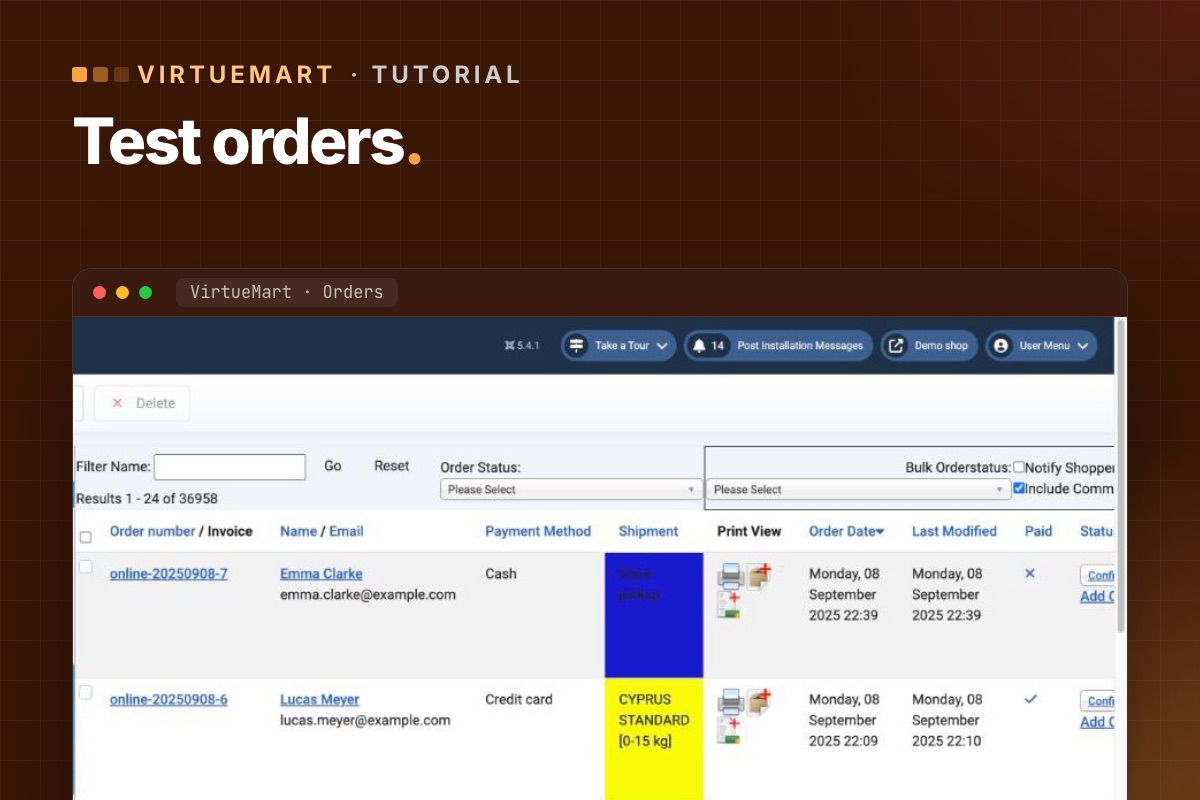
- Order list and order detail open; change a status and the customer is notified (if configured).
- Edit a product, save, check the front end.
- Refund or cancel through the admin if your gateway supports it.
- Reviews and ratings can be moderated.
7. On live, right after the switch
- One real order per payment method with a small amount, then refund it.
- One order per shipping method if rates are calculated by a carrier API.
- Watch new orders closely for the first day – especially their status after payment.
Write down what you tested, when and by whom. If something is reported next week, you'll know what was working at launch.
For developers: check the orders, not just the screen
# terminal – the last test orders: status, total, payment method (adjust prefix)
mysql -e "SELECT o.virtuemart_order_id, o.order_number, o.order_status, o.order_total,
                 o.virtuemart_paymentmethod_id, o.virtuemart_shipmentmethod_id, o.created_on
          FROM jos_virtuemart_orders o ORDER BY o.virtuemart_order_id DESC LIMIT 10;" shop_db

# order history: did the status move after the gateway callback?
mysql -e "SELECT virtuemart_order_id, order_status_code, created_on
          FROM jos_virtuemart_order_histories ORDER BY virtuemart_order_history_id DESC LIMIT 20;" shop_db
An order stuck at the initial status (usually P, pending) after a successful sandbox payment means the gateway's callback didn't reach the shop or didn't validate. That failure doesn't show on any page, only in the data.
Every shop upgrade we do ends with this list – and a test order list you keep.
VirtueMart Joomla 6 upgrade →
