

After updating VirtueMart to 4.6 or later, some shops see "Invalid Token" when a customer changes a quantity or updates the cart (view=cart&task=updatecart). Orders stop. Here is why, and how to fix it.
Why it happens
VirtueMart started checking a security token when the cart is saved – a protection against forged requests, added in its security releases. The default VirtueMart cart layout includes the token. But many shops use a template with its own copy of the cart layout (an override), often copied years ago. Those older copies don't have the token field, so VirtueMart rejects the request.
VirtueMart 4.8.0 extended token checks to more front-end and back-end forms, so other old overrides can show the same error.
Find the override
Find which template the shop uses (System » Site Template Styles, the default one – unless a menu item or VirtueMart category sets another). The cart override is usually here:
templates/your-template/html/com_virtuemart/cart/Five fixes, quickest first
1. Use VirtueMart's built-in option (4.6.2 and later)
In VirtueMart » Configuration » Templates, section "Shopfront settings for deprecated views/layouts", enable the option that adds the token by JavaScript. VirtueMart calls this its auto token system. No files to edit.
2. Add one line to the override
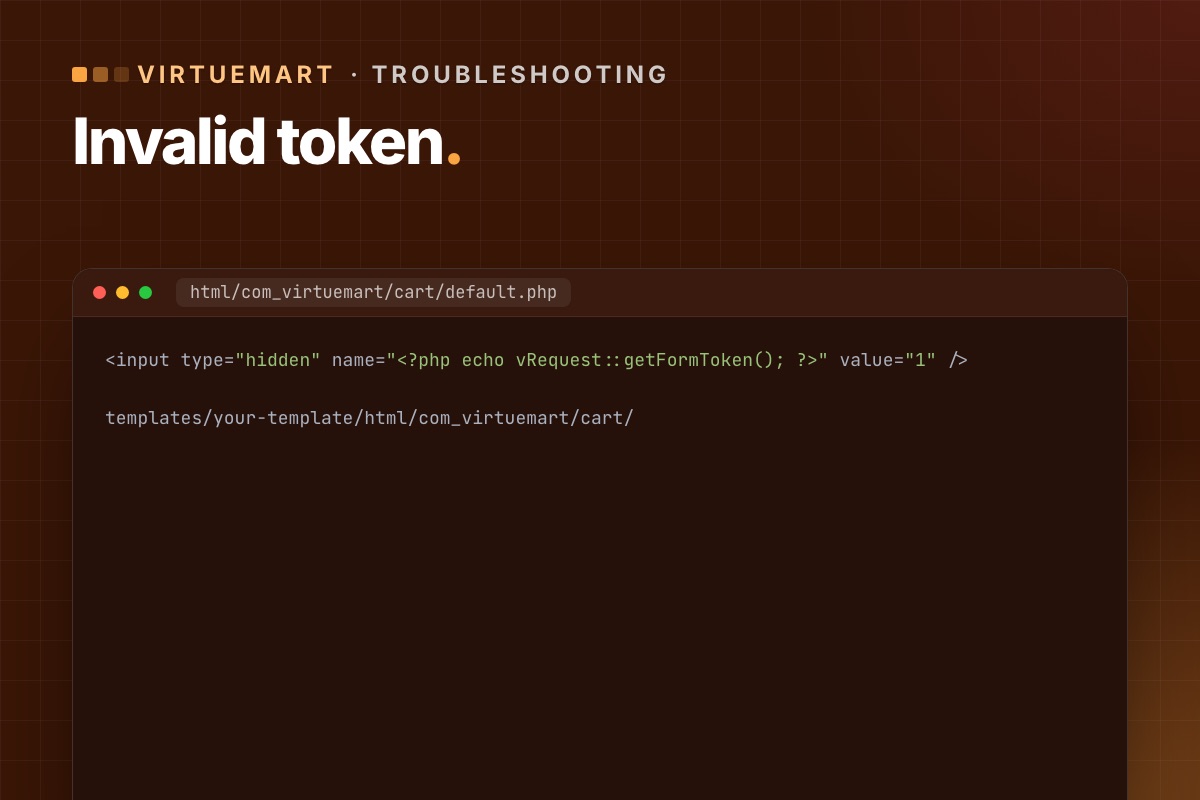
The clean fix. Open the cart layout in your template override (usually cart/default.php, sometimes a sublayout) and add this line anywhere between the <form> tags:
<input type="hidden" name="<?php echo vRequest::getFormToken(); ?>" value="1" />You can edit the file in Joomla under System » Site Templates → your template → html/com_virtuemart/cart. Check every form in the cart layouts, not just the first one.
3. Disable only the cart overrides
Rename the folder html/com_virtuemart/cart (for example to cart_off). The cart then uses VirtueMart's default layout, while the rest of the shop keeps your design. Quick, but the cart may look different.
4. Install VirtueMart's token plugin
The VirtueMart team published a small plugin, "Tokencart", that adds the missing token to the cart form. Install, publish, done. Useful when you can't edit template files.
5. Turn off all template overrides
In VirtueMart » Configuration » Templates, disable "Use current shop template overrides". Every VirtueMart page then uses the default layouts. The bluntest option – use it to confirm the cause, not as the final fix.
Which fix to choose
- Need orders working in five minutes: option 1.
- Long term: option 2 – fix the overrides properly, and compare them with the new core layouts while you are there. How to review overrides.
Check it is fixed
- Clear Joomla's cache and any page cache.
- Add a product to the cart, change the quantity, update – no error.
- Apply a coupon if you use them (coupon handling got its own token fix in December 2025).
- Complete a test order with each payment method.
If "Add to cart" stops working only on pages with a cached product module, that is a related but different issue – see Add to cart fails with cached product modules.
For developers: where the error comes from
The message isn't a Joomla error page. It's VirtueMart stopping the request in its cart controller:
// components/com_virtuemart/controllers/cart.php (VirtueMart 4.6)
public function updatecart($html = true, $force = null, $methods = true)
{
    // …
    vRequest::vmCheckToken() or jexit('Invalid Token');
vRequest::vmCheckToken() looks for a request field whose name is the session token (value 1), or a token parameter with the token as value. That's why the fix is a hidden field named after vRequest::getFormToken(). If the session is new (expired), it redirects with "session expired" instead. So "Invalid Token" for one customer and a redirect for another can be the same missing field.
Find every VirtueMart override with a form but no token field:
# terminal – in the site root
grep -rl "<form" templates/*/html/com_virtuemart | xargs grep -L "getFormToken"
Every file this lists is a candidate for the same error on some page. The cart is just the one customers hit first.
Old overrides are the most common VirtueMart upgrade problem we fix. We refresh cart and checkout overrides from the new core layouts and test real orders.
VirtueMart Joomla 6 upgrade →
