

Most failed CiviCRM upgrades we see don't fail in CiviCRM. They fail on the server: a PHP extension that isn't there, a database too old for Joomla 6, a command-line PHP that differs from the web one. Fifteen minutes of checking saves a broken weekend.
The target
For CiviCRM 6.x on Joomla 6 you need what both ask for:
| Check | Minimum | Better |
|---|---|---|
| PHP (web and CLI) | 8.3 | 8.4 |
| MySQL | 8.0.13 | 8.4 |
| MariaDB (instead of MySQL) | 10.4 | 10.6+ / 11.4 |
| PHP memory limit | 256M | 512M |
| PHP extensions | bcmath, intl, zip, mbstring, gd, dom, simplexml, json, curl, mysqli/pdo_mysql | |
On Joomla 5.4, PHP 8.1+ and MySQL 8.0.13 / MariaDB 10.4 already apply; CiviCRM 6.16+ recommends PHP 8.3 or newer.
1. PHP on the web
In Joomla: System » System Information » PHP Information. Note the version and search the page for bcmath, intl, zip and mbstring. CiviCRM's own System Status screen also warns about missing extensions.
2. PHP on the command line
This is the one that gets missed. Cron and cv run on the command-line PHP, which can be a different version with different extensions:
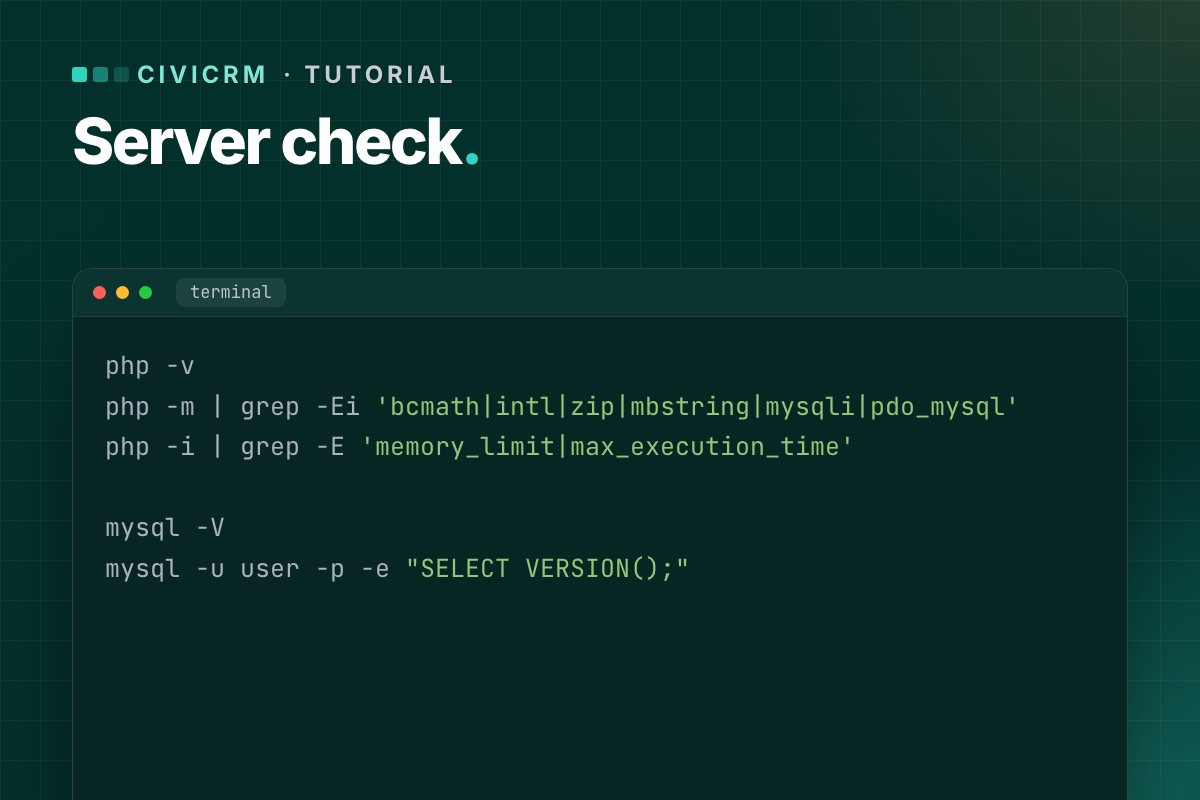
php -v
php -m | grep -Ei 'bcmath|intl|zip|mbstring|mysqli|pdo_mysql'
php -i | grep -E 'memory_limit|max_execution_time'
If php is the wrong version, find the right binary (for example /usr/bin/php8.3 or, on cPanel, /opt/cpanel/ea-php83/root/usr/bin/php) and use its full path in cron.
3. The database
In Joomla: System Information » System Information shows the database version. Or from the shell:
mysql -V
mysql -u user -p -e "SELECT VERSION();"
MySQL 5.7 or MariaDB 10.3 means a database upgrade before Joomla 6 – on shared hosting, often a move to a newer plan or server. Ask the host early; it is the slowest part to arrange.
If CiviCRM uses its own database, check it lives on the same server version, and read about the separate-database upgrade bug.
4. Limits that matter during the upgrade
memory_limit– 256M at least; the CiviCRM installer and database upgrade are memory-hungry.max_execution_time– raise to 300–600 seconds for the upgrade itself.upload_max_filesize– only matters if you upload the package through the browser; unzipping intotmpand using Install from Folder avoids it.
5. Disk space and permissions
- Room for a full backup plus the unzipped CiviCRM package (several hundred MB).
- The web server user can write to
media/civicrmand the Joomlatmpfolder.
Write it down
Keep the results with your upgrade plan: PHP web/CLI versions, extensions, database version, limits, and who changes what (you or the host). If anything is below the minimum, fix the server first and upgrade second – never both on the same night.
Next: audit your CiviCRM extensions for PHP 8.3, then follow the upgrade walkthrough.
The whole check as one script
Run it as the user cron runs as, so you see the CLI PHP that matters:
# terminal – precheck.sh
#!/bin/sh
echo "PHP CLI: $(php -r 'echo PHP_VERSION;')  ($(command -v php))"
for ext in bcmath intl zip mbstring gd dom simplexml json curl mysqli pdo_mysql; do
  php -m | grep -qix "$ext" || echo "MISSING extension: $ext"
done
php -r 'printf("memory_limit=%s max_execution_time=%s
", ini_get("memory_limit"), ini_get("max_execution_time"));'
mysql -N -e "SELECT VERSION();"
df -h . | tail -1
# CiviCRM's own view of the environment (after install)
cv status --cwd=/var/www/example.org
Compare the CLI result with System → System Information in Joomla (the web PHP). Any difference between the two is a cron problem waiting to happen.
Not sure your hosting can take it? We include a server check in every CiviCRM upgrade review, and help move to a host that meets it.
CiviCRM Joomla 6 upgrade →
