
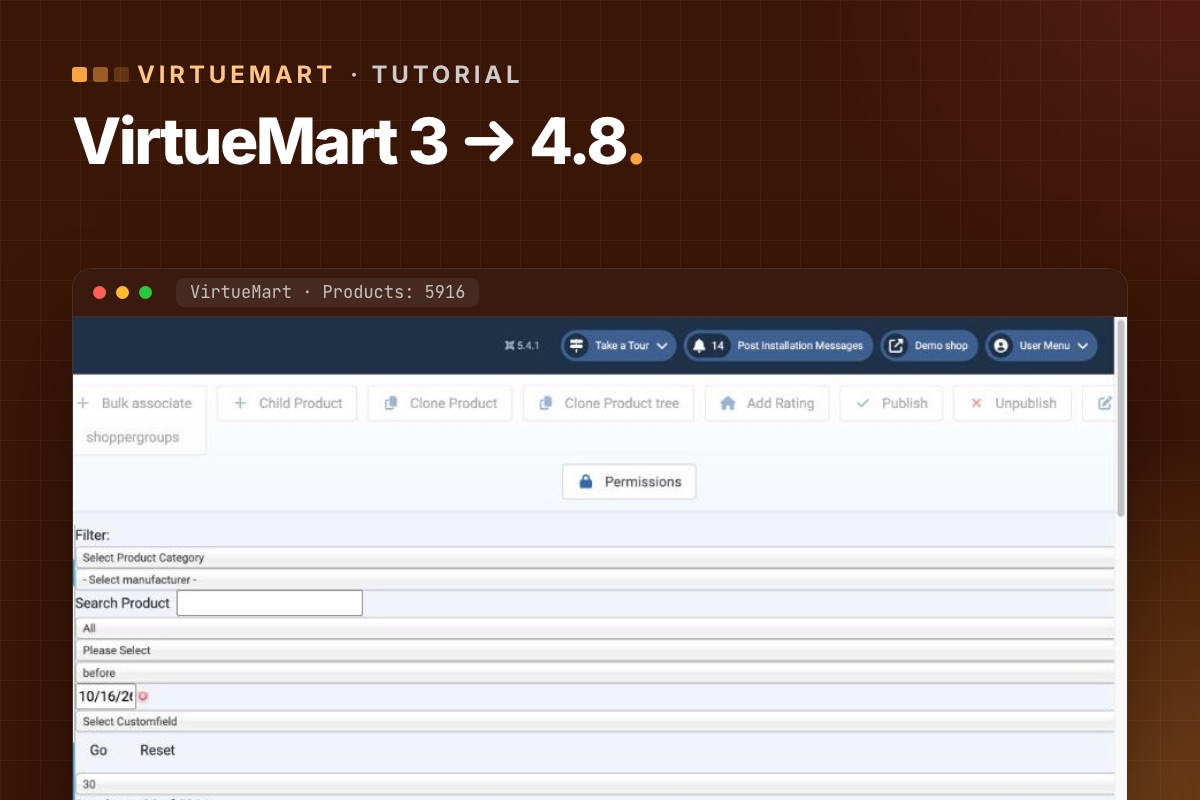

This is step 1 of the route to Joomla 6: get an old shop onto Joomla 5.4 and VirtueMart 4.8, which are supported and patched. Do it on a staging copy; the live shop keeps selling until you switch.
Before you start
- A staging server with PHP 8.1–8.3 and MySQL 8.0.13+ or MariaDB 10.4+ (Joomla 5's requirements; PHP 8.3 also gets you ready for Joomla 6).
- A full backup of files and database, restored on staging.
- The VirtueMart 4.8 package from virtuemart.net. Some VirtueMart releases are offered to members first; check the download page.
- A list of your extensions, payment and shipping plugins, and overrides – see checking plugins.
Step 1: Make staging safe
- Put payment plugins in sandbox or test mode.
- Stop outgoing email (or catch it), so customers don't get order emails from staging.
- Block search engines from staging.
Step 2: Count your data
Write down how many products, categories, manufacturers, orders and shoppers the shop has. In phpMyAdmin or MySQL, with your table prefix:
SELECT COUNT(*) FROM jos_virtuemart_products;
SELECT COUNT(*) FROM jos_virtuemart_categories;
SELECT COUNT(*) FROM jos_virtuemart_orders;
SELECT COUNT(*) FROM jos_virtuemart_vmusers;
You will run the same queries after each step. Matching numbers are the quickest proof that nothing went missing.
Step 3: Update VirtueMart while still on Joomla 3.10
- Make sure Joomla is on 3.10 (the last Joomla 3).
- Install the VirtueMart 4 package over VirtueMart 3 through the Joomla extension installer – component first, then the AIO package, as the VirtueMart download explains.
- Open VirtueMart in the admin. If it offers database updates or tools, run them.
- Compare the counts.
- Open the shop front end: categories, a product, add to cart.
VirtueMart 4 supports Joomla 3.10, 4 and 5, which is what makes this order work: VirtueMart first, Joomla second.
Step 4: Upgrade Joomla 3 → 4 → 5.4
- Run Joomla's pre-update check for Joomla 4 and deal with every extension it flags – update, replace or remove.
- Switch to a Joomla 4-compatible template (or its new version) before the upgrade, if your template has no Joomla 4 version.
- Upgrade to Joomla 4, then straight on to the latest 5.4.
- Update VirtueMart to the latest 4.8.x again if a newer one is out.
- Compare the counts.
Step 5: Fix the shop front end
- Cart and checkout overrides need the security token – otherwise "Invalid token" when updating the cart. The fix.
- Compare every other override with the new core layout. How.
- Update or replace payment and shipping plugins.
Step 6: Test orders
Place a test order with every payment method and every shipping method, as a guest and as a registered shopper. Check the order in the admin, the emails, the stock, and the status changes after payment. The full list: test-order checklist.
Step 7: Switch live
- Pick a quiet hour. Put the live shop in maintenance mode.
- New orders and customers since you built staging must come across – either repeat the upgrade on live, or copy the new rows into the upgraded database. Don't lose a single order.
- Switch, place one real order with a small amount, refund it.
- Check redirects for any URLs that changed. Keep your URLs.
Common errors
- White page after the Joomla upgrade – an extension without a Joomla 4/5 version. Disable it from the database or the extension manager and replace it.
- Product images missing – check the media paths in VirtueMart configuration; VirtueMart 4.4.6 added a tool that repairs images that lost their image property.
- Prices or taxes look wrong – check the calculation rules and shopper groups on a few products against the old shop.
For developers: compare everything, not four tables
The four counts above catch the big losses. To catch anything, count every VirtueMart table before and after each step and diff the two files:
# terminal – row counts of all VirtueMart tables (adjust database and prefix)
mysql -N -e "SELECT CONCAT('SELECT ''', table_name, ''', COUNT(*) FROM ', table_name, ' UNION ALL')
             FROM information_schema.tables
             WHERE table_schema = 'shop_db' AND table_name LIKE 'jos\_virtuemart\_%';" \
  | sed '$ s/ UNION ALL$/;/' | mysql -N shop_db > counts-step3.txt
diff counts-step2.txt counts-step3.txt
Expected differences are new tables or columns that VirtueMart 4 adds. Anything that loses rows is a stop sign. During the Joomla 3 → 4 → 5 steps, the Joomla CLI is faster than the browser for big shops: php cli/joomla.php core:update after each version change (Joomla 4+), then maintenance:database.
Rather have it done for you? We upgrade VirtueMart shops on staging, compare data after every step and test real orders before go-live.
VirtueMart Joomla 6 upgrade →
