
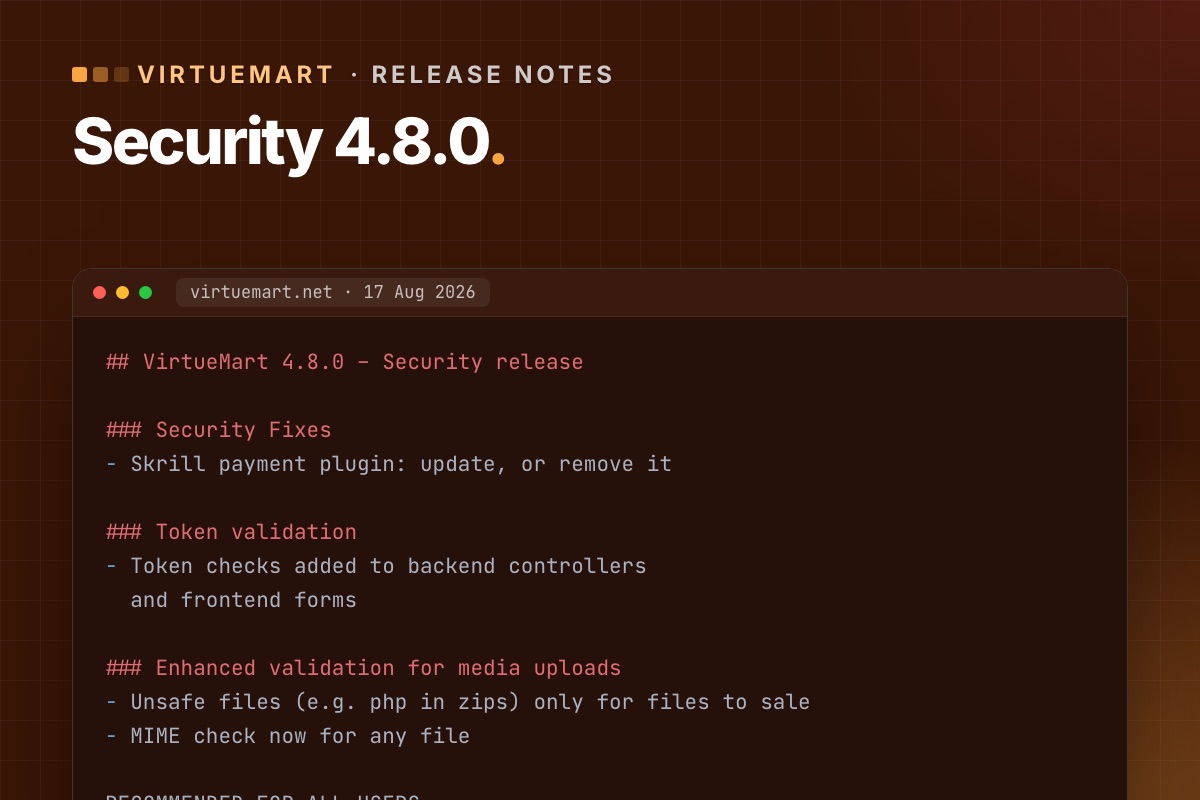

VirtueMart 4.8.0 is a security release, and the VirtueMart team recommends it for all shops. It came after VirtueMart was unpublished from the Joomla Extensions Directory following a security audit. If your shop is on an older 4.x, update – and read the "what can break" part first.
What it fixes
- Skrill payment plugin – a security issue. If you use Skrill, update to 4.8.0 or remove the plugin entirely.
- Token validation – token checks added to back-end controllers and front-end forms, so forged form submissions are rejected.
- File uploads and downloads – better media upload validation: unsafe file types such as PHP inside zips are now allowed only for files you sell, and the MIME check now applies to every file. The "Download simple" plugin got a fix for how it checks the requested file.
- Ratings and reviews – shop owners can edit customer names and review text in the admin (votes stay protected), plus validation and bug fixes.
Who should update now
- Everyone on VirtueMart 4.x – it is the current security baseline.
- Urgently if you use the Skrill plugin, sell downloadable files, or manage product reviews.
- On VirtueMart 3? The 4.8.0 fixes are not available for VirtueMart 3. The way forward is VirtueMart 4.8 on Joomla 5.
What can break
The new token checks are the risk. Forms in template overrides that were copied from older VirtueMart versions may lack the token – customers then see "Invalid token". Two follow-ups are already known:
- Cart and checkout overrides without a token – five ways to fix it.
- Add to cart in cached product modules – fixed in 4.8.2. Details. Go straight to 4.8.2 rather than stopping at 4.8.0.
How to update
- Back up files and database.
- Update a staging copy first: install the latest 4.8.x package over your current version.
- Run the short test: browse, add to cart from page and modules, update the cart, check out with each payment method (sandbox), submit a review.
- Fix any override that shows "Invalid token".
- Update live in a quiet hour; place one real small order and refund it.
Full list: test-order checklist.
For developers: check your safe path
Downloadable products, invoices and VirtueMart's encryption keys live in the safe path (configuration key forSale_path). VirtueMart suggests a folder above the web root (vmfiles next to the Joomla folder). If that isn't possible, its setup wizard creates a folder with a random 21-character name inside administrator/components/com_virtuemart/, containing keys/ and invoices/. Those random-looking folders are not malware, a question we get on shop audits. But they are inside the web root, protected only by their name.
# terminal – where is the safe path, and is it reachable from the web?
mysql -N -e "SELECT config FROM jos_virtuemart_configs WHERE virtuemart_config_id = 1;" shop_db | tr '|' '
' | grep '^forSale_path='
ls -d administrator/components/com_virtuemart/*/keys 2>/dev/null      # wizard folders inside the web root

# 4.8.0 tightened uploads – check nothing executable sits where files for sale are stored
find /path/to/safe/path -type f \( -name '*.php' -o -name '*.phtml' -o -name '*.phar' \)
Moving the safe path outside the web root (and updating forSale_path) is a ten-minute change that removes the question for good. Do it on staging first: downloads and invoices must still work afterwards.
Behind on VirtueMart updates? We update on staging, fix overrides, test real orders and update live.
VirtueMart Joomla 6 upgrade →
