
PX Adminer – Free Joomla Database Manager & SQL Editor
Browse tables, run SQL, edit rows and export or import your database right in the Joomla administrator. Built on Adminer, open to Super Users only, and free.
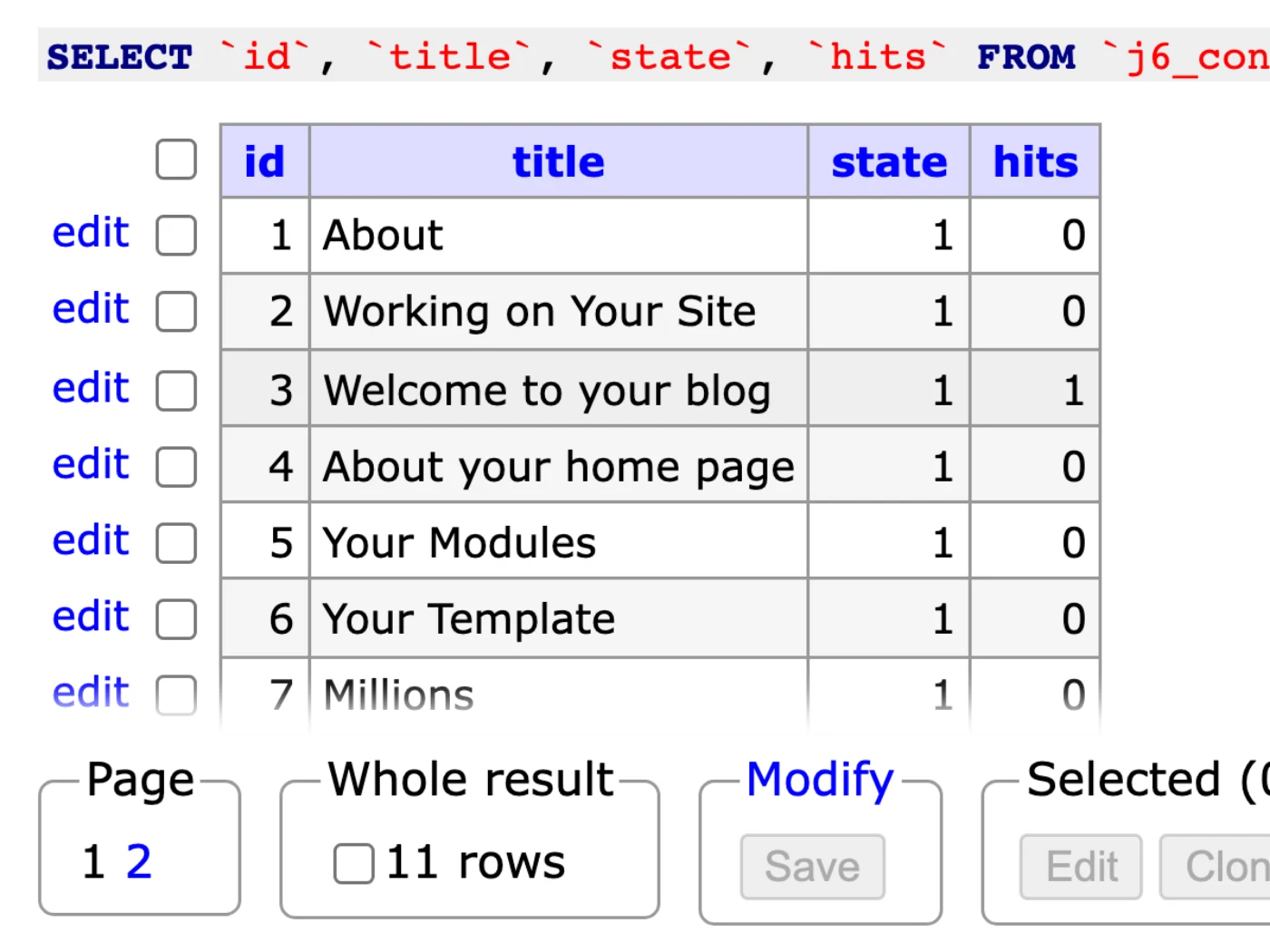
Browse every Joomla table and row
Pick a table and browse its rows. Choose columns, filter with a search, sort by any column and page through large tables, all inside the Joomla administrator.
- Search a value in all tables at once
- Filter, sort and limit rows
- Ctrl-click a value to edit it in place
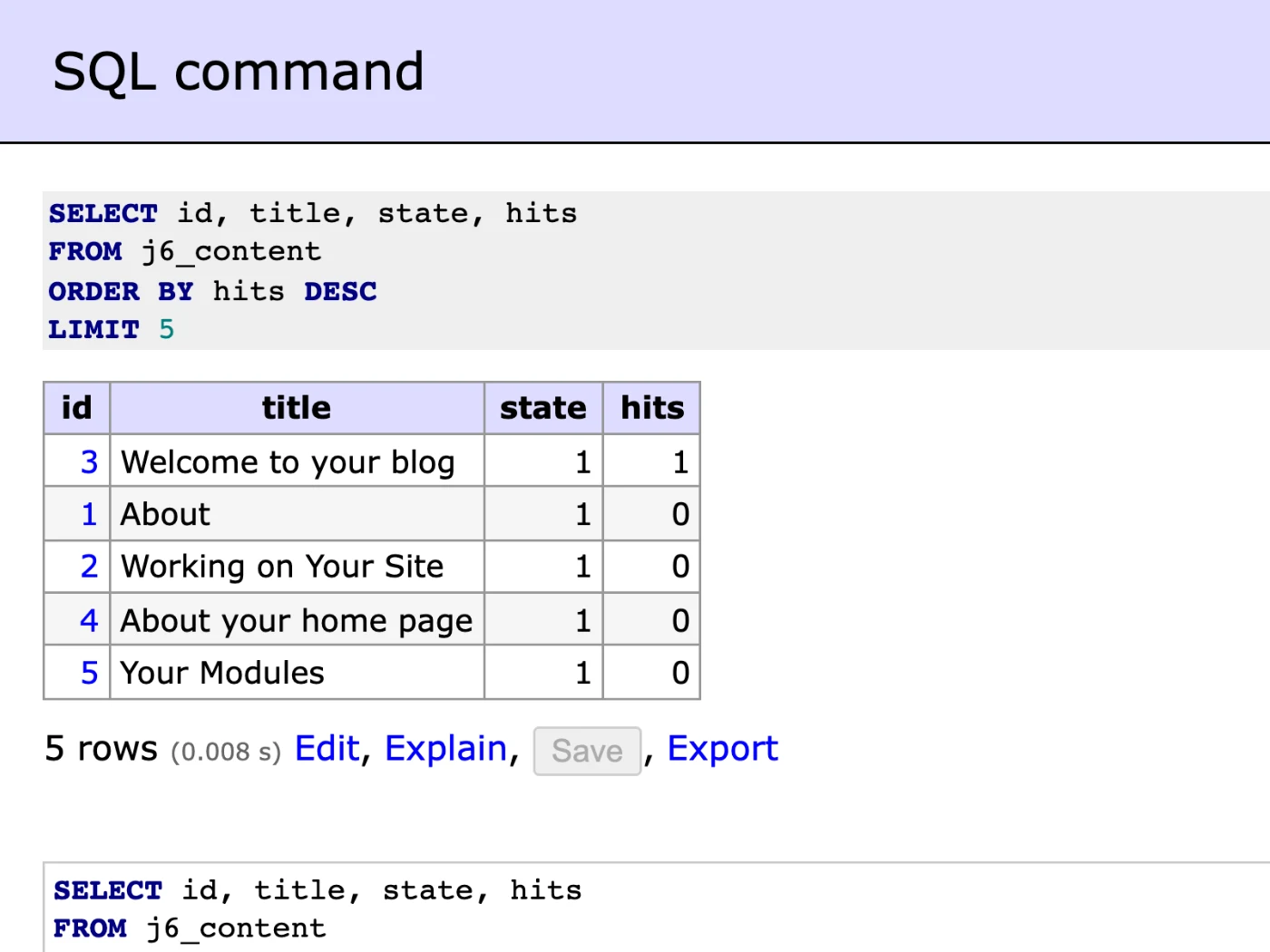
Run SQL on your Joomla database
Write one or more queries in an editor with syntax highlighting and get the results as a table. Explain a slow query or export the result with one click.
- Several queries in one go
- Explain and export the results
- Query history for the session
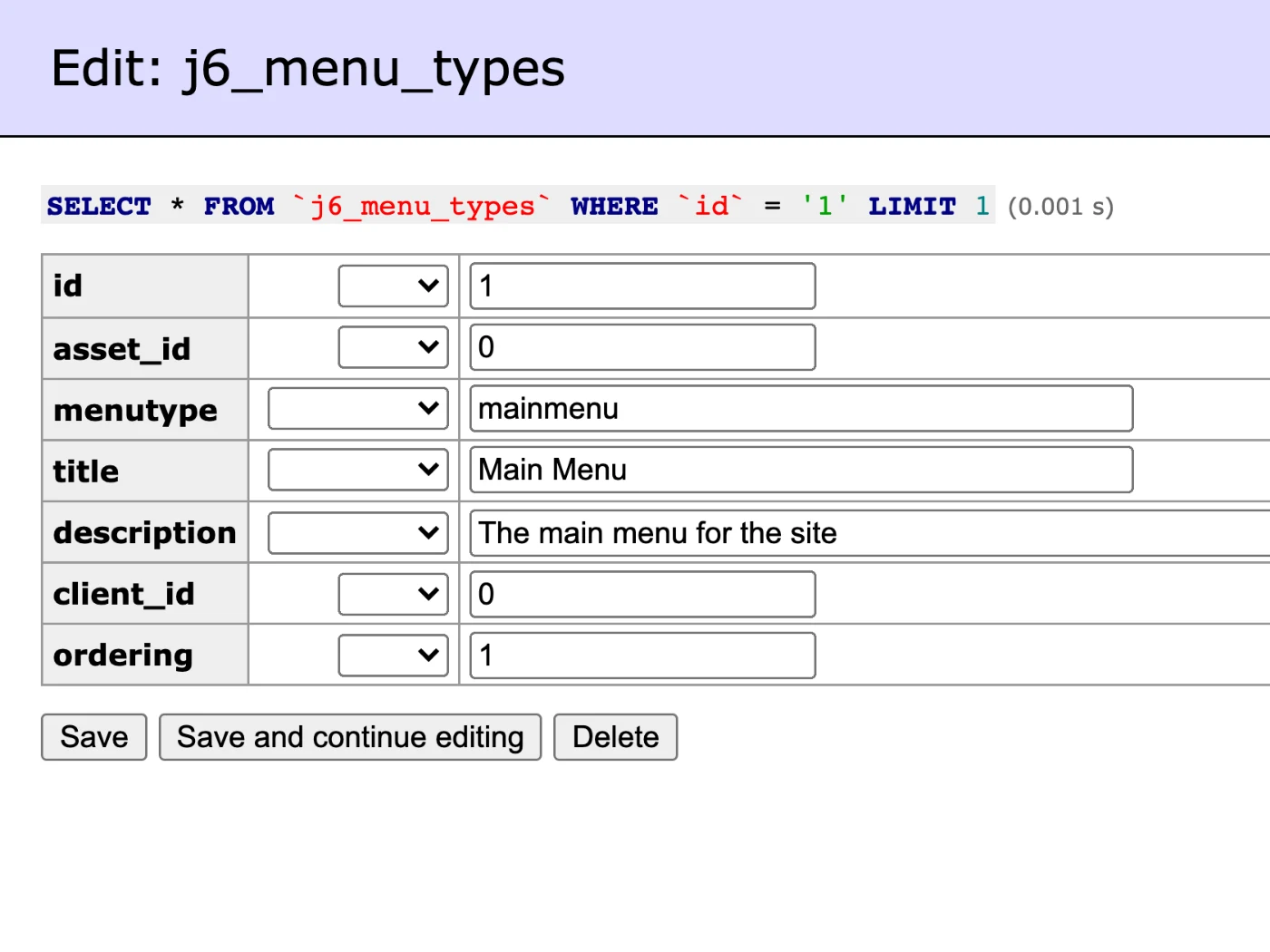
Edit Joomla data without writing SQL
Open a row in a simple form, change what you need and save. Add new rows, clone or delete them, and set values with functions such as NOW() or NULL.
- Edit, add, clone and delete rows
- Functions and NULL per field
- Bulk edit of selected rows
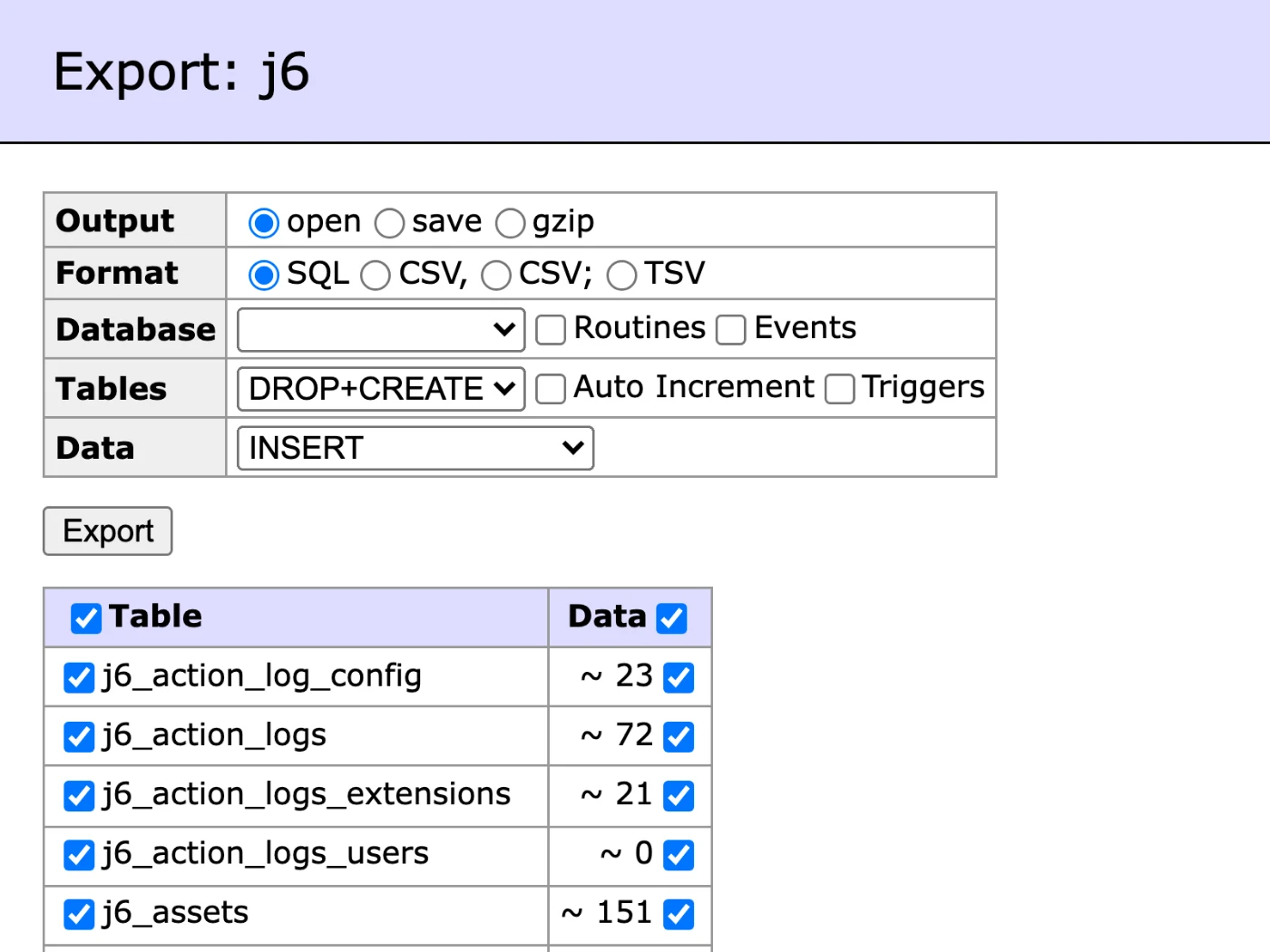
Back up and restore your Joomla database
Export single tables or the whole database as SQL, CSV or TSV, gzipped if you like. Import an .sql or .sql.gz file to restore a backup or move data between sites.
- SQL, CSV and TSV, plain or gzip
- Structure, data or both
- Import .sql and .sql.gz files
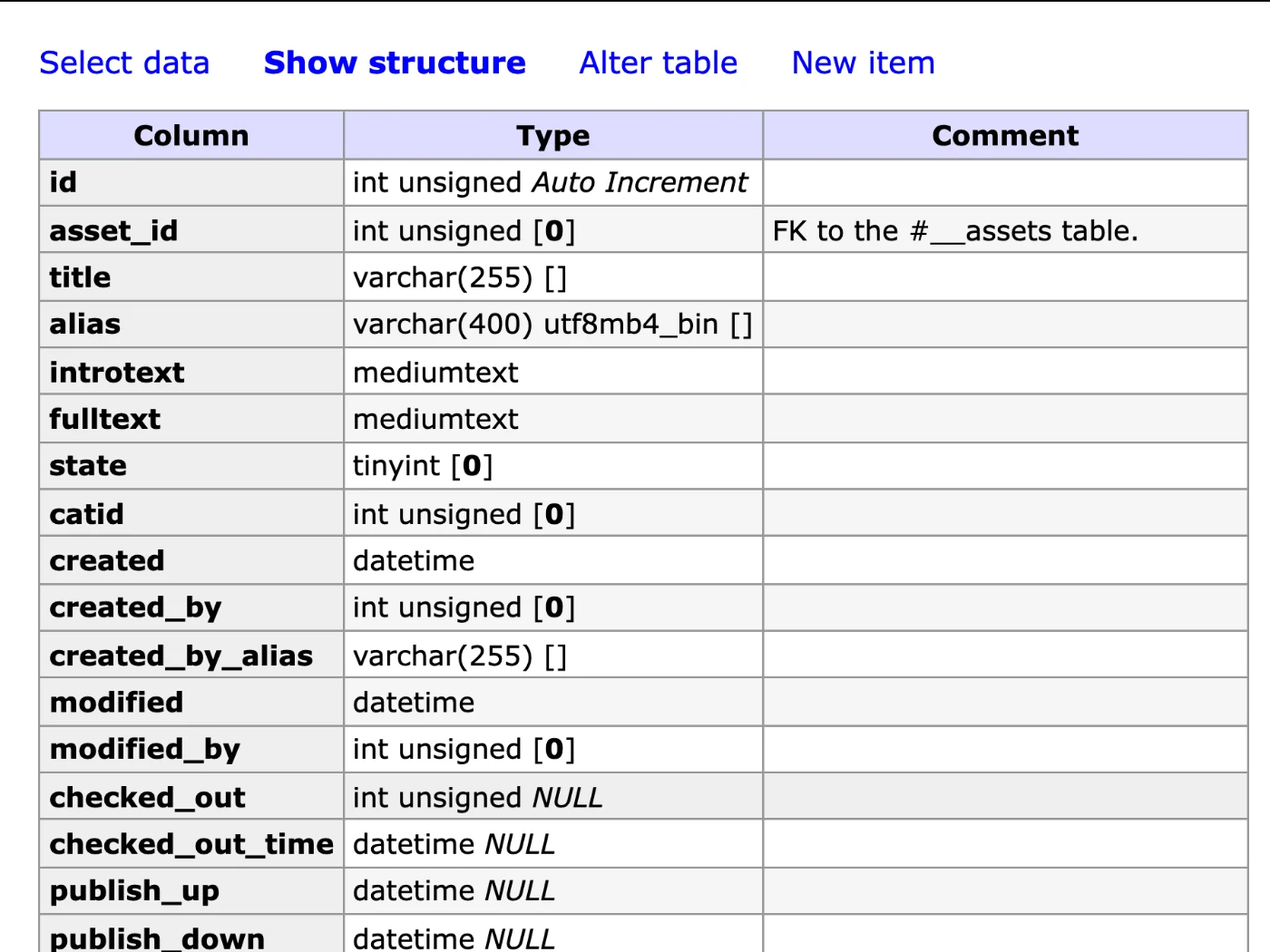
Joomla table structure: columns, indexes and keys
See how each table is built and change it: add or alter columns, indexes, foreign keys and triggers, or create a new table.
- Alter table and create table
- Indexes, foreign keys and triggers
- Database schema diagram
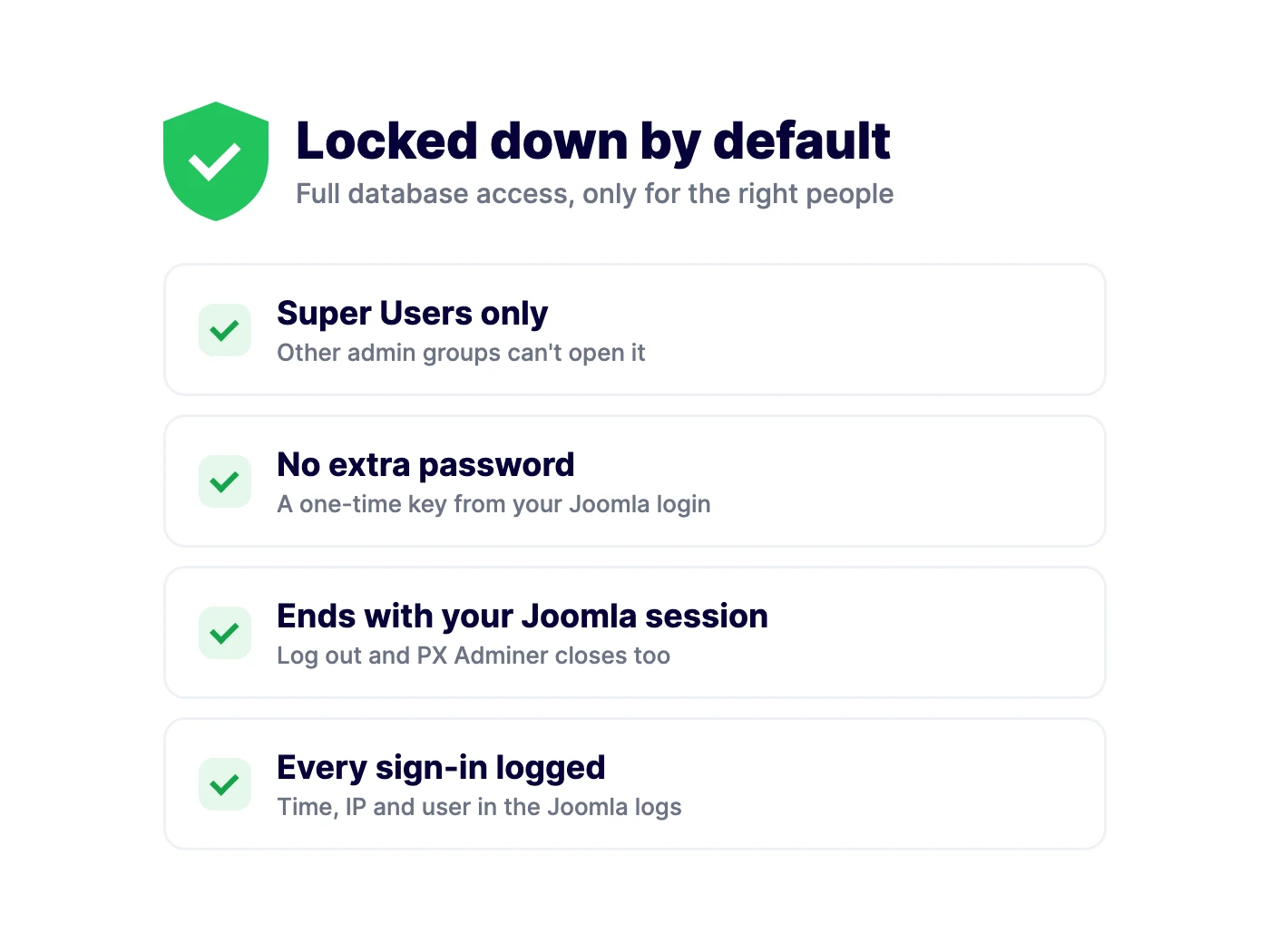
Joomla Super Users only, no extra password
Only Super Users can open PX Adminer. Joomla hands it a one-time key, it stays tied to your Joomla login and it always uses your own site database. Every sign-in is logged.
- Super Users only
- Closes when you log out of Joomla
- Never connects to another server
How to install PX Adminer in Joomla
Install the package
Upload it in the Joomla extension manager, like any other extension.Set it up
Adjust the options to fit your site from one settings screen.Stay up to date
One-click updates from the Joomla update screen — free, no download key needed.All PX Adminer features
Everything you get out of the box — no add-ons to buy.
- Browse, search, sort and filter any table
- Search a value in all tables at once
- Edit, add, clone and delete rows
- SQL command with syntax highlighting and history
- Export to SQL, CSV or TSV, plain or gzip
- Import .sql and .sql.gz files
- Alter tables, indexes, foreign keys and triggers
- Super Users only, no extra password
- Tied to your Joomla session, sign-ins logged
- Free · Joomla 5 & 6 · PHP 8.1+ · MySQL / MariaDB
PX Adminer is free.
Free to download, free to use.
PX Adminer is free for every registered user. Want all our premium templates too? Have a look at our membership plans.
PX Adminer updates & FAQ
PX Adminer is actively maintained and kept compatible with the latest Joomla releases.
PX Adminer changelog
- v1.0.0 Oct 18, 2026 Initial release: a database manager inside the Joomla administrator, Super Users only, one-time sign-in from your Joomla session.
Frequently asked questions
Is PX Adminer really free?
Yes. Sign up for a free account and download PX Adminer — no credit card, no membership.
Can I use it on client websites?
Yes, on as many websites as you like. It is released under the GPL.
How do I update PX Adminer?
New versions show up in System » Update » Extensions in Joomla. Select it and click Update — no download key needed.
Will it work with my template?
Yes — our extensions do not depend on a specific template or framework.
Can you build a custom extension for me?
Yes — we build components, modules and plugins for Joomla 5 and 6, from a small tweak to a complete application.

