
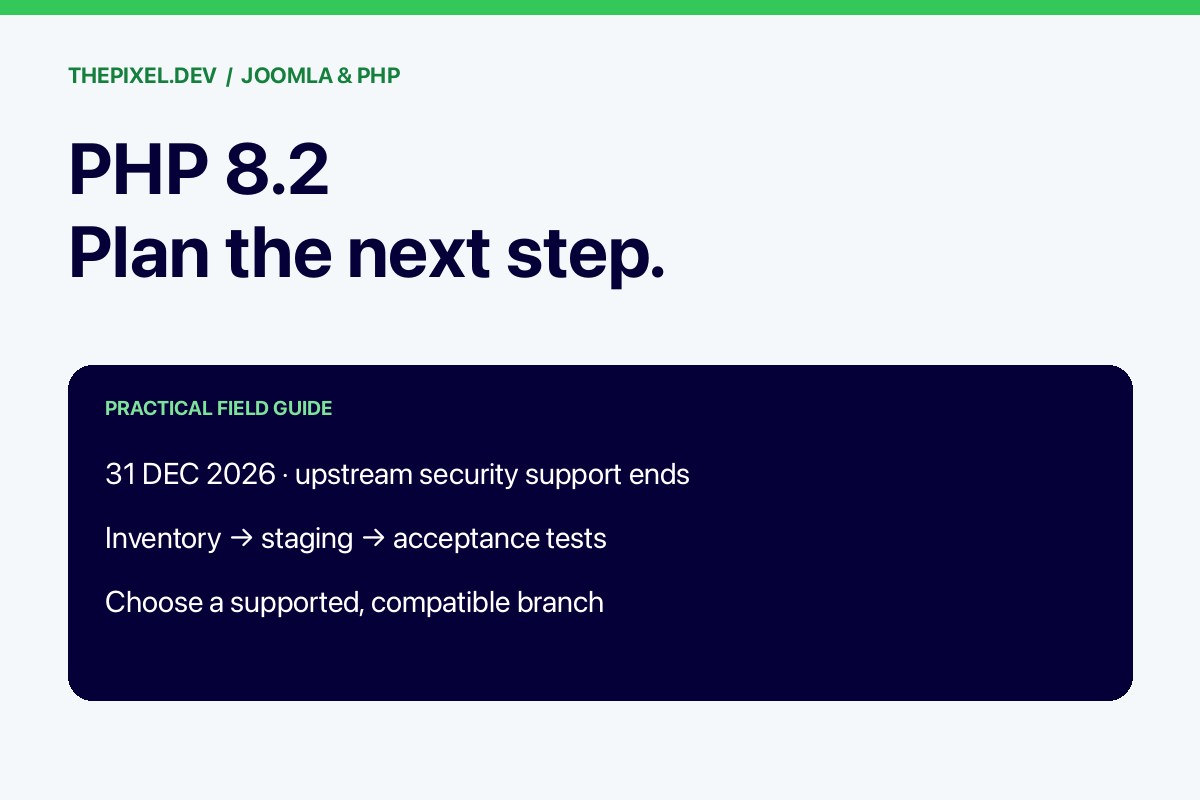

PHP 8.2 reaches the end of upstream security support on 31 December 2026. For a Joomla owner, the useful question is which supported PHP branch the complete website can run on, and what must change before the switch. Start the compatibility work while there is time to replace an extension or coordinate hosting.
End of support is a maintenance deadline
The upstream support date does not make a site stop working at midnight. It means that branch no longer receives the PHP project’s normal security maintenance. A vendor may offer extended support; ask what it covers, for how long, at what cost, and which package provides it. Do not confuse a hosting panel that still offers PHP 8.2 with a security-support commitment.
Choose a target with enough useful life
As checked on 23 October 2026, PHP’s published security-support end dates are 31 December 2027 for 8.3, 31 December 2028 for 8.4 and 31 December 2029 for 8.5. These dates help compare maintenance horizons, but compatibility still decides what is suitable for a particular site. Recheck the official schedule before committing a project.
Joomla 6 requires PHP 8.3 or newer according to the versioned requirements. That core requirement does not establish support for every template, payment plugin or custom integration. Select a currently patched build on a branch supported by Joomla and all essential dependencies. Do not select an older patch simply because a tutorial names it.
Step 1: inventory the whole site
Record Joomla, the template framework, components, modules, plugins, overrides and custom scripts. Add hosting controls, database requirements and PHP modules. Mark which extensions are business-critical, which have current vendor support and which cannot be replaced without moving data.
- For a shop, include checkout, shipping, tax, payment callbacks and order email.
- For a membership site, include login, access levels, renewals and recurring jobs.
- For CiviCRM, include contribution pages, mailings, scheduled tasks and integrations.
- For an agency, keep one inventory per site, even when sites share a server.
Step 2: compare three possible routes
| Route | When it fits | What to establish |
|---|---|---|
| PHP branch upgrade | Core and required extensions support the target | Staging tests and hosting availability |
| Upgrade plus compatibility work | A small, maintainable set of code changes is needed | Fixed scope and ownership of future patches |
| Joomla migration or replacement | Unsupported core or abandoned components block a maintainable route | Data, URLs, integrations, acceptance criteria and budget |
Request itemized findings rather than a promise to “make everything PHP compatible.” If a vendor extension needs a paid release, include license cost and access in the plan. If it needs custom patches, ask how the next vendor update will preserve those changes.
Step 3: build a safe staging environment
Make and verify a backup, clone the site and restrict staging access. Prevent search indexing, outgoing customer mail, live payments and duplicated scheduled work. Match the intended production PHP configuration and relevant modules. Read the PHP migration notes for every branch crossed; skipping a branch in hosting does not skip its compatibility changes.
Step 4: run an acceptance list
Check representative URLs, administrator login, editing and uploads. Then test forms and the site-specific workflows from the inventory. Use controlled recipients and sandbox transactions. Record failures and fixes, and check relevant logs after each test group. Include scheduled work: a successful web request does not prove a cron command uses the intended runtime.
Step 5: schedule the production switch
Allow time for vendor support and a second test cycle. Agree the deployment window, final backup, runtime switch, verification and rollback conditions. For sites taking orders or registrations, define how new live data will be preserved. A staging database copied weeks earlier must not overwrite current transactions.
After deployment, verify the runtime serving the domain, repeat critical tests and watch error and job logs during the agreed follow-up period. Record the next support deadline so the exercise does not become another emergency.
Keep urgent patching separate from this project
If the site also needs the October 2026 PHP security fix, do not wait for the entire end-of-life project. Ask the host to establish patch status now, using an upstream fixed release or documented vendor backport. A security patch can close the immediate issue while compatibility work prepares the next branch.
References
- PHP supported versions and end dates.
- Joomla technical requirements — select your Joomla version.
- PHP 8.3 migration guide and subsequent branch guides.
Need help with your site?
Send us the URL, hosting provider and the problem you need resolved. Our Joomla PHP upgrade and compatibility service starts with a scoped assessment and a written quote.