

On 21 October 2026 the PHP project released PHP 8.5.12, 8.4.27, 8.3.36 and 8.2.35 to fix two critical vulnerabilities that can let an unauthenticated visitor run code on the server. Joomla is not the bug – PHP is – so every Joomla site is exposed until the PHP that runs it is updated. This is what to check today, what to ask your host, and what to do if the update isn't available yet.
What was fixed
- CVE-2026-109618 – remote code execution through out-of-memory handling: PHP can be interrupted while internal request data is only partly set up, and the cleanup then treats that data as valid.
- CVE-2026-109619 – remote code execution through stale global state: request data can outlive its memory and be used by the next request handled by the same worker.
According to the PHP security team, every installation that serves web requests is at risk – PHP-FPM, Apache with mod_php, php-cgi, FrankenPHP and LiteSpeed – and the risk is highest with mod_php, where a demonstrated exploit runs before any application code. In other words: your Joomla version, extensions and passwords don't matter here. Only the PHP build does.
Source: php.net security advisory.
1. Check which PHP your site runs
In Joomla: System → System Information → System Information, row "PHP Version". Compare it with the fixed releases:
| Your branch | Safe from |
|---|---|
| PHP 8.5 | 8.5.12 |
| PHP 8.4 | 8.4.27 |
| PHP 8.3 | 8.3.36 |
| PHP 8.2 | 8.2.35 |
| PHP 8.1 and older | no update from php.net – move to a supported branch or ask your host about a backported fix |
From a shell, php -v shows the command-line PHP, which is not always the one your site uses. The admin screen above (or a phpinfo() page you delete right after) shows the one that matters.
2. Shared hosting: ask your host, then switch
On cPanel, Plesk, SiteGround, GoDaddy and similar hosts you can't install PHP yourself. Linux distributions and LTS vendors received the patches in advance, so most hosts will roll them out quickly – but check, don't assume:
- Ask support: "Is PHP on my account updated to 8.3.36 / 8.4.27 (the 21 October security release)?"
- When it is, make sure your site uses that build (MultiPHP Manager, PHP Selector or Site Tools → PHP Manager) and recheck System Information.
- If your account is on PHP 8.1 or older, this is the moment to move: Joomla 5.4 needs PHP 8.1+, Joomla 6 needs 8.3+.
3. VPS or dedicated server: update and restart PHP
# Debian / Ubuntu packages (names depend on your repository)
apt update
apt list --upgradable | grep php
apt install --only-upgrade 'php8.3-*'   # or php8.4-*, …
systemctl restart php8.3-fpm            # restart every PHP worker pool you run
Restart every FPM service (and Apache if you use mod_php), then check the version the site reports. The PHP team notes that the volunteer-run remirepo will not have updates on release day; if you use it, switch to your distribution's packages or build from source.
4. If you can't update today
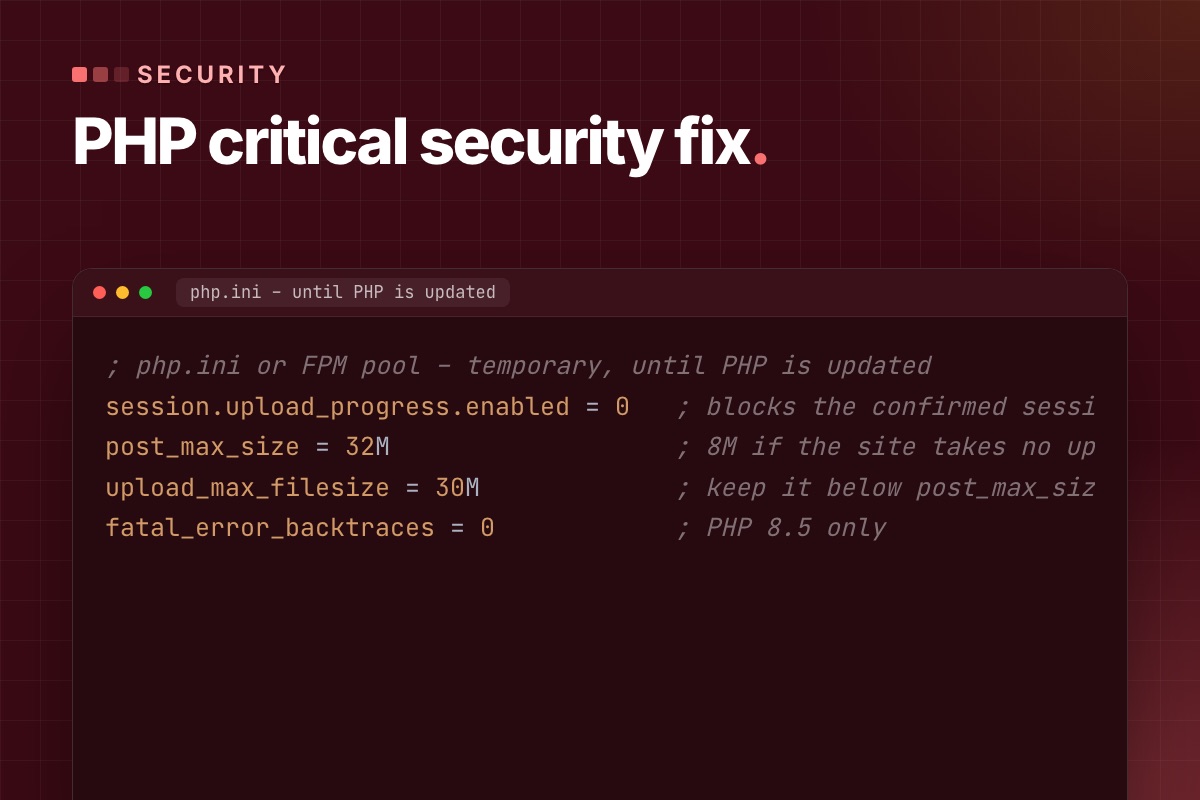
The advisory lists measures that reduce exposure. None of them makes PHP safe; they buy time until the update. Set them where they apply before the request is parsed – php.ini, the FPM pool or the server configuration, not .user.ini and not ini_set() – and restart every worker:
; php.ini or FPM pool – temporary, until PHP is updated
session.upload_progress.enabled = 0   ; blocks the confirmed session path
post_max_size = 32M                   ; 8M if the site takes no uploads
upload_max_filesize = 30M             ; keep it below post_max_size
fatal_error_backtraces = 0            ; PHP 8.5 only
- Uploads in Joomla: 32M covers normal media uploads. Large extension packages and Akeeba archives are better uploaded by SFTP while the limit is low.
- memory_limit = -1 is also in the advisory (it removes the controllable memory-limit failure). On a server that hosts many sites, an unlimited PHP process can take the whole machine down – only do it with a container or cgroup limit around PHP.
- Fix fatal errors and timeouts that a visitor can trigger: check Joomla's
administrator/logsand the PHP error log for repeated fatals on public URLs.
5. After the update
- Remove the temporary limits you added in step 4 that your site doesn't need, and restart PHP again.
- Check the site as a visitor and as an editor: front page, a form, a media upload, the admin login.
- Look for signs of an earlier break-in: new PHP files in
images/,tmp/ormedia/, unknown Super Users, changed.htaccess. A quick way is to compare the files with your last backup.
What we did on our own servers
Our servers run PHP from the CloudPanel repository, which on 21 October did not have the fixed builds yet. We applied the temporary settings above to every PHP version on both servers, restarted all PHP-FPM pools the same morning, and we update to the fixed releases as soon as the packages are published.
Not sure what your site runs, or your host is slow? We check the PHP version of your Joomla site, get it updated (or apply the temporary settings until it is), and test the site afterwards.