
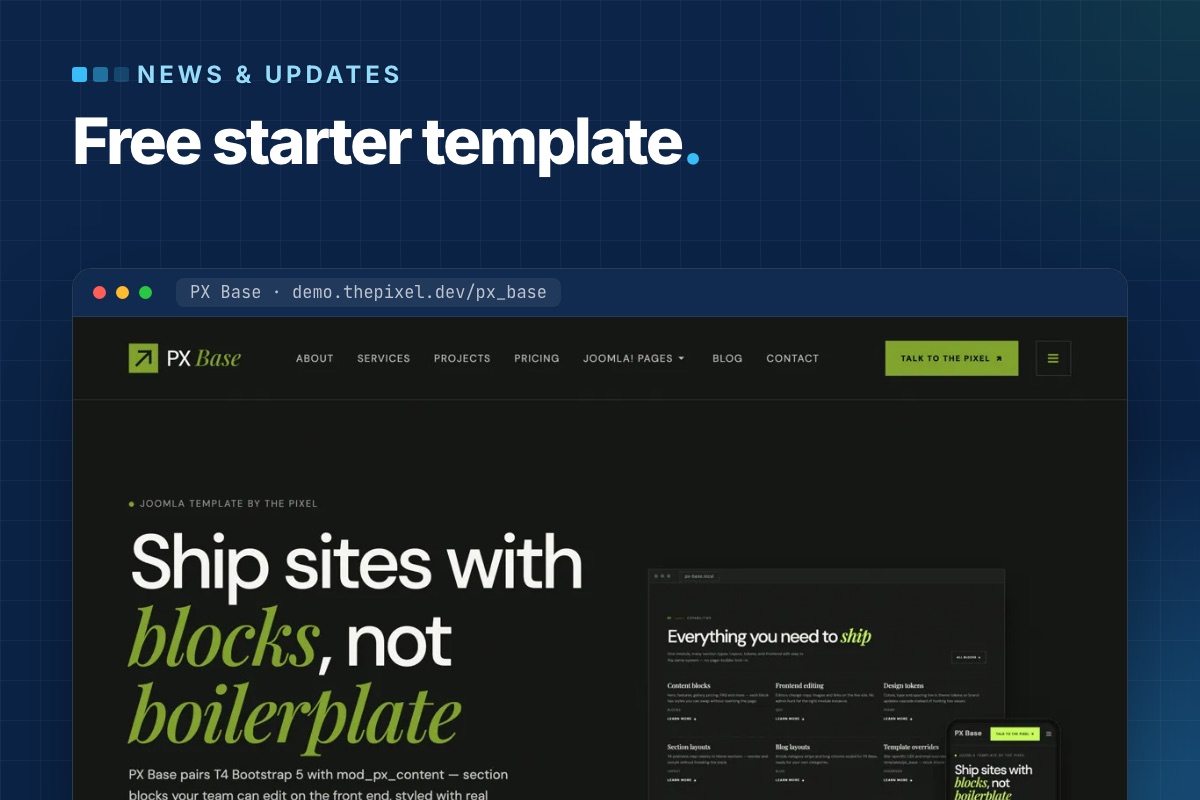

PX Base is out: a free starter template for Joomla 6. Every section of its pages is a PX Content block that you pick, style and edit right on the page, and the quickstart installs a complete seven-page site in one step. Download it with a free ThePixel.dev account and use it on as many sites as you like.
Why we built a starter template
Most of our client sites start the same way: a hero, a row of features, some logos, a pricing table, testimonials, an FAQ and a call to action. Building those sections again for every project – or pasting demo HTML into overrides – is slow, and it leaves editors with markup they cannot change.
PX Base keeps the structure in blocks and the look in the template. Editors change texts and images; the section layout stays put.
Twelve block types, twenty styles
Each section is a PX Content module that shows one block. PX Base ships with 12 block types in 20 styles:
| Block | Styles | On the demo |
|---|---|---|
| Hero | 2 | Home hero, page headers |
| Features Intro | 4 | Capabilities, “Why PX Base”, the four-step workflow |
| Clients | 3 | Logo strip, scrolling capability strip |
| Gallery | 2 | Project showcase |
| Accordion | 2 | FAQ on Home and Contact |
| Pricing, Testimonials, Team, Stats, Timeline, Contact Info, Call To Action | 1 each | Plans, quotes slider, team, numbers, closing band |
The full settings of a block are also available as Advanced JSON, so you can copy a section to another module or another site.
Edit on the page
Log in on the front end and click Edit content. Double-click a heading or paragraph to change it in place and save with Ctrl/⌘+Enter; images open the Media Manager. Each block gets a Settings panel for spacing, alignment and button styles, plus a link to the full module.
It works for users who may edit modules, so you decide who gets it with normal Joomla permissions. Editing can be turned off per module (Frontend Inline Edit on the Advanced tab).
Seven pages in the quickstart
The quickstart is Joomla 6.2 with PX Base, PX Content, T4 Framework and the demo content: Home, About, Services, Projects, Pricing, Blog and Contact, with menus and images. The Joomla views – login, registration, password reset, articles, categories, tags, search, contact and the 404 page – use the same design, each with its own page header.
It installs like any Joomla package in the browser. On a server with shell access you can also run the installer from the command line:
# unzip px_base_quickstart_v1.0.0.zip in the site folder, create an empty database, then:
php installation/joomla.php install --site-name="My site" \
  --admin-user="Admin" --admin-username=admin --admin-email="$ADMIN_EMAIL" \
  --admin-password='a-long-password' \
  --db-type=mysqli --db-host=localhost --db-name=mysite --db-user=mysite --db-pass='…' \
  --db-prefix=abc_ --db-encryption=0 -n
The installer creates your admin account and removes the installation folder. Demo users are not part of the package.
T4 Framework under the hood
PX Base is a T4 template on Bootstrap 5. Logo, fonts, colours, megamenu and layouts live on one settings screen with a live preview, and your own CSS goes in Tools » Edit Custom CSS, so it survives updates. Three template styles cover the site:
- PX Base - Home (layout
home): a hero inslideshow, thensection-1tosection-11. Home, About, Services, Projects and Pricing use it. - PX Base - Default (layout
default): page header, content and sidebars, for Blog, Contact and the Joomla views. - PX Base - No sidebar (layout
no-sidebar).
Updates through Joomla
The template manifest has an update server, so new versions of PX Base show up in System » Update » Extensions like any other extension, with a changelog – no download key needed.
Get PX Base
Sign up for a free account, then download the quickstart or the template package from the PX Base page. Try the live demo first, and read the documentation for the full setup.
Want it set up with your branding and pages? Template customization is what we do every week – or pick Pro + Launch and our developers set up your site in two business days.