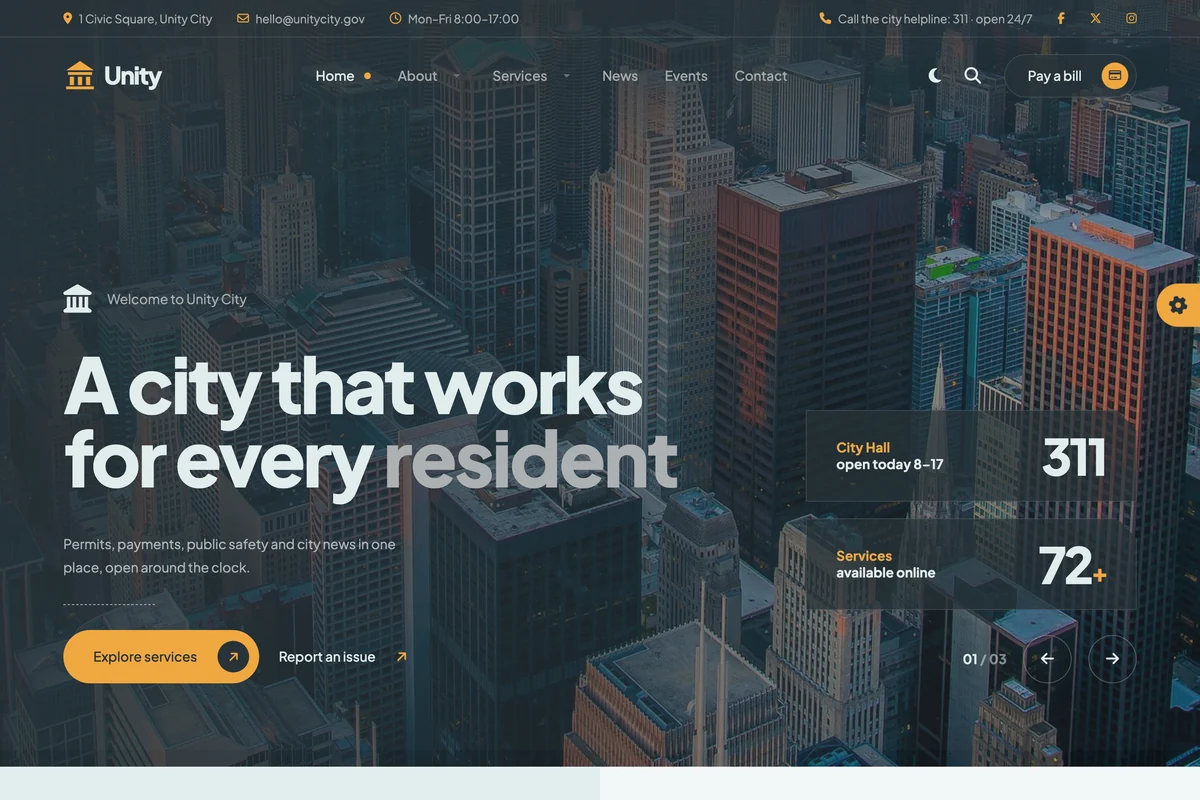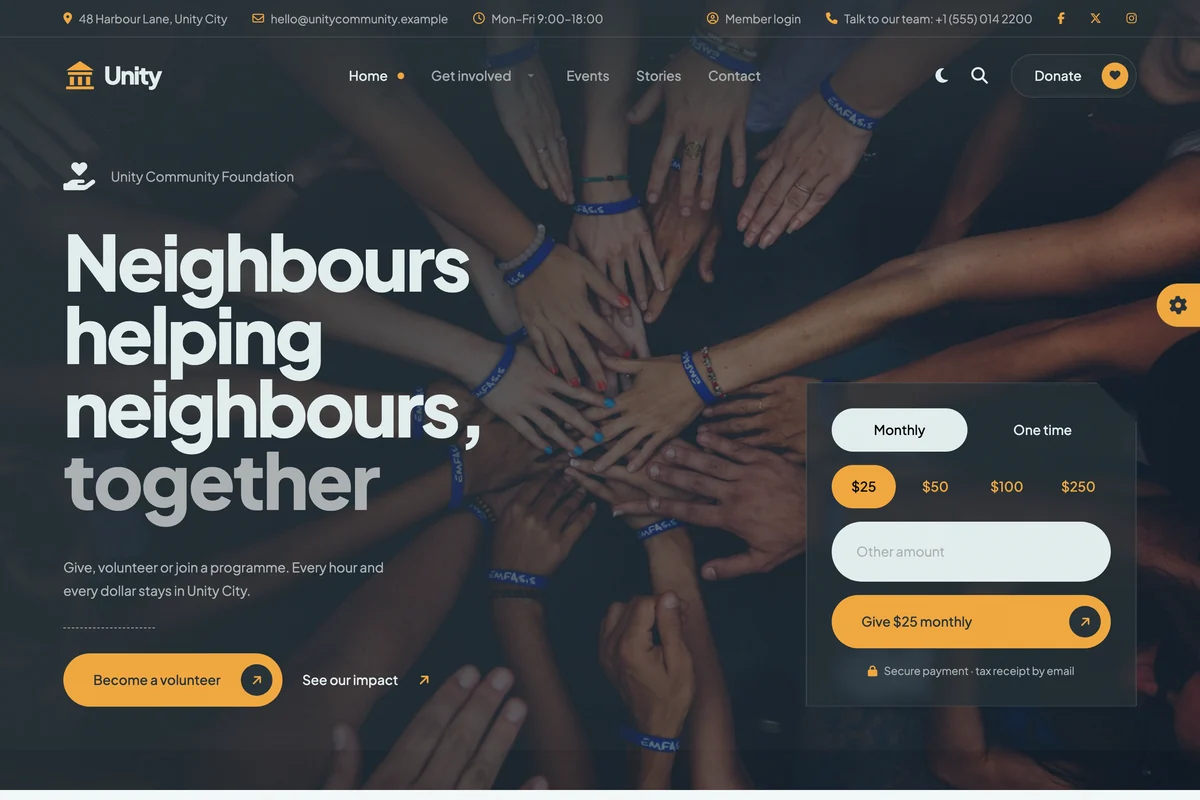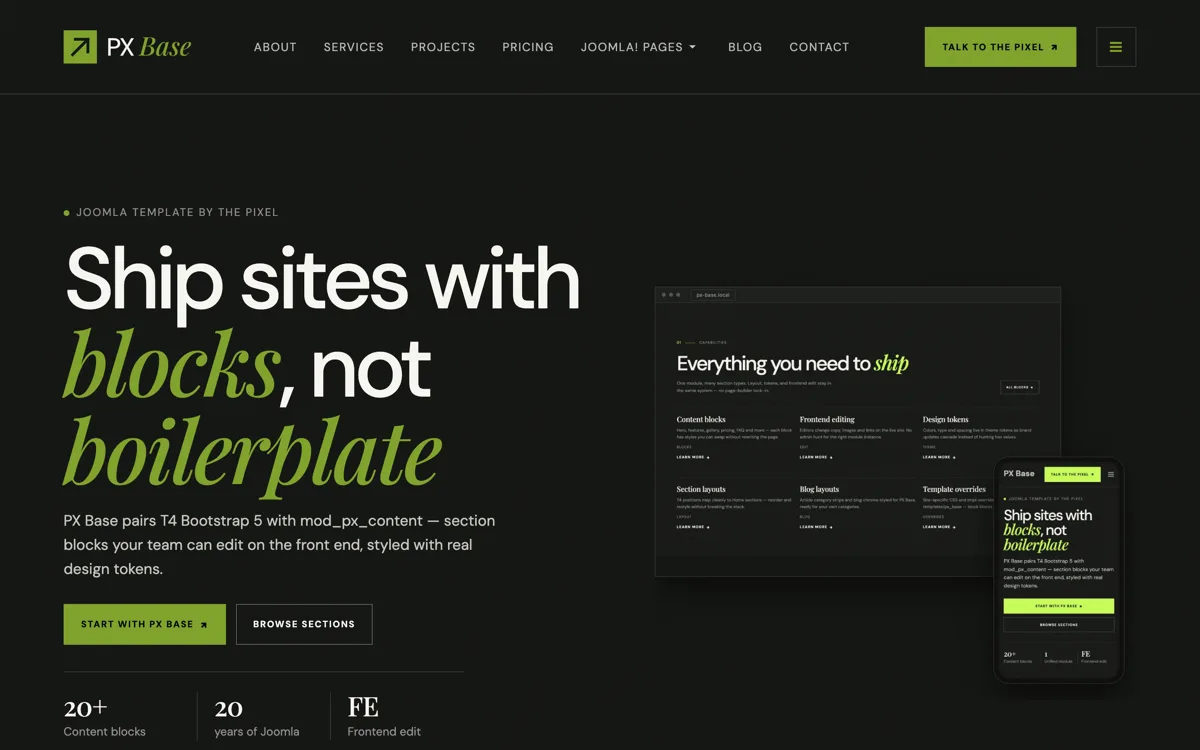
PX Unity is a Joomla template for city halls, councils and nonprofits. It comes with two home pages, one for a city and one for a community foundation, pages for services, departments, documents, news and events, and CiviCRM pages for donations, memberships, event registration and petitions that look like the rest of the site.
Two home pages from one design
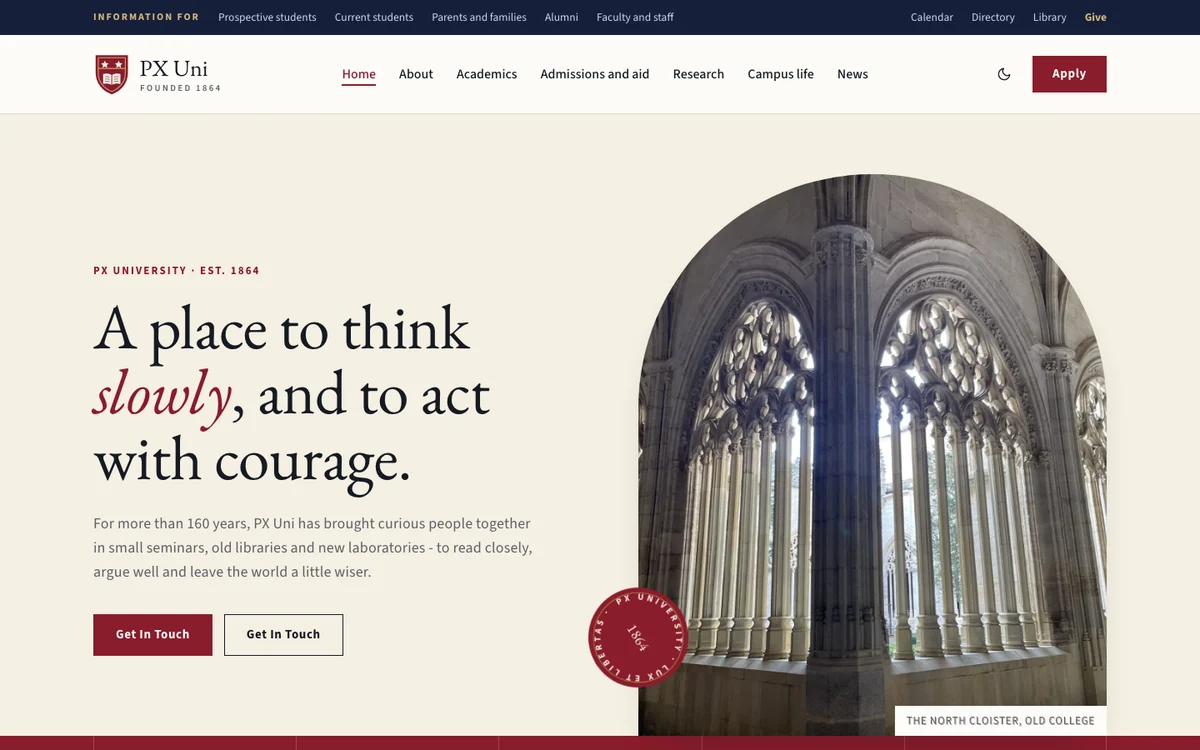
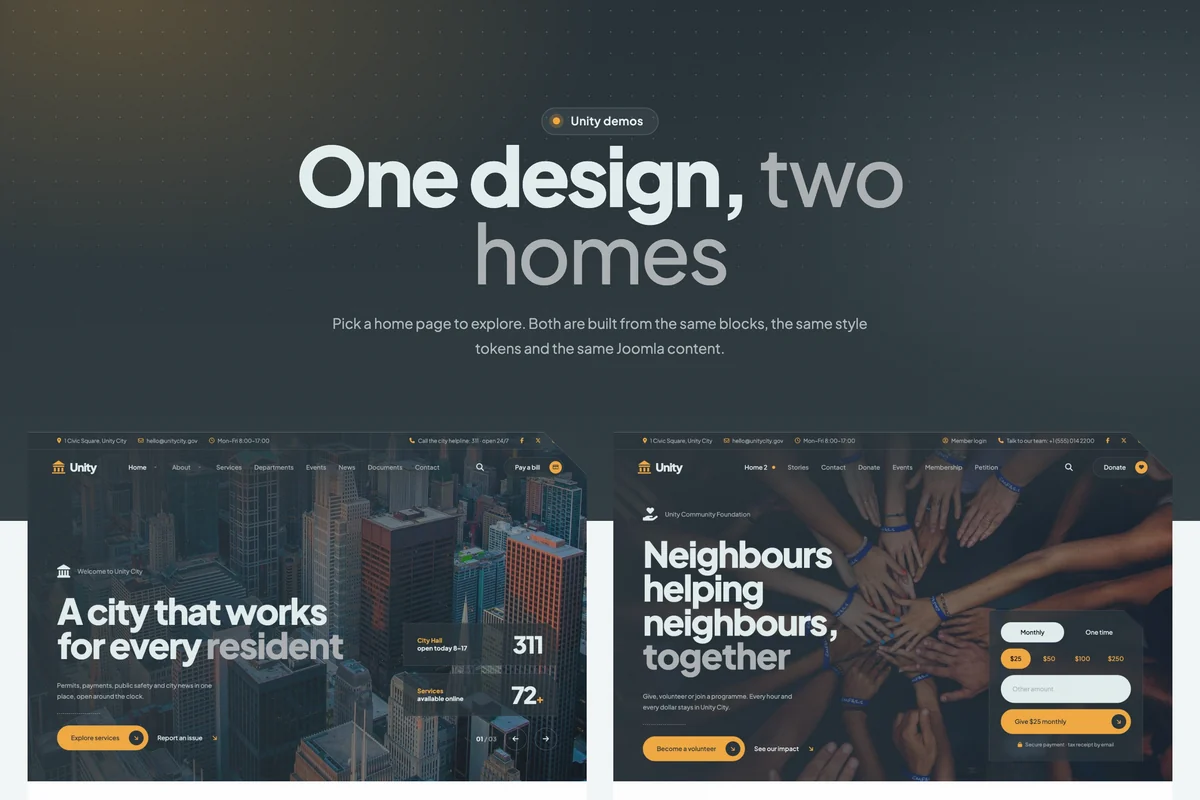
PX Unity comes with two complete home pages: a city hall that puts services, alerts, departments and public documents first, and a community foundation built around donations, volunteering, events and membership.
Both use the same blocks, colours and fonts, so you can start from one and borrow sections from the other.

CiviCRM pages that match your site
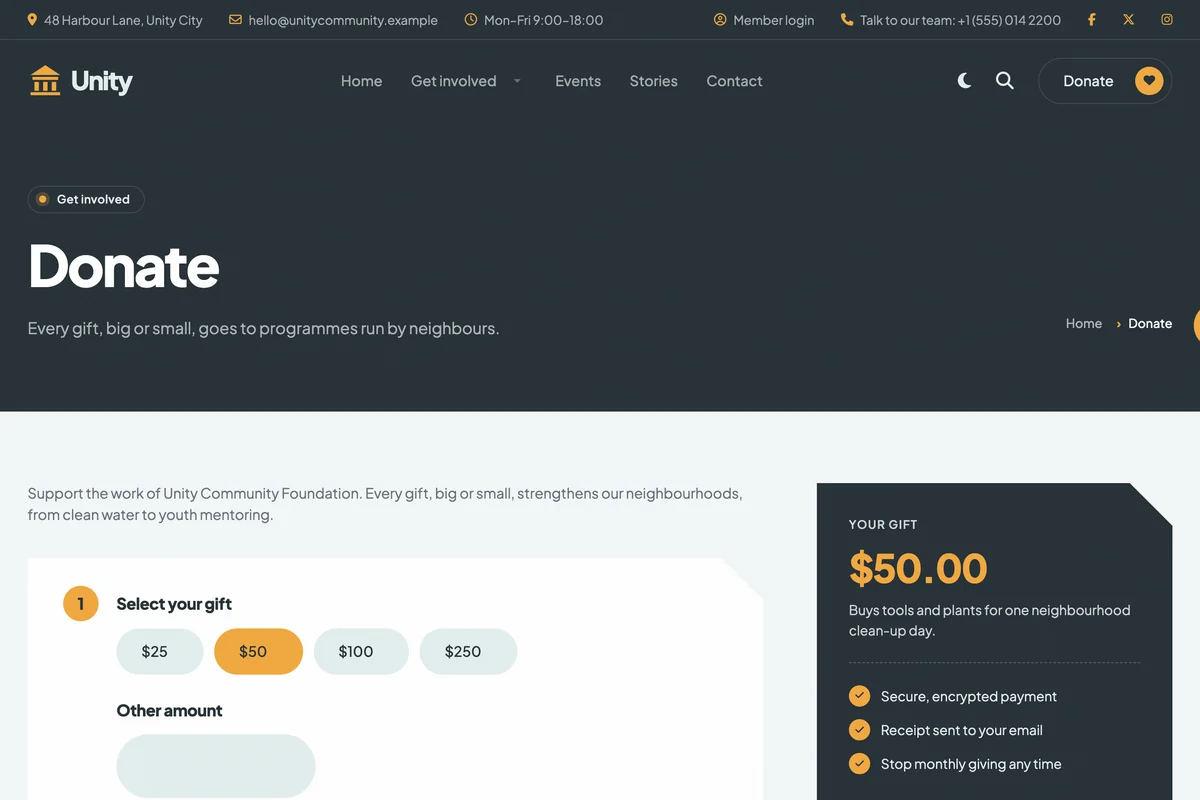
Donations, memberships, event registration and petitions run on CiviCRM, and PX Unity styles those pages like the rest of the site: the same page header and breadcrumbs, rounded fields, a summary card next to the form and buttons in your brand colour.
The quickstart installs CiviCRM with demo contacts, contribution pages, events, membership types and a petition, already set up for the new site.

Live numbers from CiviCRM on the home page
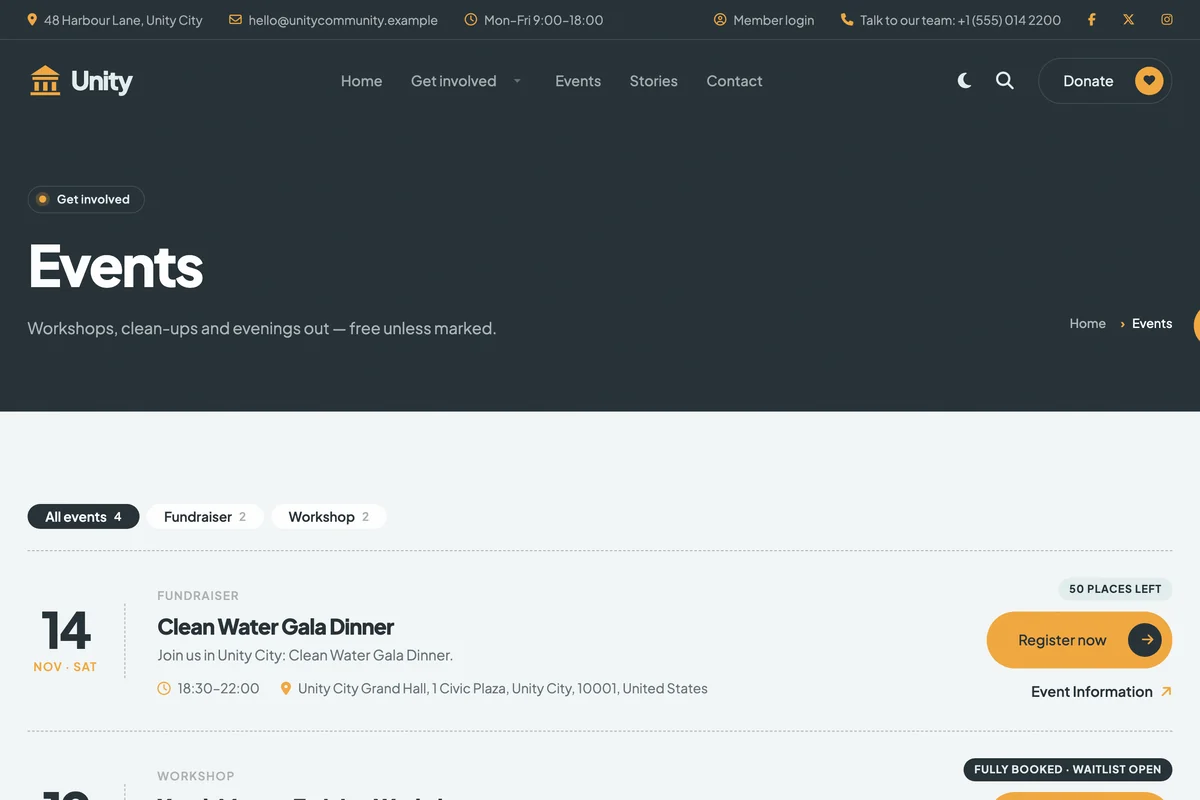
The campaign block shows the amount raised, the goal and the number of donors. The events block lists upcoming CiviCRM events with the places left, and switches to a waitlist button when an event is full. Membership cards read their prices from your membership types, and the petition block counts signatures.
Each block takes a CiviCRM ID in its settings. Without CiviCRM, the same blocks show the texts you type in.

Pages for city services
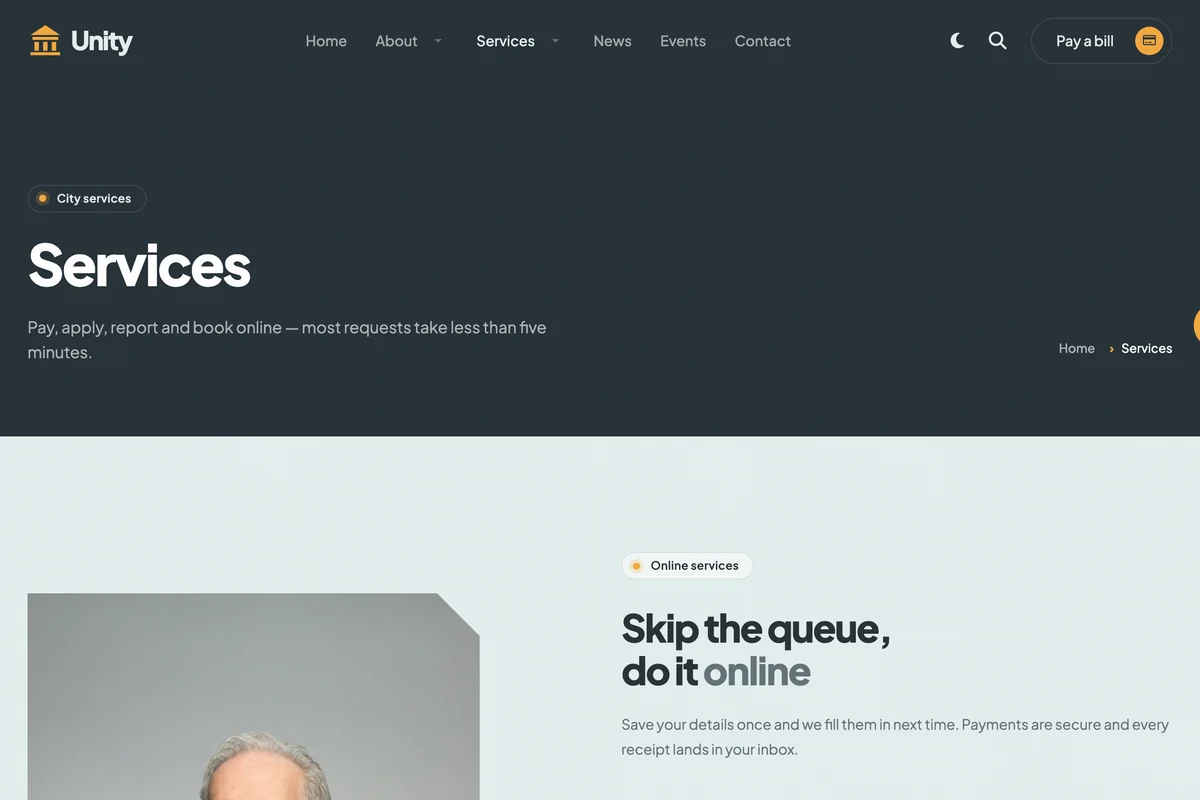
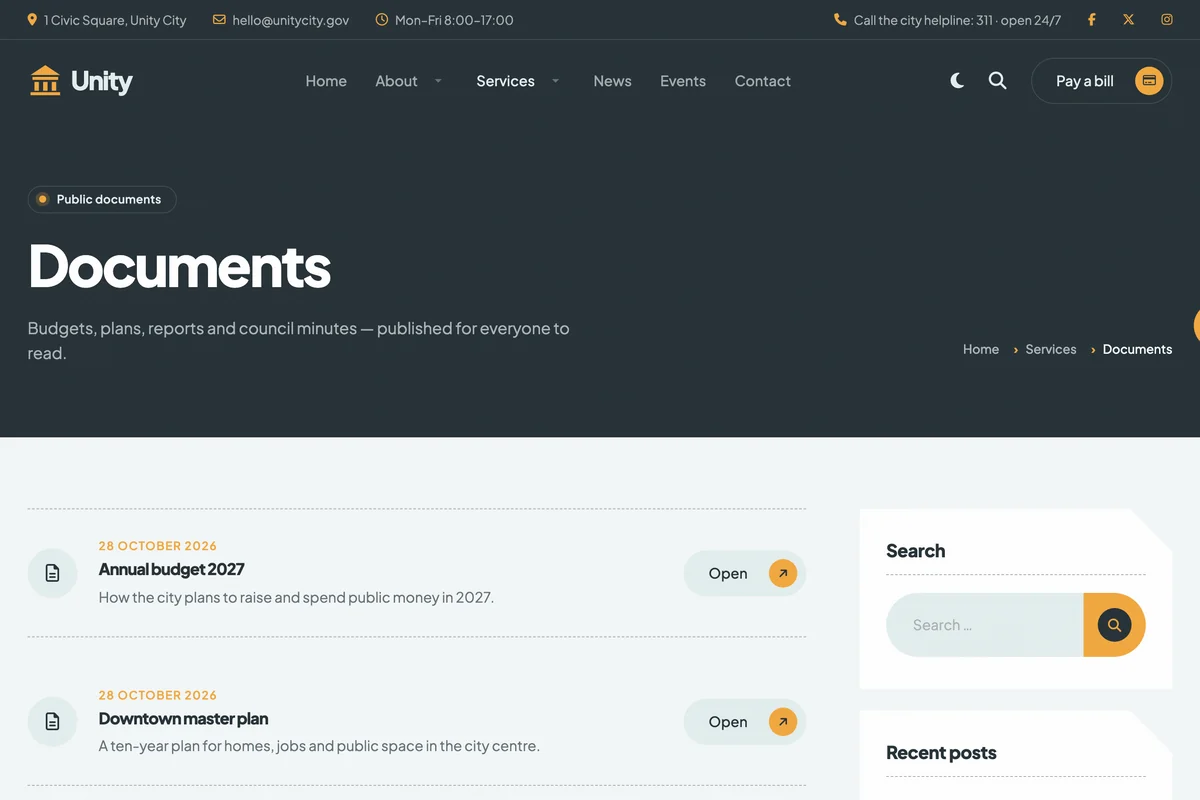
Services, departments, news, events and contact pages are ready to fill in. Public documents get their own list layout with the date, a short description and an open or download button, so budgets, plans and council minutes are easy to find.
Every inner page shares one page header with a badge, a short intro from the menu item and breadcrumbs.

Edit content right on the page
Every section is a PX Content block: 18 blocks made for PX Unity in 26 styles. Log in, click Edit content and double-click a heading or paragraph to change it in place, with bold and italic, or swap a photo from the Media Manager.
Need the other options of a block? Open its settings without leaving the page.

Light and dark mode
Every section has a dark version, cards and forms included. Visitors switch with the moon button in the header, and the choice is remembered on their next visit.
In the template settings you choose whether the site opens in light, dark or the visitor's system mode, or turn the toggle off.