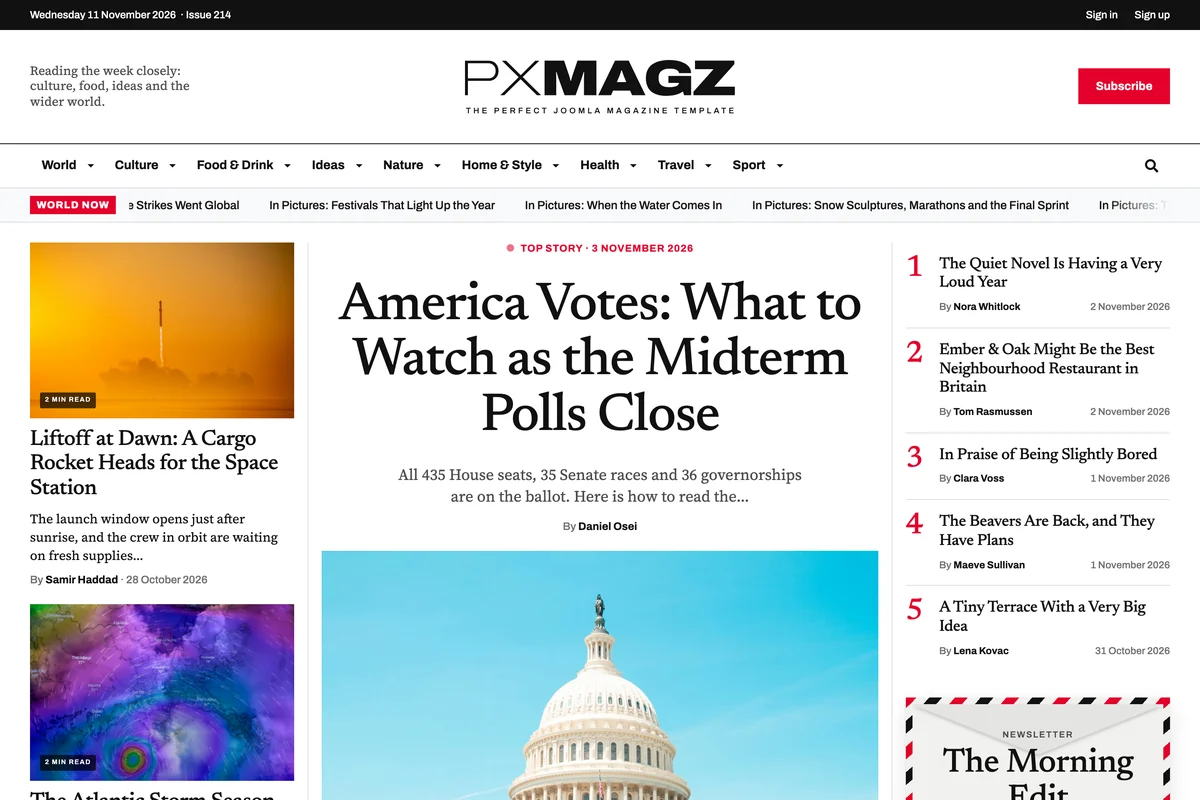
PX Magz is a Joomla 6 template for magazines and news sites. It comes with a real front page, nine sections with mega menus, photo stories, video and podcasts, writer profiles, advert slots and newsletter sign-ups, and a quickstart with more than 220 demo stories, built on T4 Framework and Bootstrap 5.
A front page that reads like a magazine
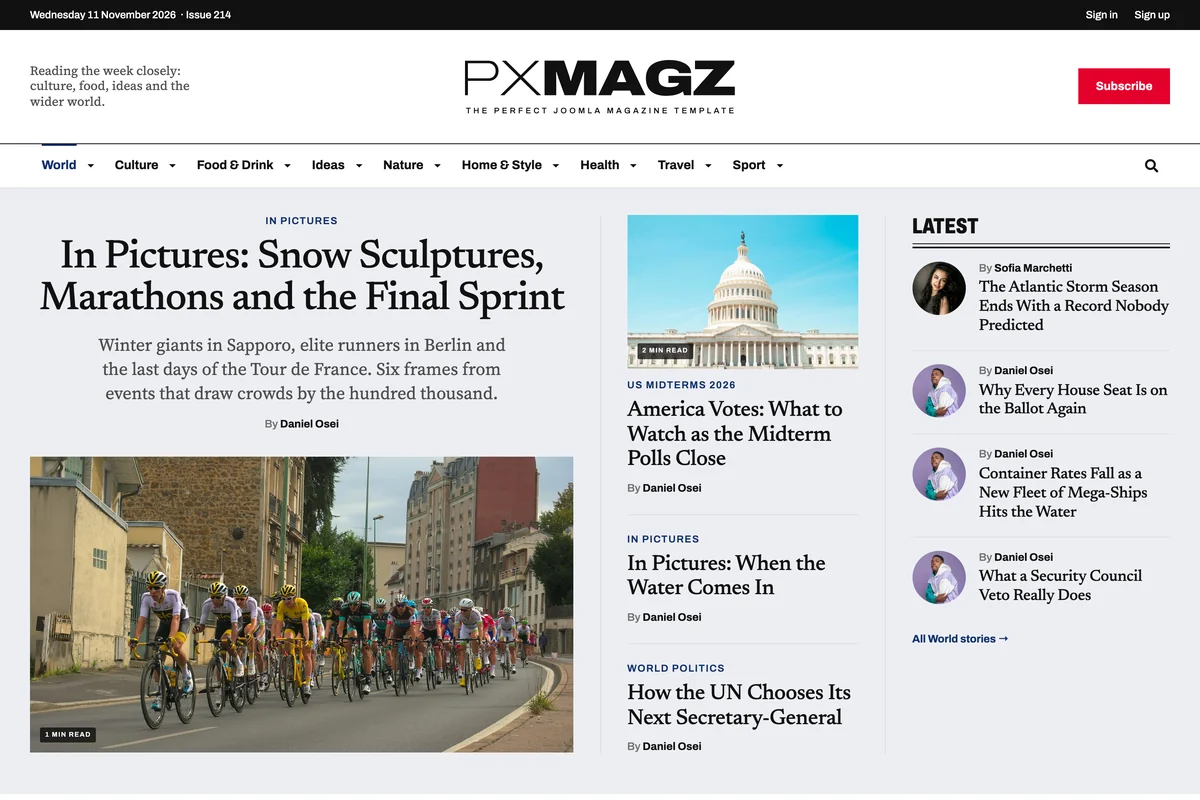
The home page puts a top story in the middle, the latest news and a numbered Most popular list beside it, a World now ticker under the menu, then a band for every section, this week's issue, the week ahead, podcasts and the writers.
Every block reads from your articles, so the page updates itself when you publish.

Nine sections, each with its own page and mega menu
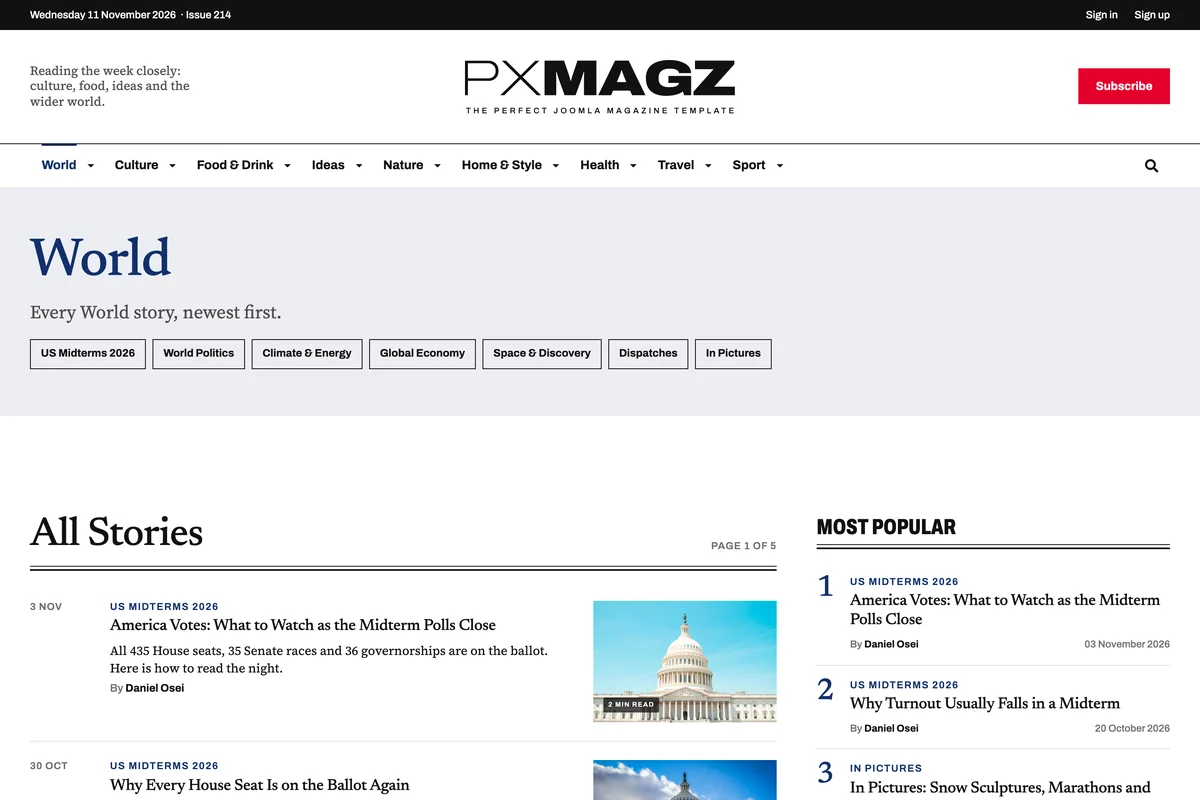
World, Culture, Food & Drink, Ideas, Nature, Home & Style, Health, Travel and Sport each open a section page with a spotlight, a band per subsection and an All stories list. Hovering a section in the menu opens a mega menu with its subsections and latest stories.
Give a section its own accent colour, heading voice and page tone in the category settings.

Photo stories, video and podcasts
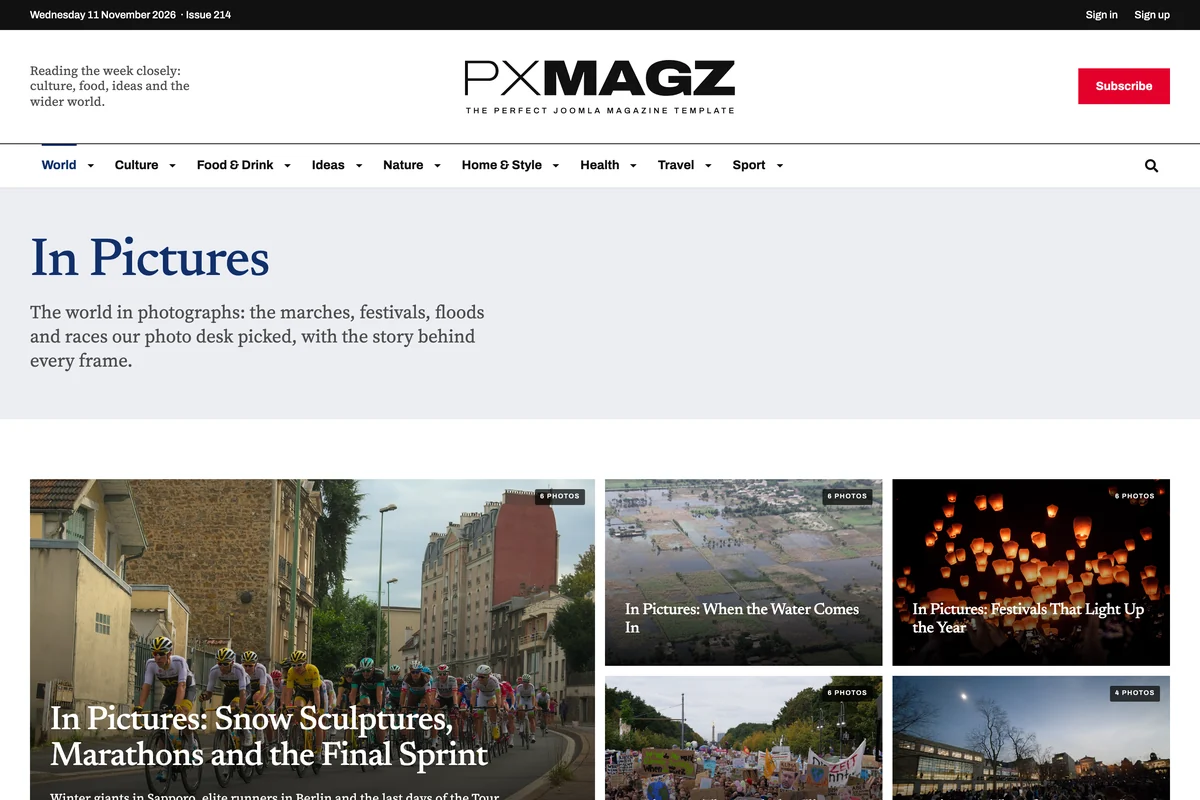
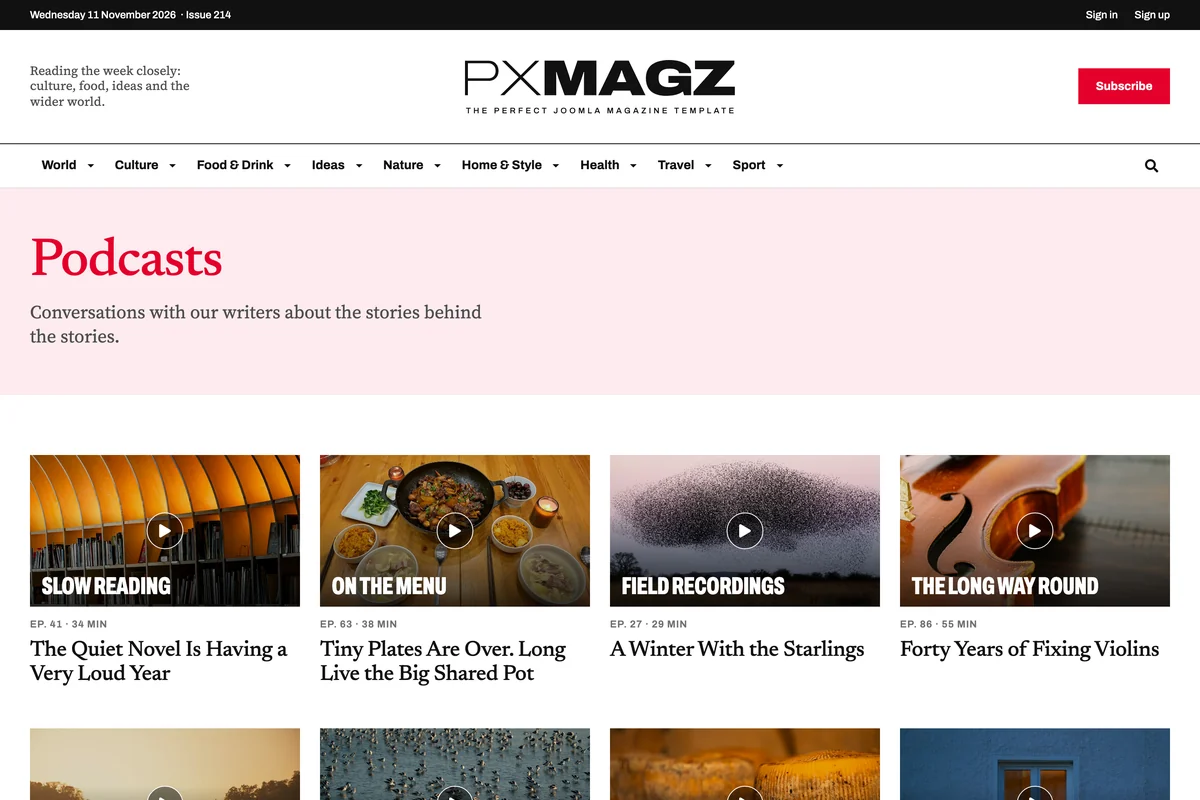
In Pictures lays out photo stories on a large grid, and each story shows its frames with captions from a gallery field. Articles can carry a YouTube or Vimeo video. The podcasts page lists episodes by show with their number and length.
All of it is filled in with fields on the article, no plugins to set up.

Articles made for reading, with real bylines
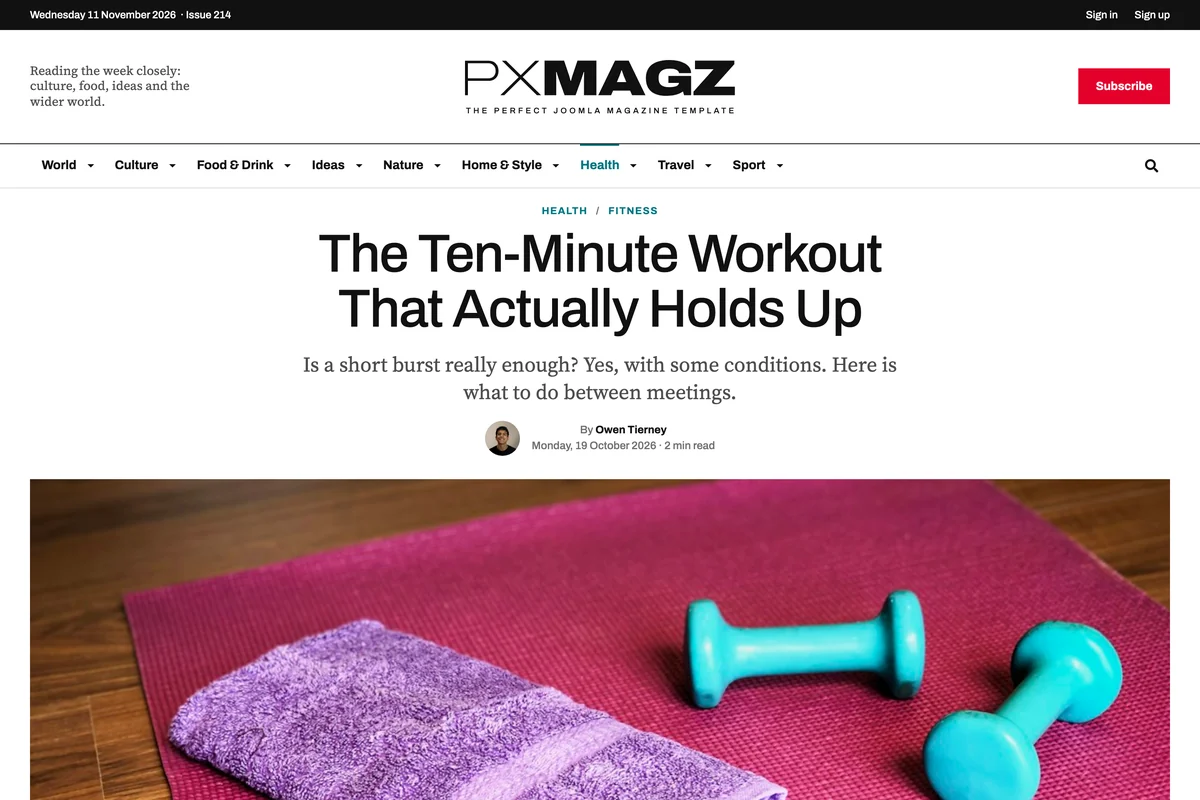
Articles open with a large headline, standfirst, byline and reading time, a drop cap and sharing buttons, and end with an author box: portrait, role and a short bio from the writer's profile.
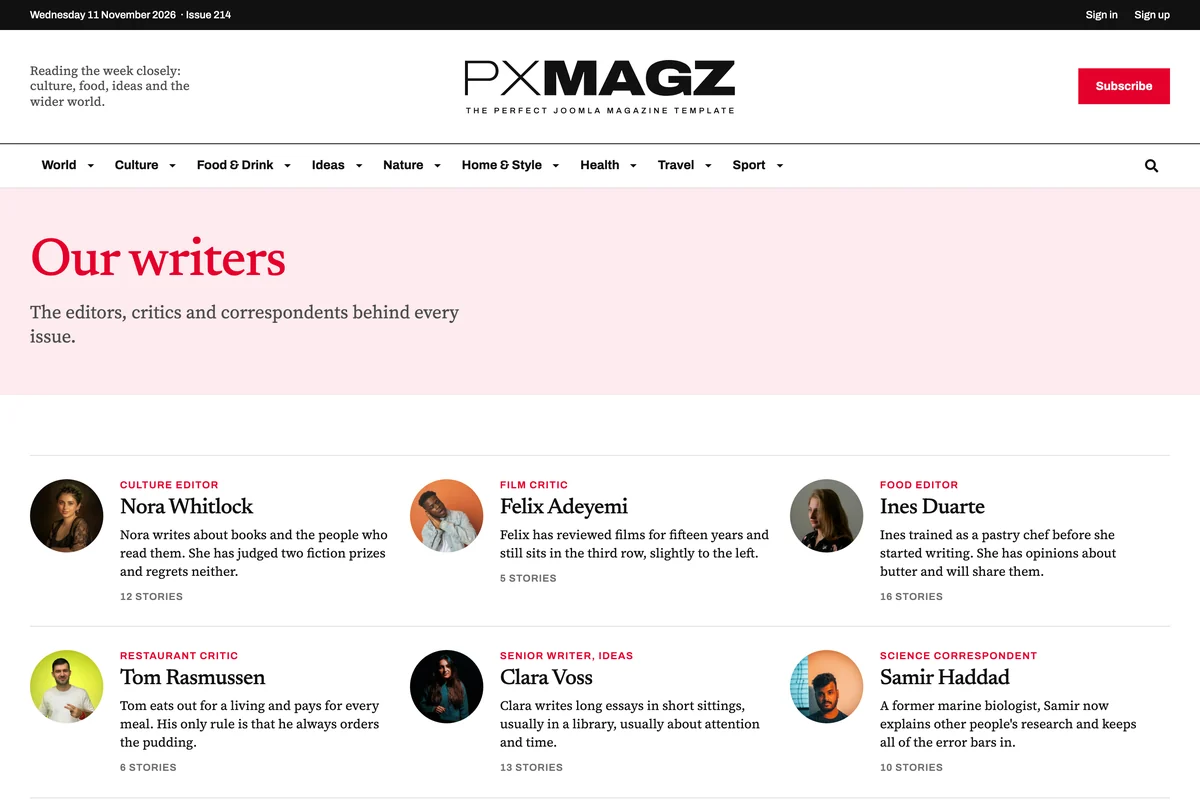
Pick one of nine article layouts per story (cover, poster, split, photo, type and more). Our writers lists every author with their beat and the number of stories they have filed.

Room for adverts and newsletters
Advert blocks come in typographic and photo styles for the leaderboard, the sidebar and the section bands. Newsletter sign-ups sit on the home page, in articles and in the footer, built on AcyMailing.
The Newsletters page lists each letter with what it brings and when.

Edit content right on the page
The issue cover, adverts, events, people, newsletter and social blocks are PX Content blocks made for PX Magz. Log in, click Edit content and double-click a headline to change it in place, or swap a picture from the Media Manager.
Stories are ordinary Joomla articles in categories, so your editors work the way they already do.