

A Joomla page speed extension changes what the browser receives: it minifies CSS and JavaScript, defers stylesheets, lazy-loads images and sets cache headers. It cannot make Joomla build the page faster, shrink an image that is too big, or remove a third-party script. Which of those is your problem decides whether an extension helps at all.
We tested the options of one such extension, PX SEO, one at a time on a real page and measured what changed. The numbers are below, including two results we did not expect. PX SEO is not released yet, so read this as a test of what these options do, not as a download recommendation.
Which problem do you have?
Split the delay in two before you install anything. First, how long does Joomla take to answer? Time to first byte (TTFB) shows it:
# terminal
curl -o /dev/null -s -w "TTFB %{time_starttransfer}s  total %{time_total}s\n" https://example.com/
A high TTFB is server work (around 0.8 s or more on a normal page is worth chasing; the number includes DNS and TLS time, so run it twice): queries, plugins that run on every request, a missing page cache, a slow host. No front-end extension touches it. Start with our Joomla performance guide and the FAQ on which cache setting to use.
If TTFB is fine and the page still feels slow, the weight is in the front end: many CSS and JS files, images without sizes, a hero image that loads late. That is the part an extension can work on.
What an extension can change
- CSS and JavaScript files: minify them and put them in the page, so there are fewer requests.
- Render-blocking CSS: load a stylesheet after the first paint instead of before it.
- Images: add
widthandheightso the layout does not jump, and lazy-load the ones below the fold. - Response headers: tell the browser it may keep a page.
What we measured
We used the home page of our own site on a local Joomla 6.2 install (T4 template, Apache, no page cache), and switched PX SEO's options on one at a time. Same page, same server, configuration restored afterwards. This is one page and one run per option, with no front-end timing, so your numbers will differ.
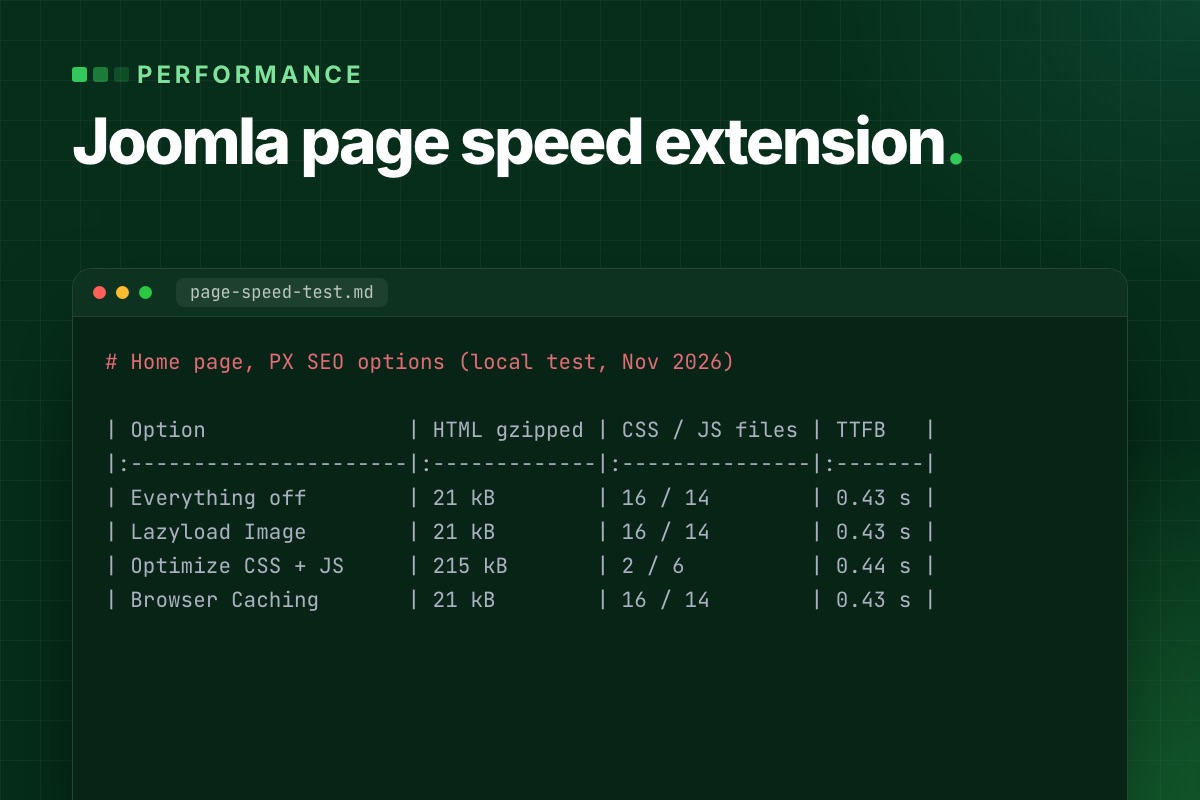
| PX SEO option | HTML (raw / gzipped) | CSS files / JS files | Images with width and height | Lazy-loaded images | TTFB (median of 5) |
|---|---|---|---|---|---|
| Everything off | 98 kB / 21 kB | 16 / 14 | 24 of 50 | 35 of 50 | 0.43 s |
| Lazyload Image | 99 kB / 21 kB | 16 / 14 | 47 of 50 | 45 of 50 | 0.43 s |
| Optimize CSS + Optimize JS | 1,192 kB / 215 kB | 2 / 6 | 24 of 50 | 35 of 50 | 0.44 s |
| Browser Caching | 98 kB / 21 kB | 16 / 14 | 24 of 50 | 35 of 50 | 0.43 s |
Gzipped sizes are the saved HTML compressed with gzip -9, not what a particular server sends.
Lazy-loading and image sizes: attributes added, one catch
The plugin reads each local image, adds its real width and height, and sets loading="lazy". On our page the number of images with dimensions went from 24 to 47 of 50, and lazy-loaded ones from 35 to 45 (our template already lazy-loaded 35). With dimensions the browser can reserve the space before an image arrives. We counted attributes; we did not measure layout shift or load time.
The catch is the first image on the page. A lazy-loaded hero is fetched later than it should be. PX SEO has an ignore list for exactly this: any image whose path contains a listed string, or that already has fetchpriority="high", stays eager and gets fetchpriority="high". Put your hero image there before you switch lazy-loading on, and write the path in lowercase.
Minify and inline: fewer requests, a much bigger page
With CSS and JS optimization on, our 16 stylesheets became 2 and the 14 script files became 6. Each file is minified and written into the HTML. That is the trade-off: the HTML grew from 98 kB to 1,192 kB, or from 21 kB to 215 kB gzipped. Every page now carries the full CSS again, and the browser can no longer keep it from one page to the next.
That can still be a good deal for a site where most visits are one page long. For a site where people click through, it may not be. Test both on your own pages. Things to know about how it works:
- It only touches files on your own domain. External files are left as they are (our page had one, a Google Fonts stylesheet). It also finds stylesheets by pattern, and one local stylesheet on our page was skipped because its
relcomes before itshref. - Scripts that already have
async,deferortype="module"are skipped. Scripts that only getdeferlater, as some of our template's did, are still inlined and then run in place without it. Test the page after switching JS optimization on; the plugin also has an exclude list for script files. - A stylesheet that uses
@importis deferred, not inlined. - It minifies each file; it does not merge them.
Browser caching: read the headers, not the label
Switching on Browser Caching removed Joomla's Cache-Control: no-store, no-cache and Pragma: no-cache headers and left an Expires header 15 minutes ahead. There was no Cache-Control or max-age, and you cannot change the 15 minutes from the plugin. It applies to the HTML page, so use it only on public, mostly static pages: a cached page with a form or a logged-in view is the wrong thing to keep. For long cache lifetimes on static files, set them in your web server or CDN.
Deferring CSS
The defer option takes a list of strings. Any stylesheet whose URL contains one of them is loaded with media="print" and switched to all when it has loaded, so it no longer blocks the first paint. There is no <noscript> fallback, so with JavaScript off the stylesheet never applies. Use it for CSS the first screen does not need, such as a font stylesheet or a slider. If you defer your main template CSS, the page flashes unstyled.
What an extension cannot fix
- Server time. TTFB was 0.43 to 0.44 s in all four runs, within noise. Nothing in the table moved it.
- Image weight. The plugin adds dimensions, it does not resize or convert anything. A 3 MB photo is still 3 MB. Resize before you upload, and serve
srcsetwhere the template supports it. - Third-party scripts. Chat widgets, tag managers and embeds come from other domains and are left alone.
- A heavy template. Sixteen stylesheets minified are still sixteen stylesheets of rules the page may not use.
A safe order to switch things on
- Measure first: TTFB with the command above, and the PageSpeed Insights report for your slowest template page. Write the numbers down.
- Fix server time first if TTFB is high.
- Add the hero image to the lazy-load ignore list, then switch on lazy-loading. Reload and check the layout.
- Defer one non-critical stylesheet and look at the page with the cache cleared.
- Switch on CSS optimization, then JS optimization, one at a time. After each, test menus, forms, search and login.
- Measure again. If a step made things worse, switch that option off; each can be turned off on its own. Leave Browser Caching for public pages only.
What to check in any speed extension
- Does it inline CSS or JS, and what does that do to your HTML size?
- Which headers does it change, and for how long?
- Can you exclude the hero image, a script or a stylesheet?
- Can you switch each feature off on its own?
PX SEO and what to do now
PX SEO is the plugin and component we use on ThePixel.dev. It is not released yet, so there is nothing to download today; the options above are what it does. The PX SEO page shows where it stands.
If your site is slow now and you would rather have someone measure it and fix the real cause, whether that is the server, the template or the images, that is our SEO and speed service.