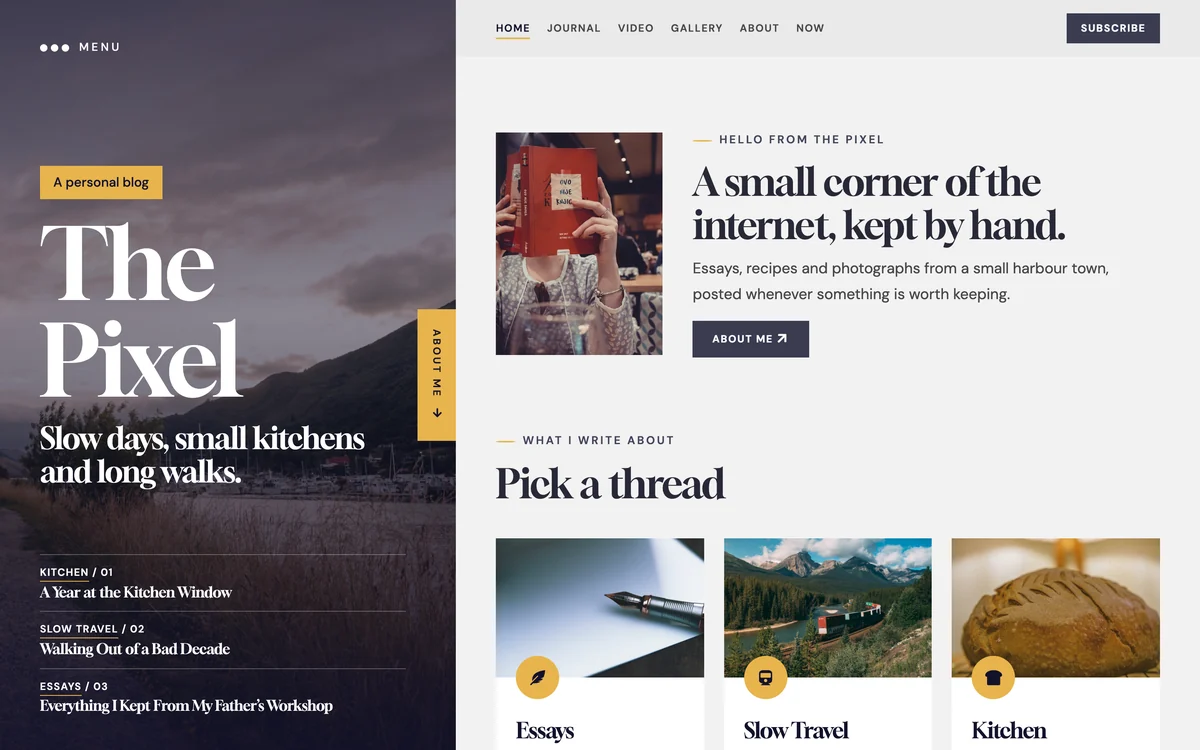
PX News is a Joomla 6 template for news sites and newsrooms. It comes with a front page of twelve news bands, sections with mega menus and their own colours, video and gallery stories, author pages, light and dark mode, advert slots and newsletter sign-ups, and a quickstart with more than 140 demo stories, built on T4 Framework and Bootstrap 5.
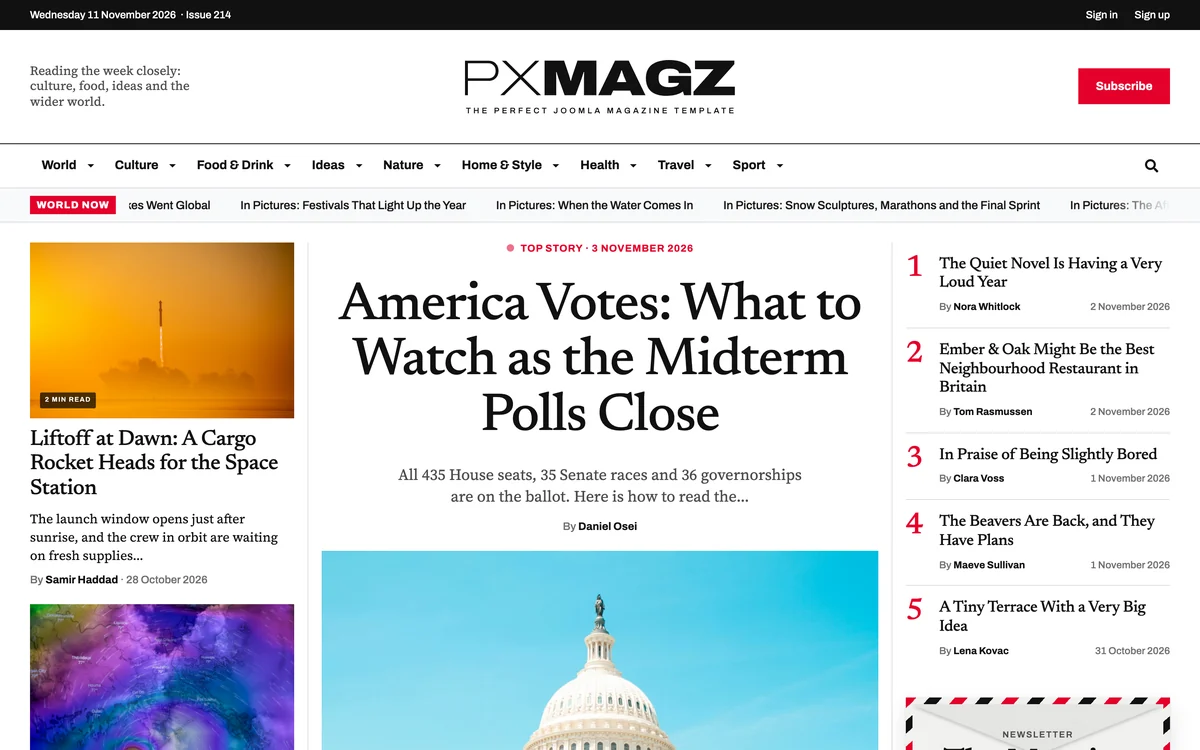
A front page with twelve news bands
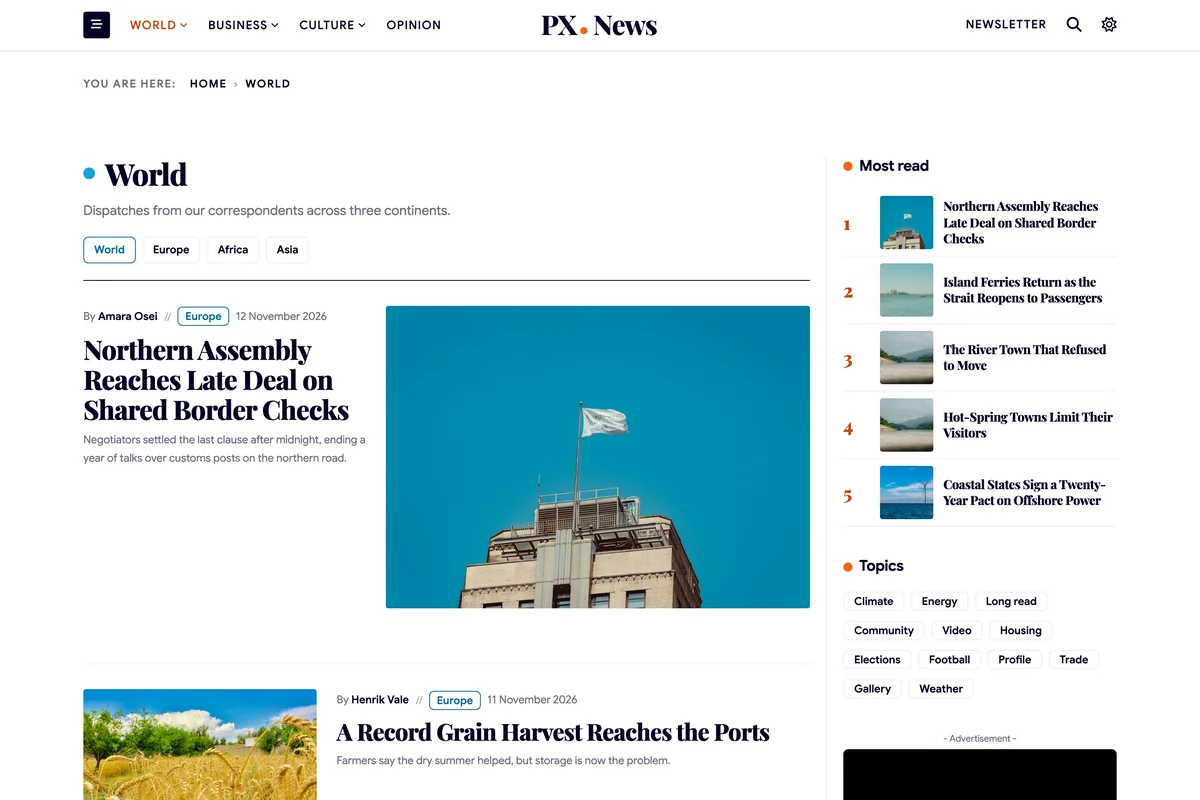
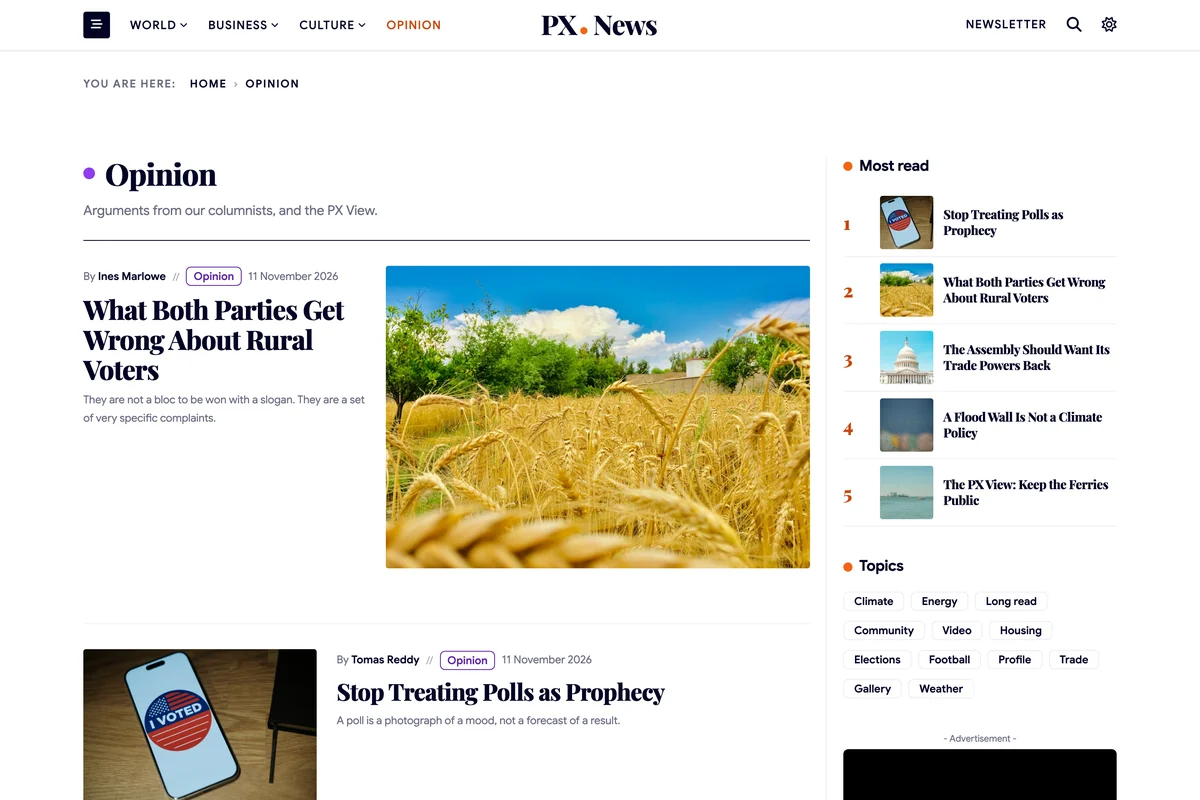
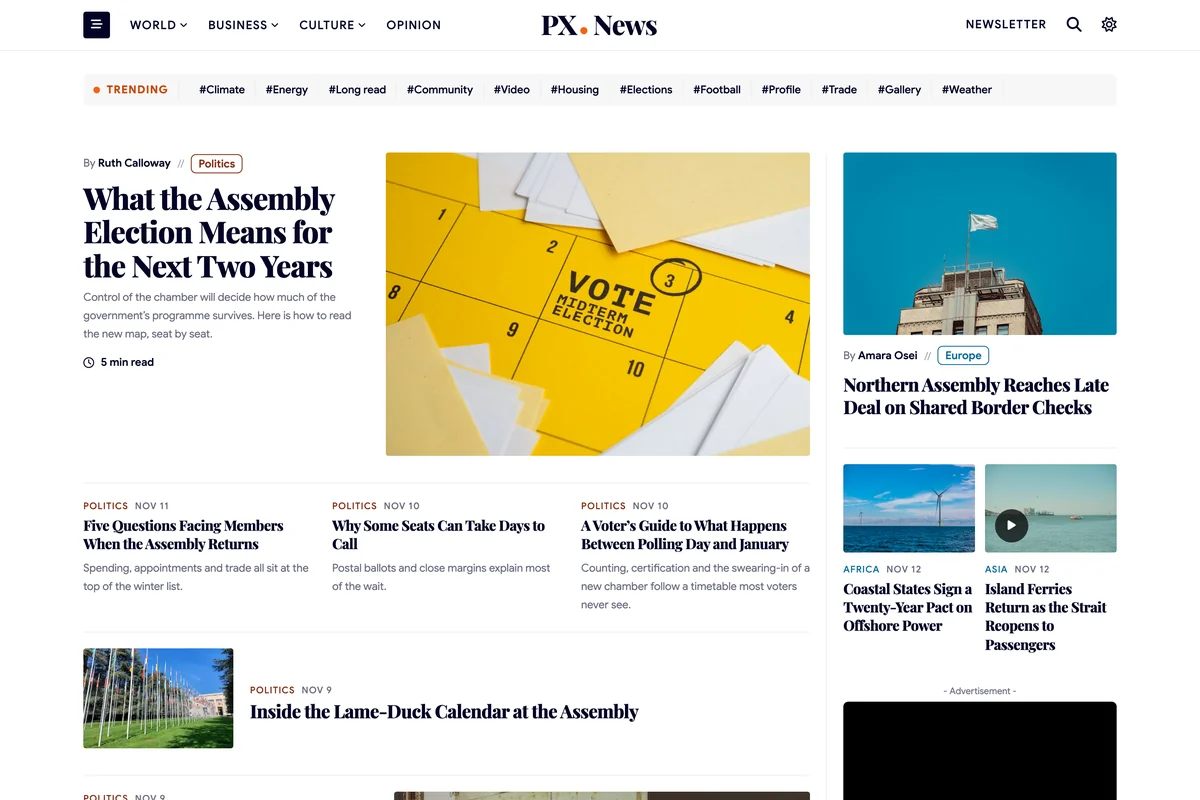
The home page opens with a trending topics strip and the lead story, then runs twelve bands: politics, the city desk, editor's picks, culture, opinion, tech and science, a desk per section and the latest news. Rails beside them carry Latest, Most read, Trending and advert slots.
Every band is an Articles module with a PX News layout, so the page fills itself from what you publish.

Sections with mega menus and their own colour
Twelve sections come set up: World, Politics, Business, Culture, Opinion, Tech, Science, Health, Sport, Travel, Food and City, with subsections such as Europe, Markets or Film. World, Business and Culture open a mega menu with their latest stories.
Give each section its own colour in the category settings; dots, kickers, labels and the mega menu follow it.

Video and gallery stories
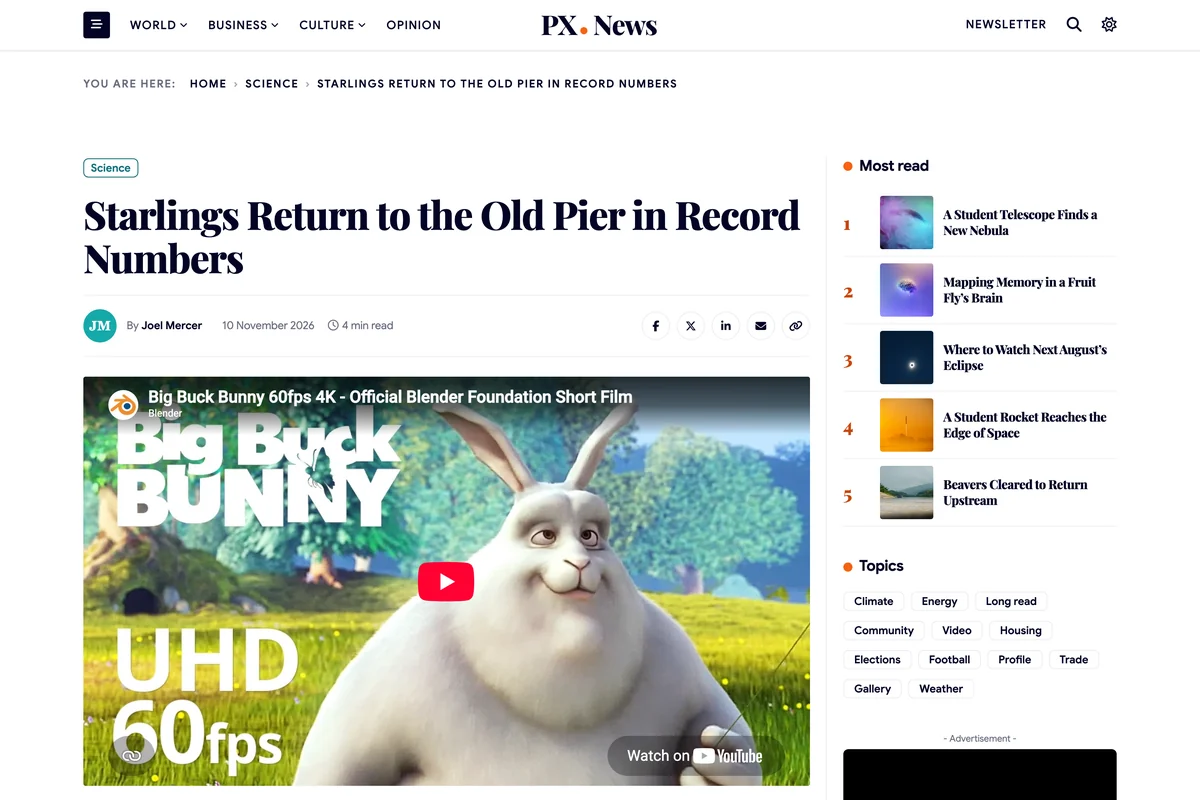
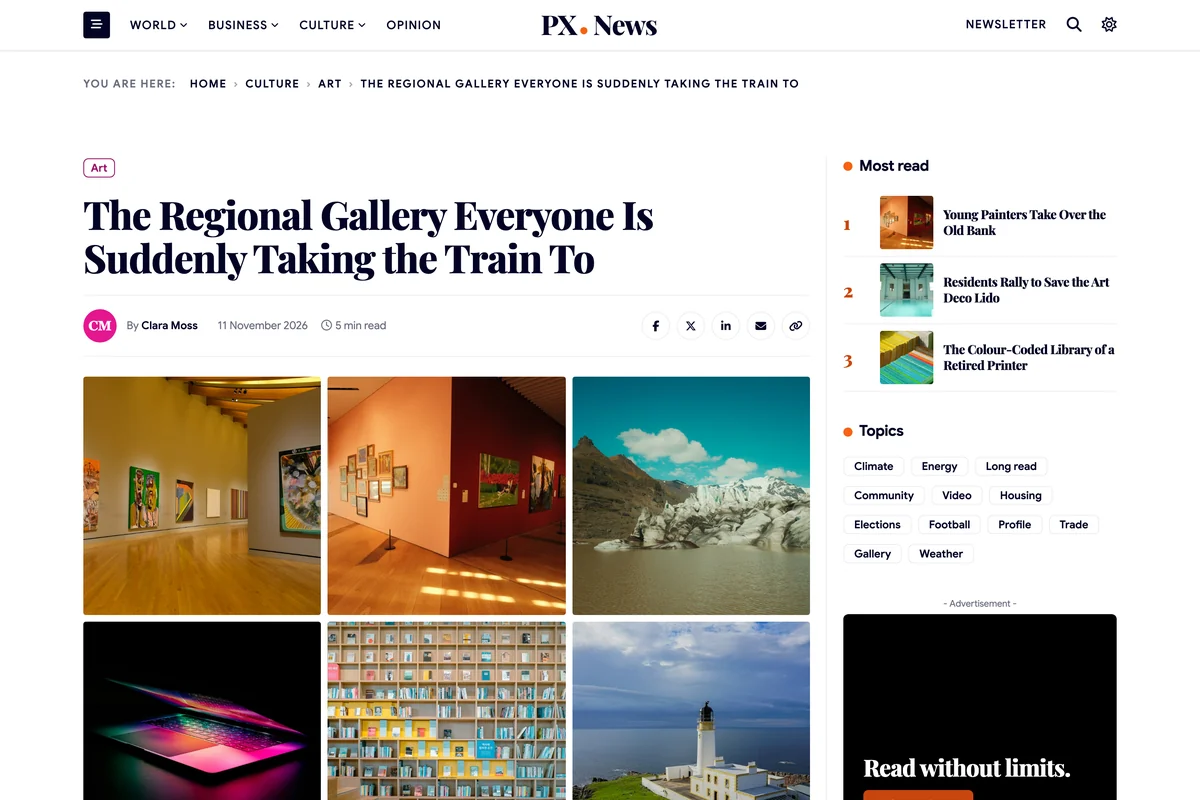
Set a story's format to Video and paste a YouTube or Vimeo link or pick a video file, and the player opens the article. Set it to Gallery, add photos with captions, and the story shows a photo grid that opens in a lightbox.
The Video and Gallery menu items collect these stories through tags.

Articles with bylines and author pages
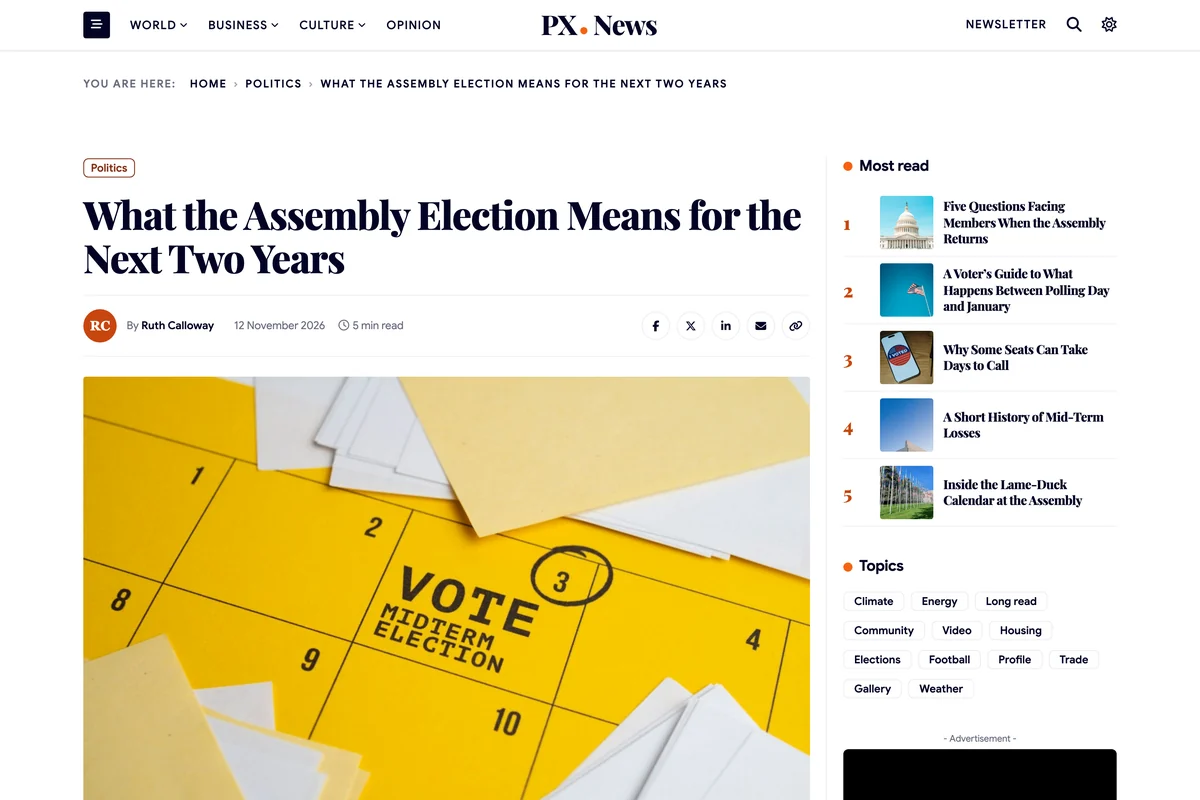
An article opens with its section label, headline, byline, date, reading time and sharing buttons, with Most read in the section and topics beside it. Under the story an author box shows the writer's avatar, position and a short bio.
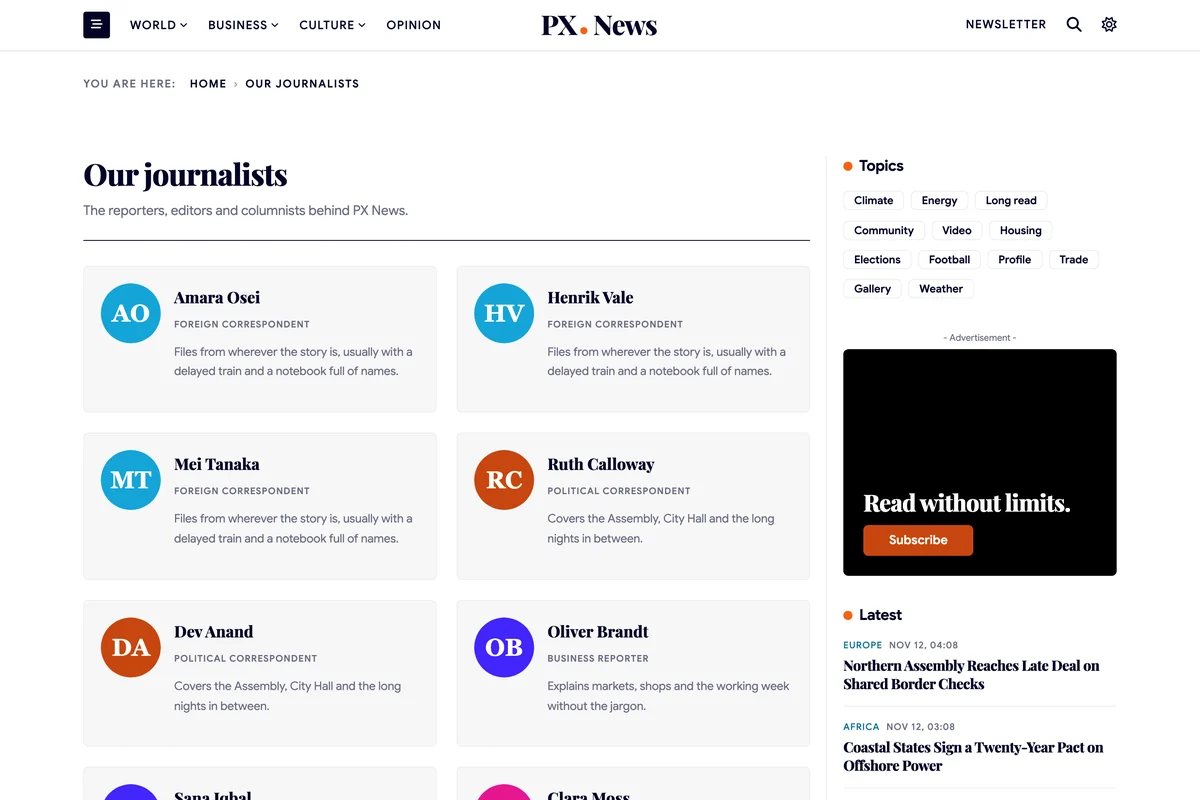
Each writer has an author page with every story they filed, and Our journalists lists the whole newsroom.

Light and dark mode
A switch in the header lets readers move between light and dark, and the site remembers their choice. You decide what a first visit opens in: light, dark or the reader's system setting.
The night colours have their own settings, so dark mode keeps your brand.

Advert slots and a newsletter
The News Ad block of PX Content gives you advert slots for the rails and a wide banner between bands: a label, one line of text and a button, in two styles, with a height to fit the slot. Edit the text right on the page.
Newsletter sign-ups in the home page and the footer use AcyMailing, which comes in the quickstart.