
PX Image Optimizer – Free Joomla Image Compression & WebP
Compress and resize images on upload, serve WebP automatically and optimize the images you already have. Originals are kept for one-click restore. Free.
Compress and resize Joomla images on upload
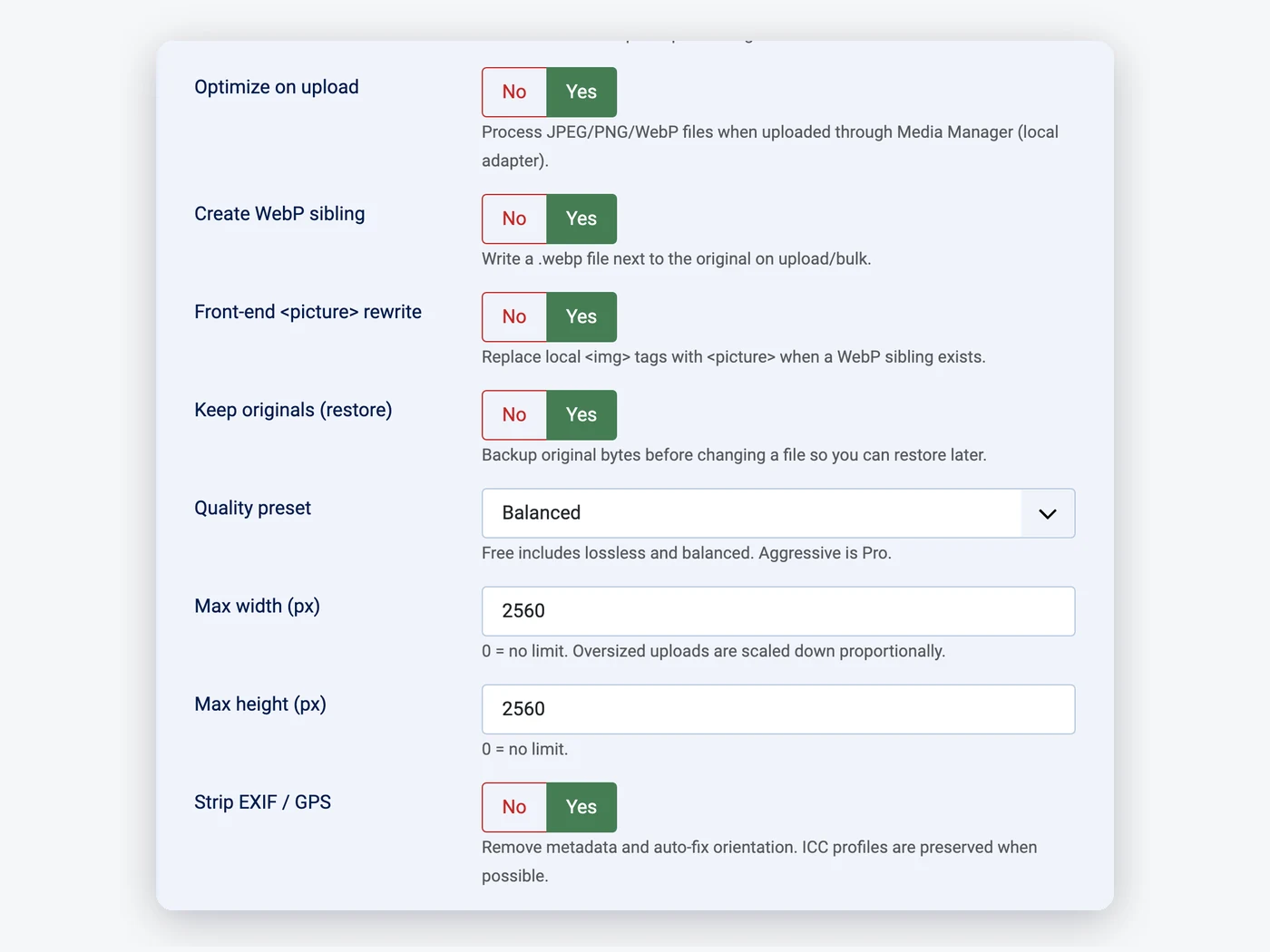
Images you upload in the Media Manager are scaled down to a maximum size, cleaned of camera and GPS data and recompressed before they are saved. You keep working as before.
- Max width and height (2560 px by default)
- EXIF / GPS removed, orientation fixed
- Balanced or lossless quality
Optimize the images already on your site
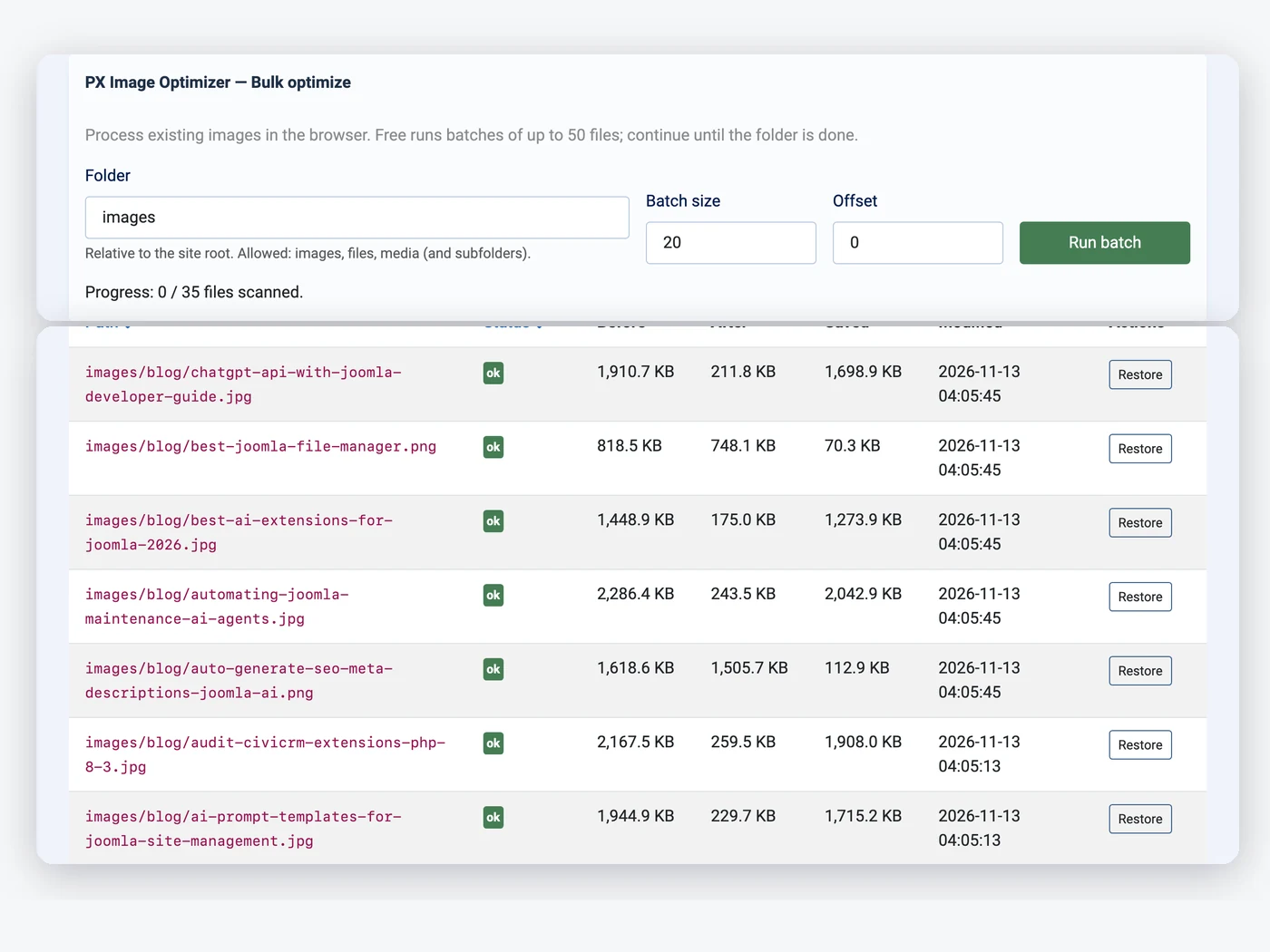
Pick a folder and PX Image Optimizer works through it in batches, right in the browser. Images that are already done are skipped, so you can run it again whenever you like.
- Any folder under images, files or media
- Batches of up to 50 files
- Optimized, skipped and failed counts
Keep every original, restore with one click
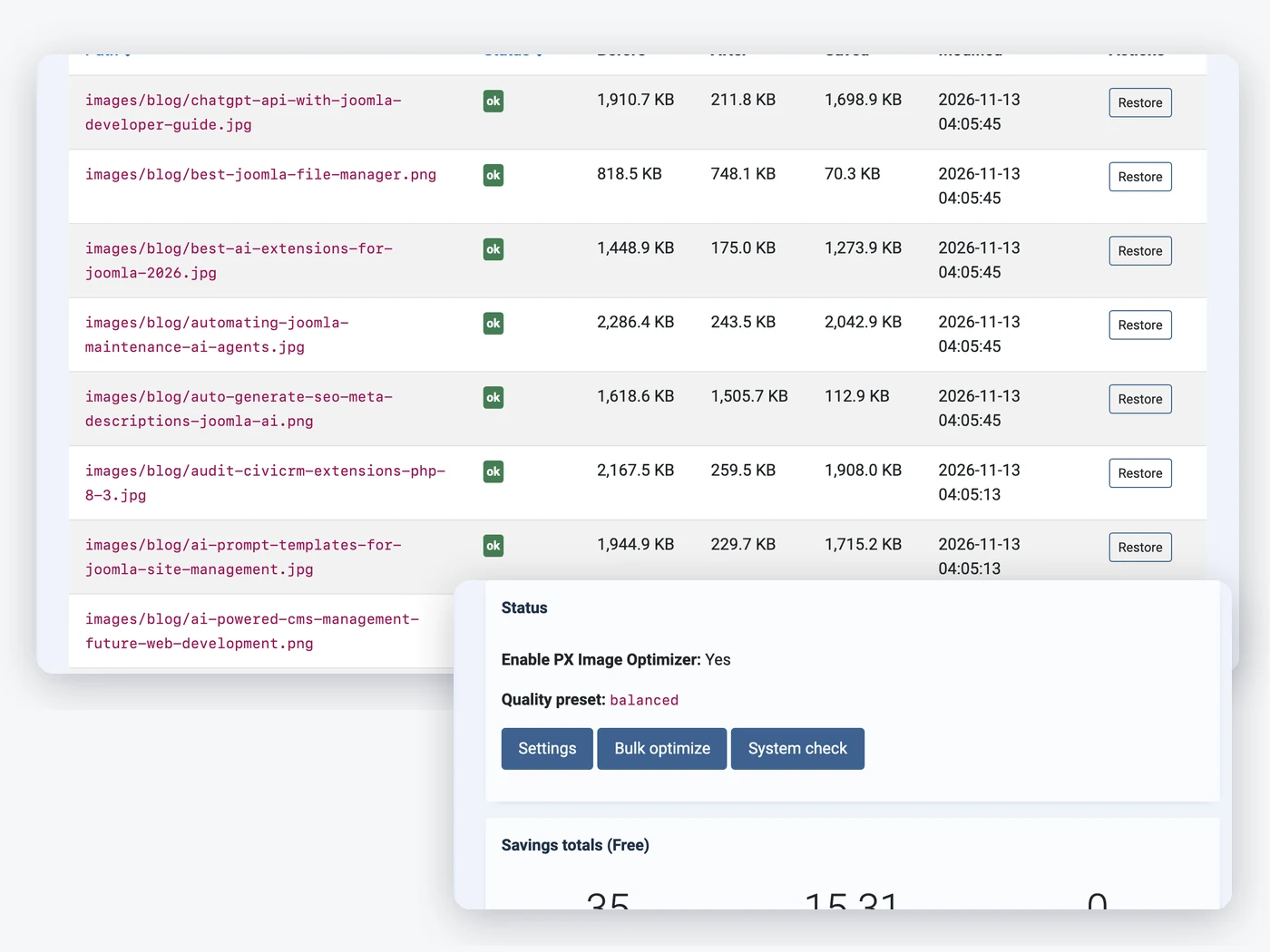
The original of every changed image is kept outside your images folder. The Images list shows the size before and after, and Restore puts the original back.
- Before, after and saved per image
- One-click restore
- Savings totals on the dashboard
Serve WebP on your Joomla pages automatically
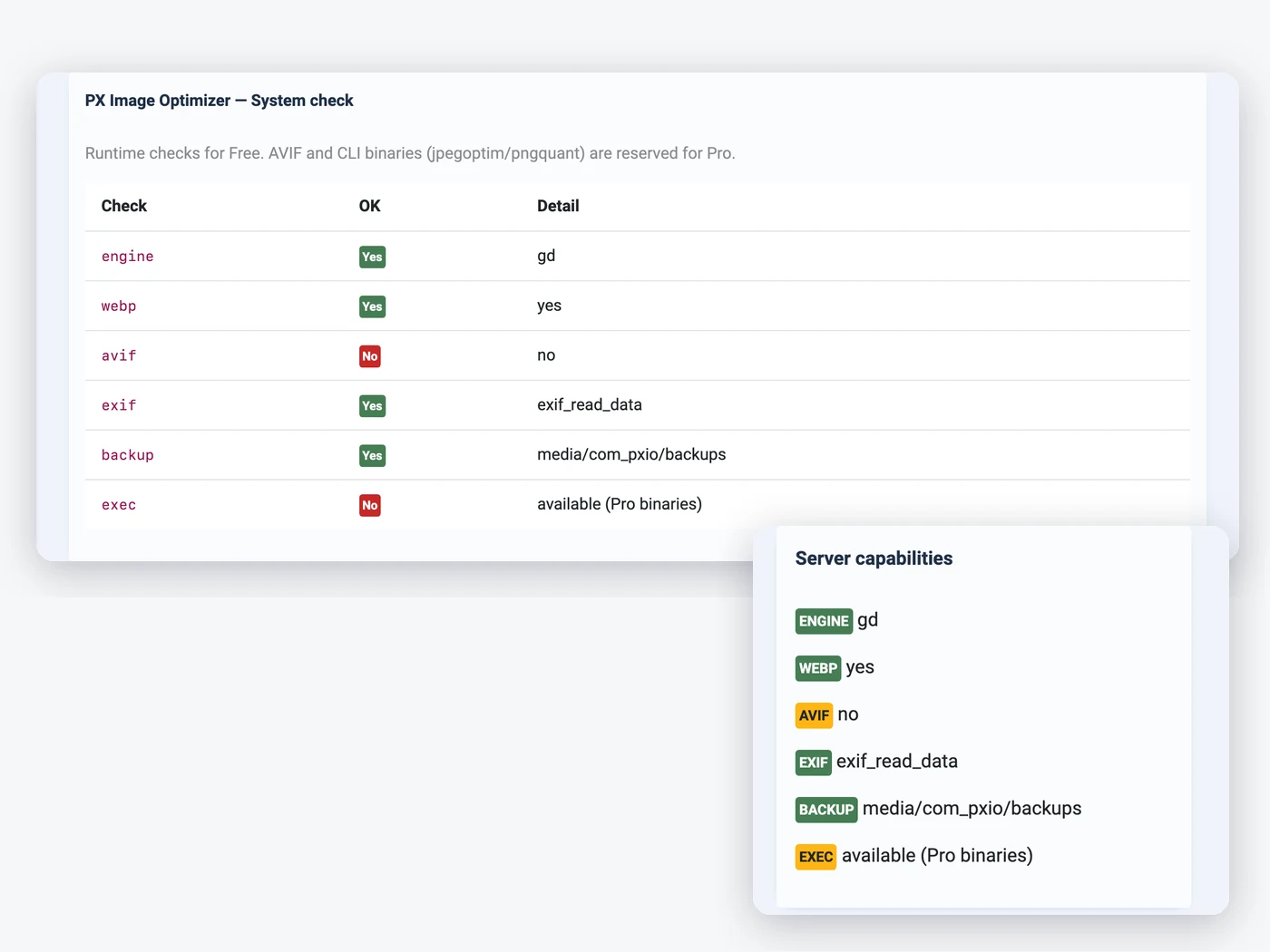
A WebP copy is saved next to each JPEG and PNG, and local images on your pages are wrapped in a picture tag, so browsers that support WebP load the smaller file. Your articles stay unchanged.
- WebP next to each JPEG and PNG
- Picture tags added when the page is sent
- Imagick or GD, checked for you
How to install PX Image Optimizer in Joomla
Install the package
Upload it in the Joomla extension manager, like any other extension.Set it up
Adjust the options to fit your site from one settings screen.Stay up to date
One-click updates from the Joomla update screen — free, no download key needed.All PX Image Optimizer features
Everything you get out of the box — no add-ons to buy.
- Optimize JPEG and PNG on Media Manager upload
- Resize oversized images
- Strip EXIF / GPS, fix orientation
- WebP copy next to every image
- Picture tags with WebP on your pages
- Bulk optimize existing folders
- Originals kept, one-click restore
- Savings dashboard and system check
- Imagick or GD
- Free · Joomla 6 · PHP 8.3+ · MySQL / MariaDB
PX Image Optimizer is free.
Free to download, free to use.
PX Image Optimizer is free for every registered user. Want all our premium templates too? Have a look at our membership plans.
PX Image Optimizer updates & FAQ
PX Image Optimizer is actively maintained and kept compatible with the latest Joomla releases.
PX Image Optimizer changelog
- v1.0.0 Nov 13, 2026 Initial release: optimize on upload, WebP copies served with picture tags, bulk optimize, restore, savings dashboard.
Frequently asked questions
Is PX Image Optimizer really free?
Yes. Sign up for a free account and download PX Image Optimizer — no credit card, no membership.
Can I use it on client websites?
Yes, on as many websites as you like. It is released under the GPL.
How do I update PX Image Optimizer?
New versions show up in System » Update » Extensions in Joomla. Select it and click Update — no download key needed.
Will it work with my template?
Yes — our extensions do not depend on a specific template or framework.
Can you build a custom extension for me?
Yes — we build components, modules and plugins for Joomla 5 and 6, from a small tweak to a complete application.