
PX Hotspot – Free Joomla Image Hotspots & Interactive Images
Put clickable points and areas on any picture: floor plans, product tours, maps, diagrams. Show text, images, galleries, videos or a Joomla article in a tooltip, modal or side panel. Free.
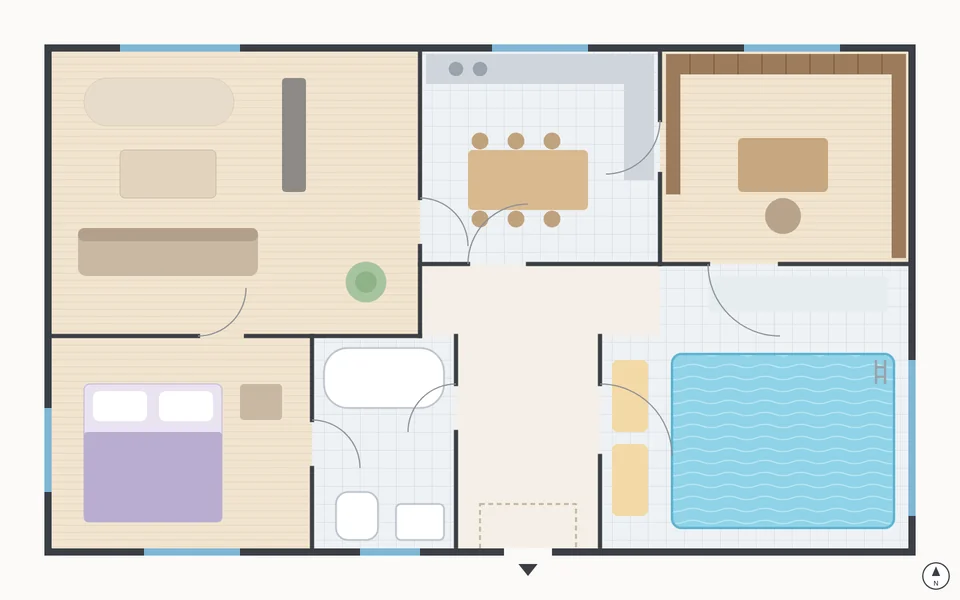
Draw hotspots right on the picture
A visual editor in the Joomla administrator: click to place a point, drag a circle or a rectangle, or click the corners of a free polygon. Move, resize and zoom for precise work, and preview the image as visitors see it.
- Points, circles, rectangles, polygons
- Up to 200 hotspots per image
- Zoom, duplicate, Save as Copy, Preview
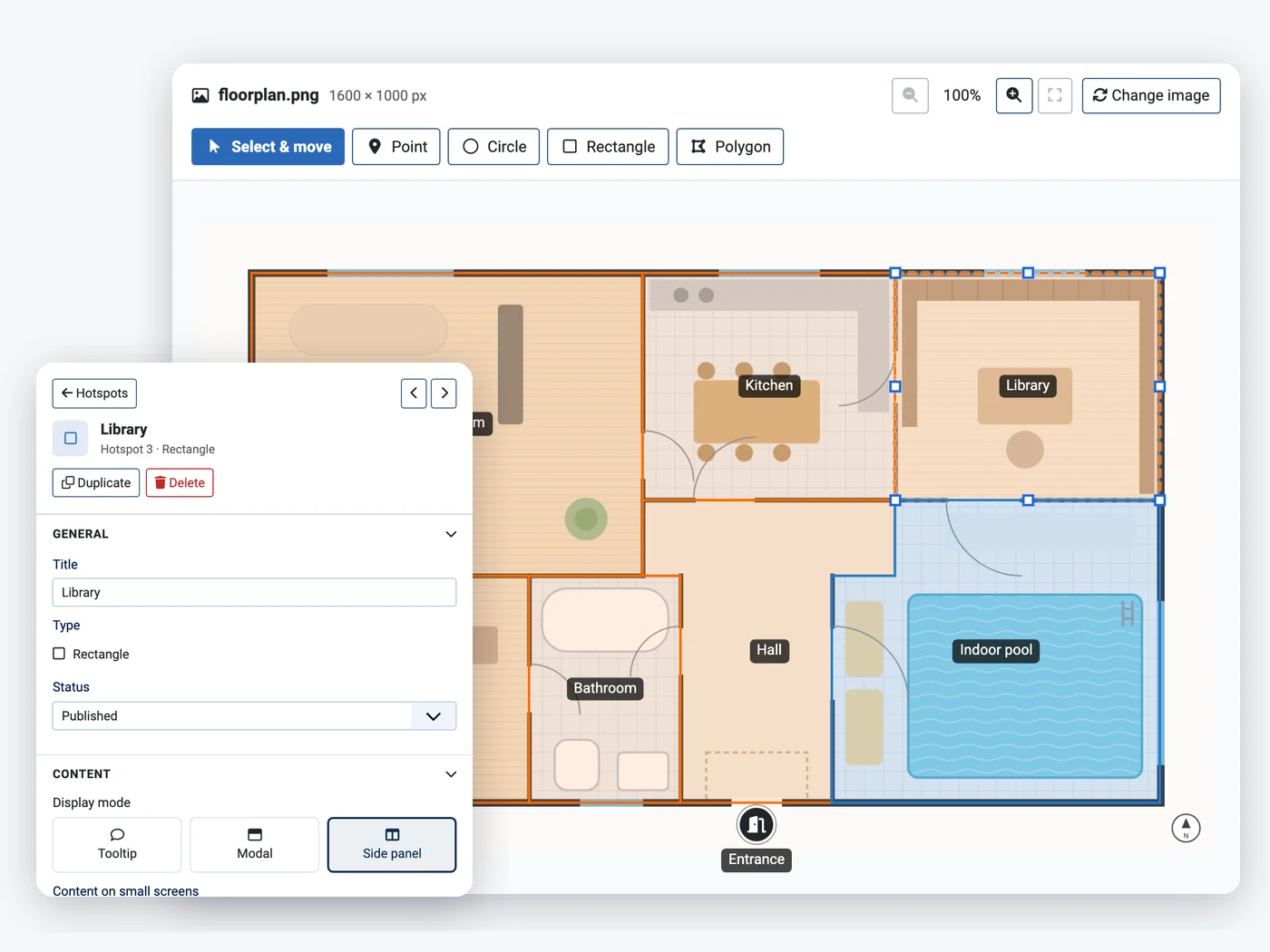
Markers that fit your design
Pick one of six built-in icons, any of about 2,000 Font Awesome 6 Free icons or your own picture. Set the colour and size, and draw attention with a pulse, bounce, glow or heartbeat.
- Built-in, Font Awesome or image markers
- Colour, size and four animations
- Area fill, border and hover highlight
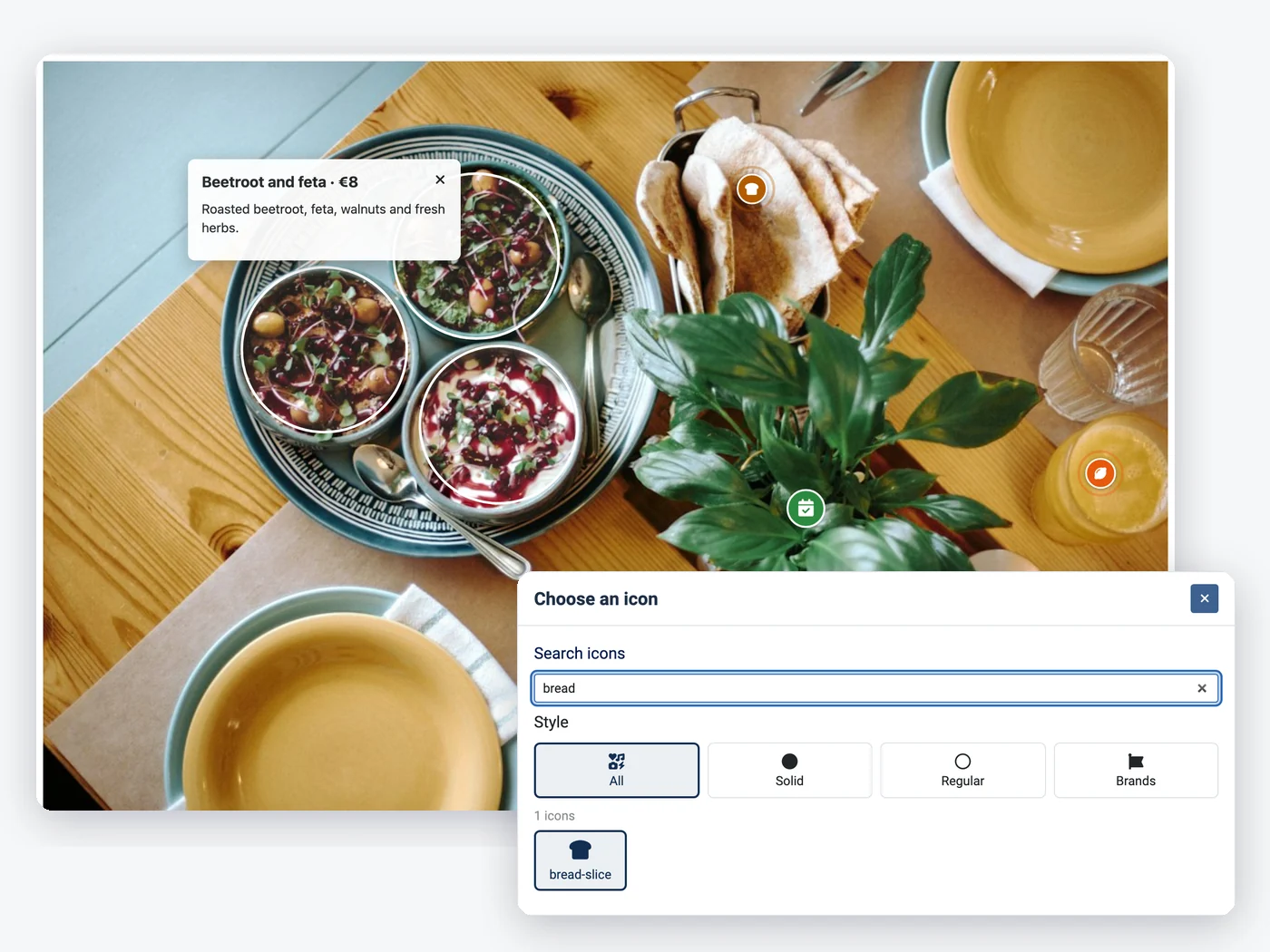
Text, images, galleries, videos or an article
Each hotspot shows a heading, rich text, a picture and a button, a gallery of up to 20 pictures, a YouTube, Vimeo or MP4 video, or a Joomla article, with its access level and publishing dates respected.
- Rich text with Joomla's editor
- Gallery slider and privacy-friendly video
- Joomla article: intro or full text
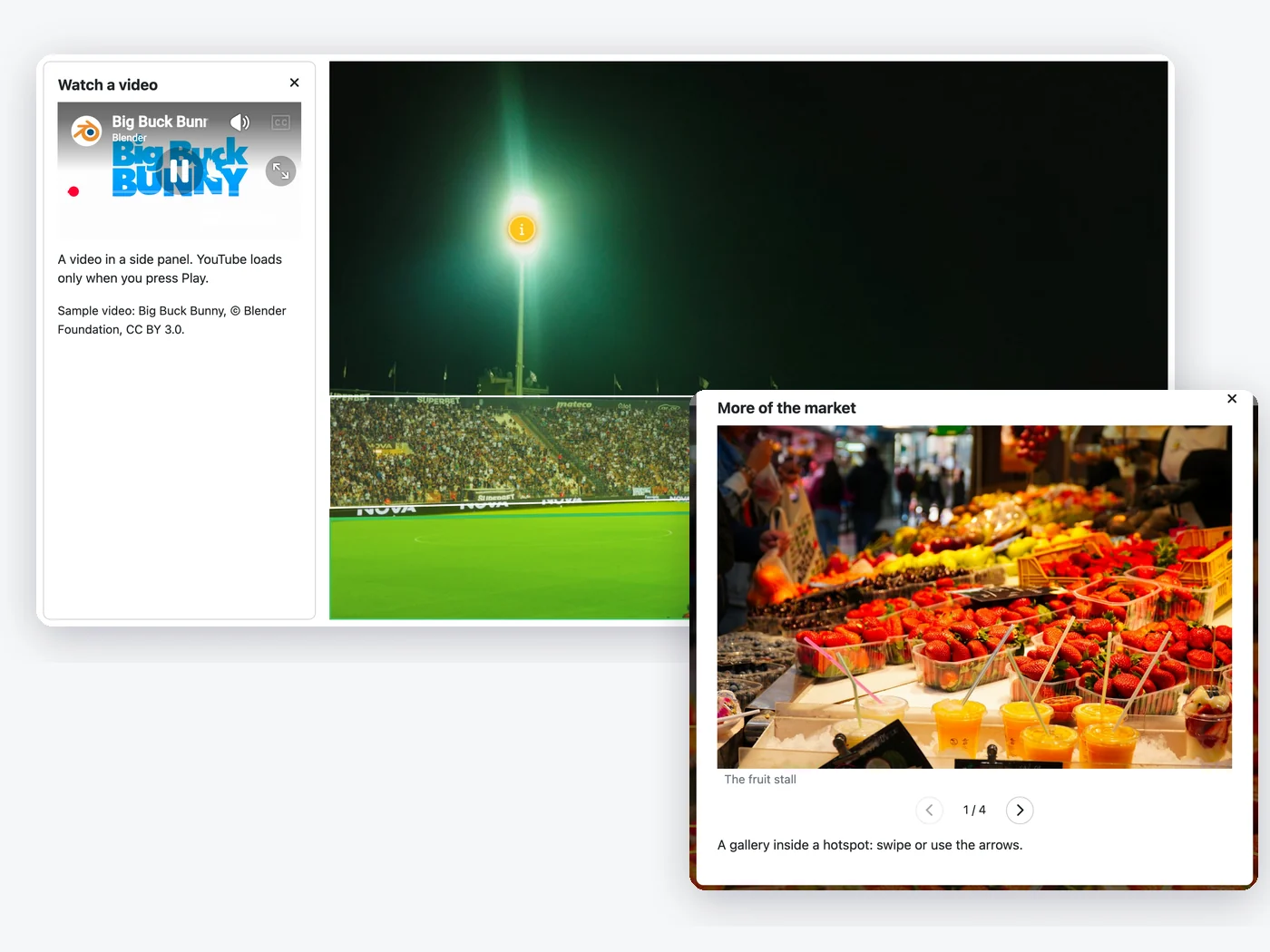
Tooltip, modal or side panel – and phones
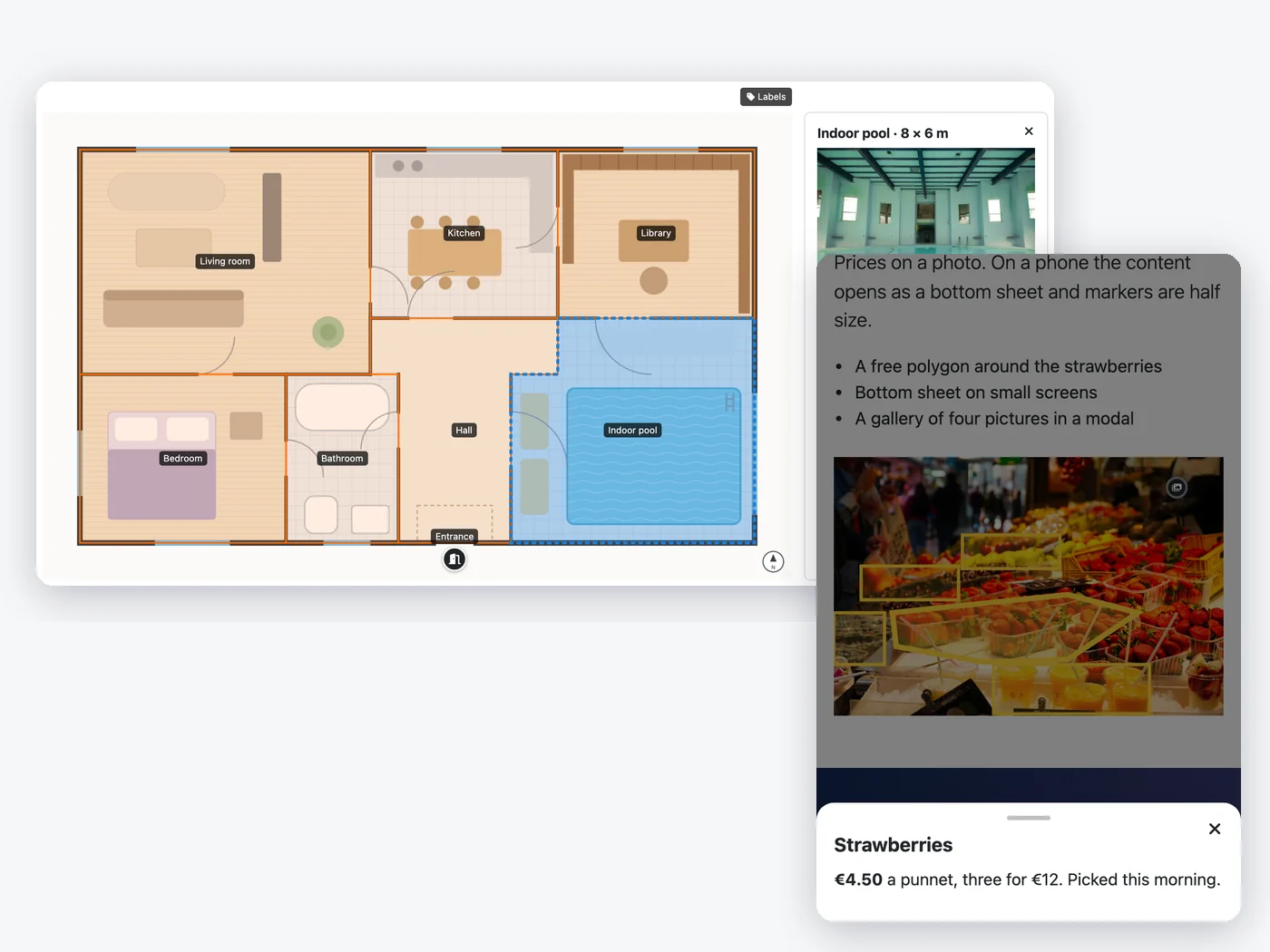
Choose per hotspot how its content opens and whether a click or hover opens it. On phones it becomes a bottom sheet, markers can be smaller and visitors can pinch to zoom.
- Tooltip, modal or side panel
- Bottom sheet and smaller markers on phones
- Labels on the image and zoom
How to install PX Hotspot in Joomla
Install the package
Upload it in the Joomla extension manager, like any other extension.Set it up
Adjust the options to fit your site from one settings screen.Stay up to date
One-click updates from the Joomla update screen — free, no download key needed.All PX Hotspot features
Everything you get out of the box — no add-ons to buy.
- Points, circles, rectangles and free polygons
- Visual editor with zoom, duplicate and preview
- Built-in, Font Awesome or image markers with animations
- Text, image, gallery, video or Joomla article content
- Tooltip, modal or side panel, on click or hover
- Bottom sheet and smaller markers on phones
- Labels on the image and zoom for visitors
- Module for any position, {loadmoduleid} in articles
- Joomla ACL, access levels and languages; keyboard and screen reader friendly
- Free · Joomla 5.4 & 6 · PHP 8.1+ · MySQL / MariaDB
PX Hotspot is free.
Free to download, free to use.
PX Hotspot is free for every registered user. Want all our premium templates too? Have a look at our membership plans.
PX Hotspot updates & FAQ
PX Hotspot is actively maintained and kept compatible with the latest Joomla releases.
PX Hotspot changelog
- v1.0.0 Nov 13, 2026 Initial release: points, circles, rectangles and polygons, built-in / Font Awesome / image markers with animations, text, image, gallery, video and article content, tooltip, modal and side panel, labels, zoom, module and {loadmoduleid}.
Frequently asked questions
Is PX Hotspot really free?
Yes. Sign up for a free account and download PX Hotspot — no credit card, no membership.
Can I use it on client websites?
Yes, on as many websites as you like. It is released under the GPL.
How do I update PX Hotspot?
New versions show up in System » Update » Extensions in Joomla. Select it and click Update — no download key needed.
Will it work with my template?
Yes — our extensions do not depend on a specific template or framework.
Can you build a custom extension for me?
Yes — we build components, modules and plugins for Joomla 5 and 6, from a small tweak to a complete application.