
PX Mail – Free Joomla SMTP & Email Log
Send all Joomla email through SMTP, Gmail or an email API such as Brevo or Mailgun. Log every message, test in one click and check your DNS. Free.
Send Joomla email through SMTP, Gmail or an email API
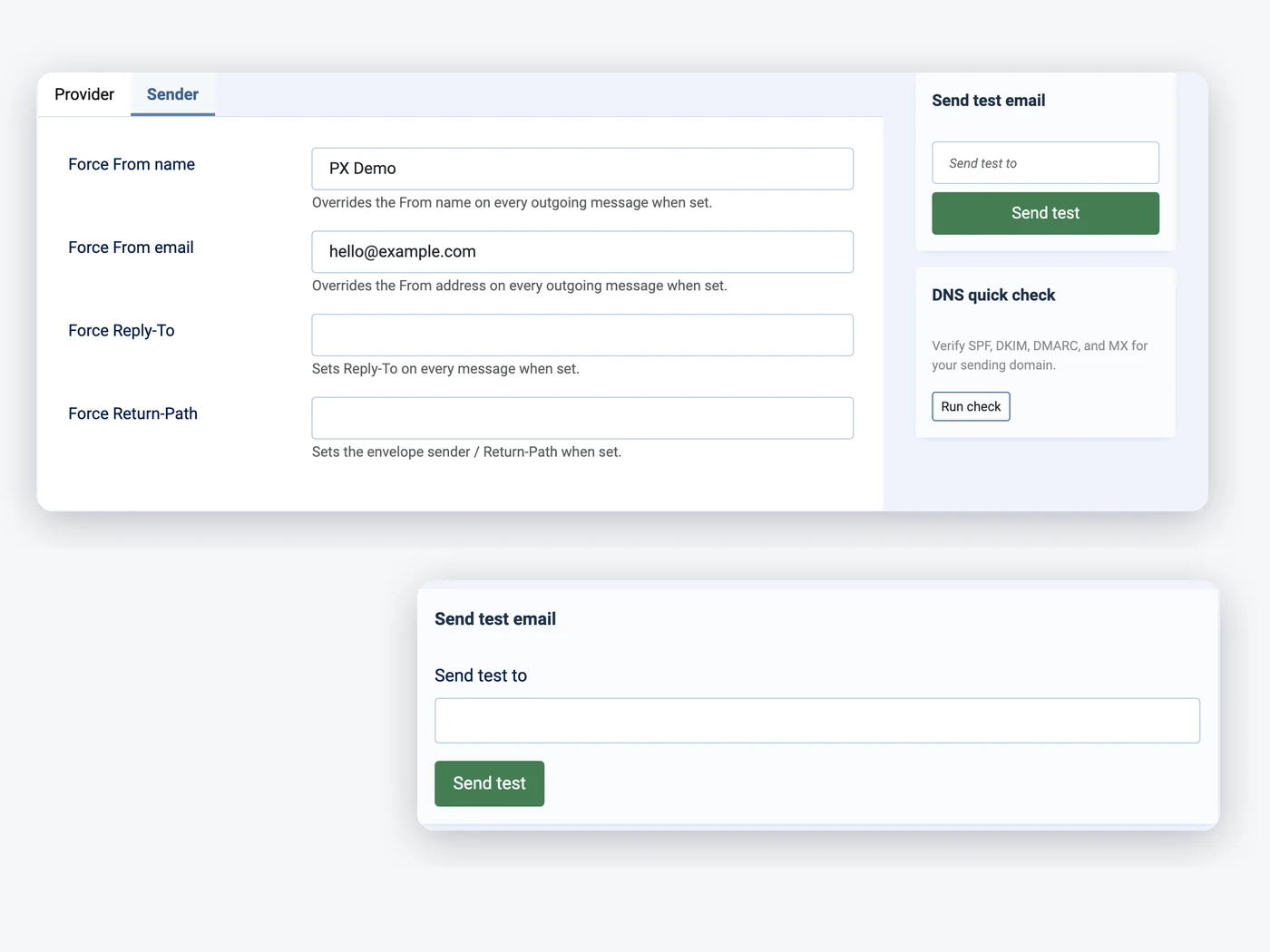
Pick one provider for the whole site. SMTP presets fill in the server for Gmail, Microsoft 365, Zoho, Brevo, Amazon SES, Mailgun and SendGrid; Gmail can use OAuth, and the API providers send over HTTPS.
- SMTP with presets or any server
- Gmail / Google Workspace OAuth
- Brevo, Mailgun, Postmark, SendGrid, SMTP2GO, Resend API
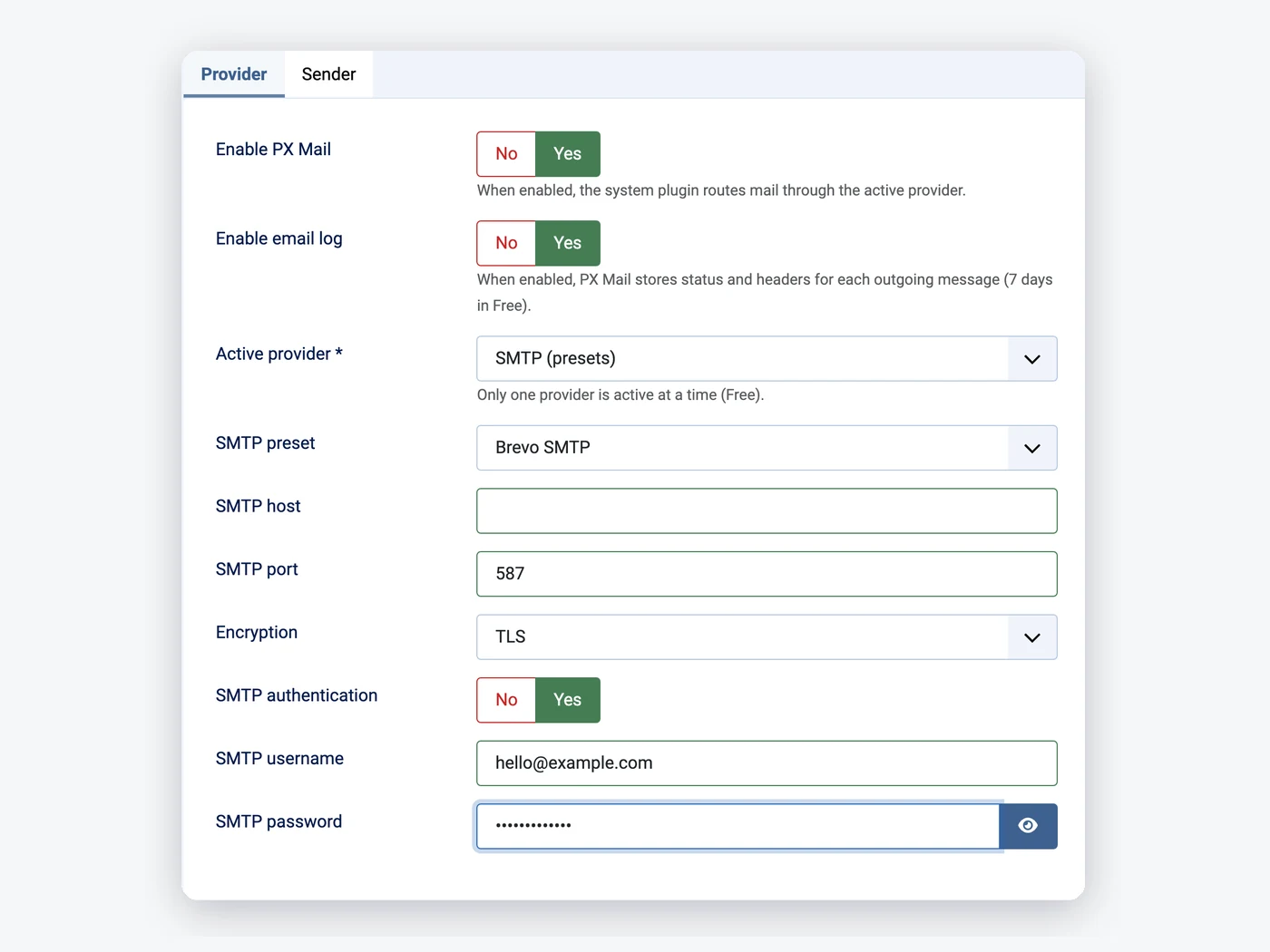
See every email your Joomla site sends
Each message is logged with its status, provider, recipients, subject and the extension that sent it. Filter on failed messages and open one to see why.
- Status, headers and error text
- Filter by status, provider, source, date
- No message bodies stored
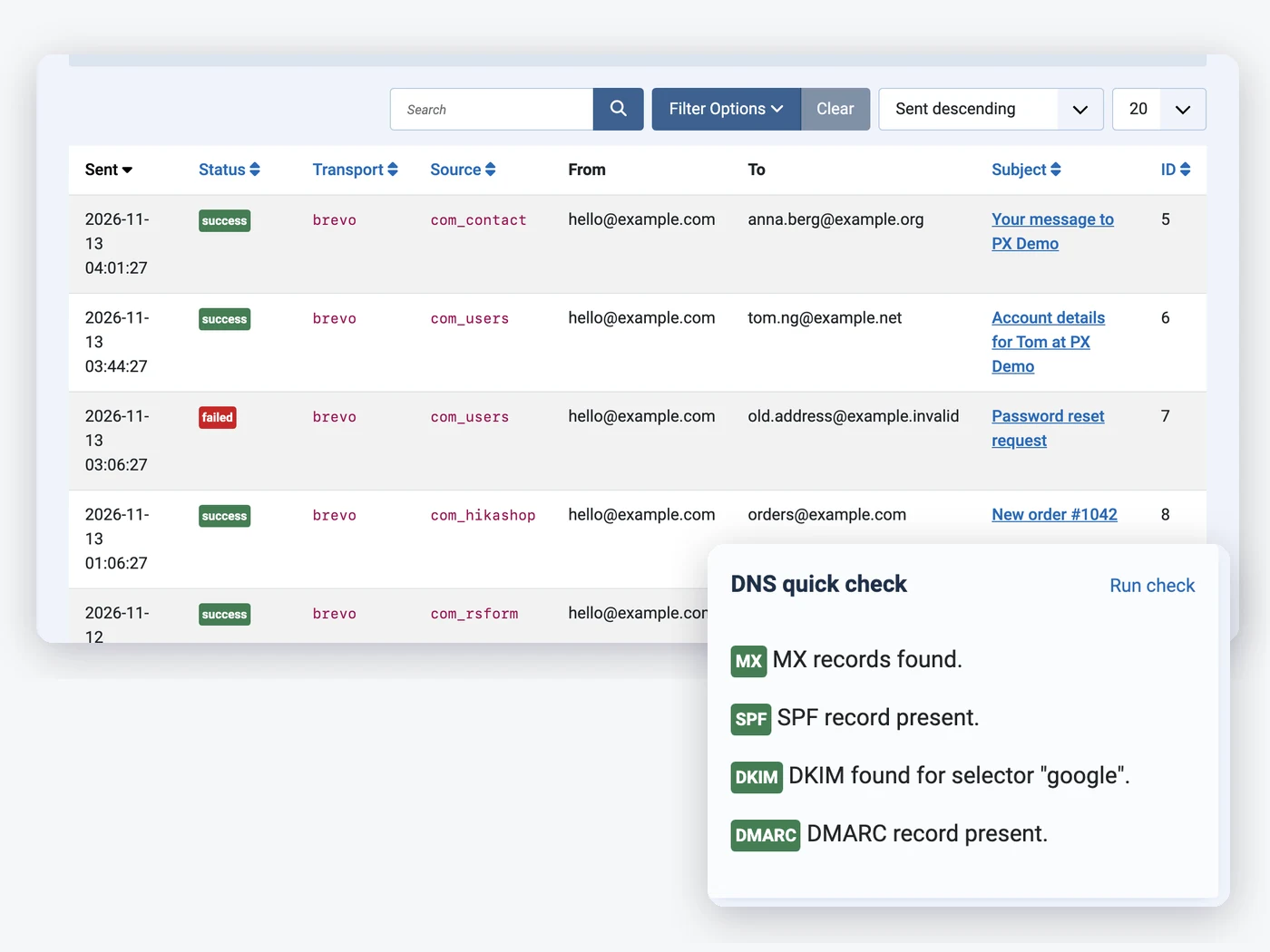
Check SPF, DKIM and DMARC for your domain
Most mail that lands in spam fails on DNS. The DNS check looks up MX, SPF, DKIM and DMARC for your sending domain and tells you what is missing.
- MX, SPF, DKIM and DMARC
- Common DKIM selectors tried for you
- A hint for every failed record
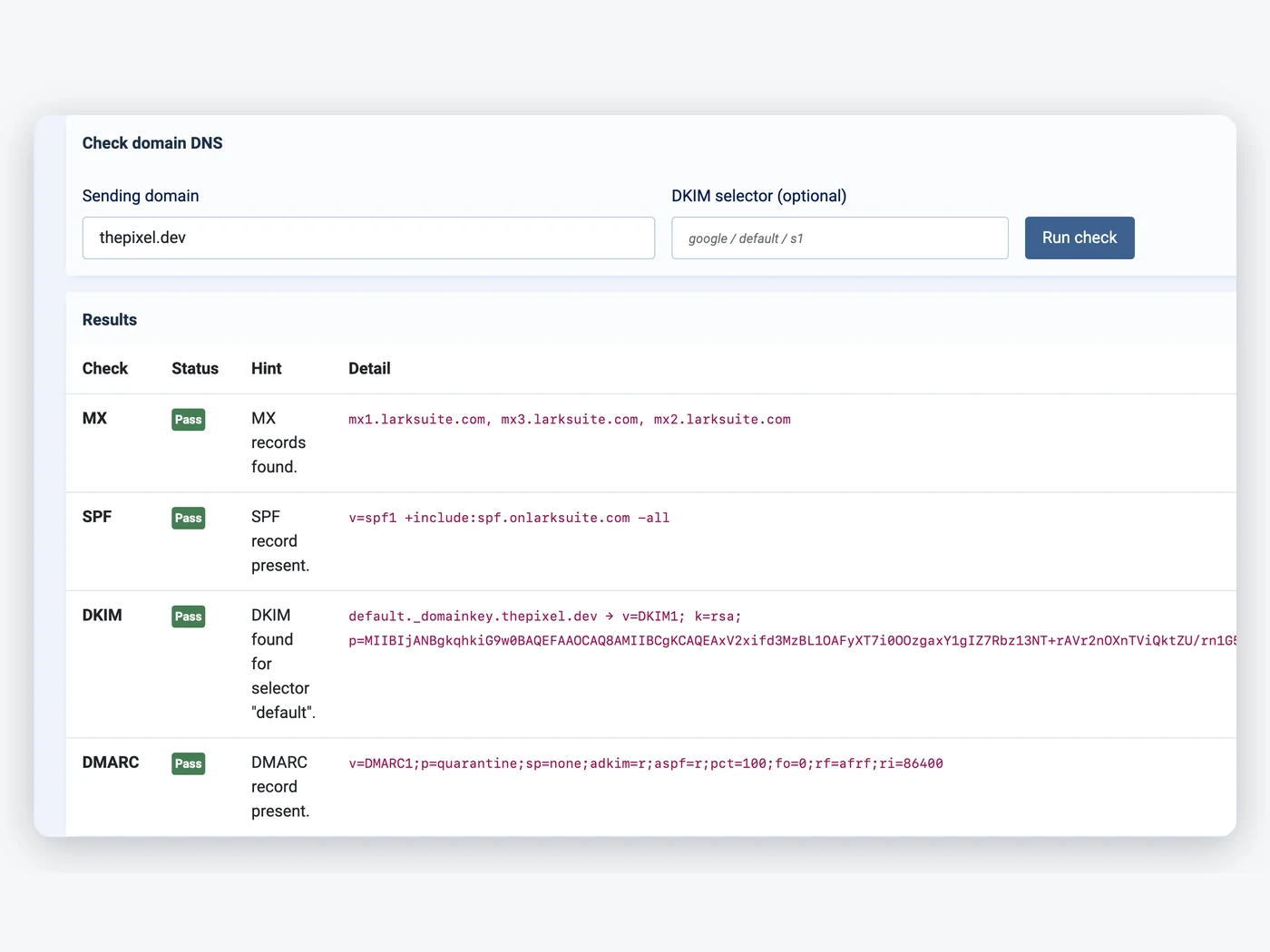
One sender address, tested in one click
Force the From name and address on every message so your provider accepts it, set Reply-To and Return-Path, and send a test email that shows the provider's answer.
- Force From, Reply-To, Return-Path
- Test email with the error text
- Joomla keeps its mailer until you switch PX Mail on
How to install PX Mail in Joomla
Install the package
Upload it in the Joomla extension manager, like any other extension.Set it up
Adjust the options to fit your site from one settings screen.Stay up to date
One-click updates from the Joomla update screen — free, no download key needed.All PX Mail features
Everything you get out of the box — no add-ons to buy.
- All Joomla email through one provider
- SMTP presets: Gmail, Microsoft 365, Zoho, Brevo, Amazon SES, Mailgun, SendGrid
- Gmail / Google Workspace OAuth
- Brevo, Mailgun, Postmark, SendGrid, SMTP2GO and Resend API
- Force From, Reply-To and Return-Path
- Test email from the settings page
- 7-day email log with filters
- SPF, DKIM, DMARC and MX check
- Privacy export and removal, scheduled log clean-up
- Free · Joomla 6 · PHP 8.3+ · MySQL / MariaDB
PX Mail is free.
Free to download, free to use.
PX Mail is free for every registered user. Want all our premium templates too? Have a look at our membership plans.
PX Mail updates & FAQ
PX Mail is actively maintained and kept compatible with the latest Joomla releases.
PX Mail changelog
- v1.0.0 Nov 13, 2026 Initial release: SMTP with presets, Gmail OAuth and six email APIs, sender rules, 7-day email log, DNS check, privacy export.
Frequently asked questions
Is PX Mail really free?
Yes. Sign up for a free account and download PX Mail — no credit card, no membership.
Can I use it on client websites?
Yes, on as many websites as you like. It is released under the GPL.
How do I update PX Mail?
New versions show up in System » Update » Extensions in Joomla. Select it and click Update — no download key needed.
Will it work with my template?
Yes — our extensions do not depend on a specific template or framework.
Can you build a custom extension for me?
Yes — we build components, modules and plugins for Joomla 5 and 6, from a small tweak to a complete application.