

Most Joomla sites we work on were built by someone else. Before we quote anything or change a line, we spend a few hours on one question: what is actually running here? Sites rarely match their documentation, when there is any. There are core files edited in place, overrides nobody remembers, cron jobs on a server nobody has logged into for years.
This is the audit we run when we take over a Joomla site. It's written so you can run it yourself, or use it to judge whoever runs it for you.
1. Access and a copy
Before anything else, make sure you can restore what you're about to touch:
- Hosting panel, SSH or SFTP, database access, DNS, the domain registrar, any CDN.
- A Super User account of your own. Don't share the previous developer's.
- A full backup you made, restored once on a staging host. A backup you have never restored is a hope, not a backup.
# terminal – a quick full copy if there is no backup tool yet
tar --exclude='./cache/*' --exclude='./administrator/cache/*' --exclude='./tmp/*' -czf ~/site-files-$(date +%F).tgz -C /var/www/example.com .
mysqldump --single-transaction --no-tablespaces -u USER -p DBNAME | gzip > ~/site-db-$(date +%F).sql.gz
2. Versions
# terminal
grep -E "MAJOR_VERSION|MINOR_VERSION|PATCH_VERSION" libraries/src/Version.php
php -v                       # CLI
# web PHP: System → System Information (they often differ)
mysql -V
Write down Joomla, PHP (web and CLI), the database server, and the web server. Anything end-of-life goes straight to the top of the report: Joomla 3 or 4, PHP below 8.2, MySQL 5.x.
3. Core files: modified or not?
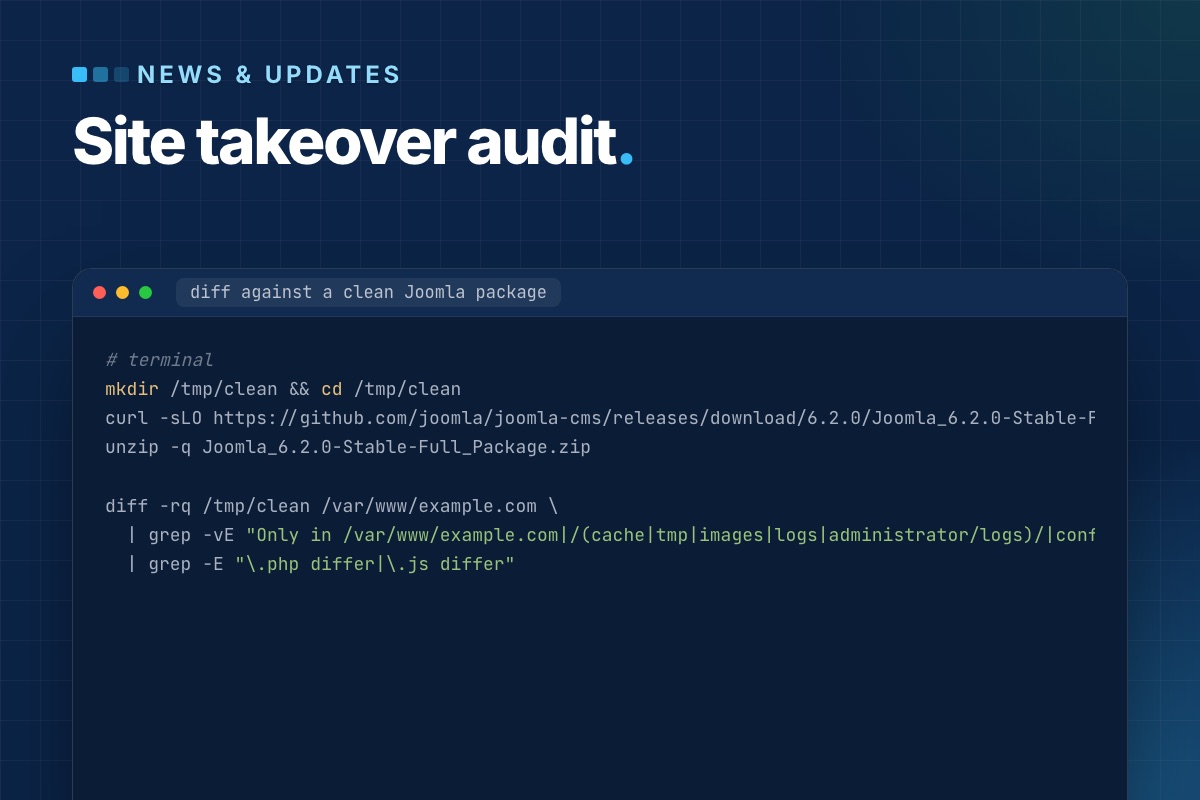
This is the check that changes quotes most often. A previous developer "fixed" something by editing a core file. The next Joomla update silently overwrites the fix, or, worse, the edit is a backdoor. Compare the site against a clean package of the same version:
# terminal
mkdir /tmp/clean && cd /tmp/clean
curl -sLO https://github.com/joomla/joomla-cms/releases/download/6.2.0/Joomla_6.2.0-Stable-Full_Package.zip
unzip -q Joomla_6.2.0-Stable-Full_Package.zip

diff -rq /tmp/clean /var/www/example.com \
  | grep -vE "Only in /var/www/example.com|/(cache|tmp|images|logs|administrator/logs)/|configuration.php" \
  | grep -E "\.php differ|\.js differ"
Every line in that output needs an explanation. In order of how often we find them: a patched core file, an outdated file left by an incomplete update, and occasionally an injected backdoor.
Then look for PHP files where none belong:
# terminal
find images media tmp cache -type f -name '*.php' ! -name 'index.php' 2>/dev/null
4. Extensions: what is installed and what is used
# terminal – third-party extensions, versions and status
mysql -e "SELECT type, element, folder, enabled,
                 JSON_UNQUOTE(JSON_EXTRACT(manifest_cache, '$.version')) AS version,
                 JSON_UNQUOTE(JSON_EXTRACT(manifest_cache, '$.author'))  AS author
          FROM jos_extensions
          WHERE JSON_UNQUOTE(JSON_EXTRACT(manifest_cache, '$.author')) NOT LIKE 'Joomla%'
          ORDER BY enabled DESC, type, element;" mydb
For each one: is there a current version, is the vendor still around, is it actually used (a component with an empty table usually isn't), and does it have an update site, so updates can reach the site at all? Disabled extensions still have reachable files. They go on the remove list.
5. Template and overrides
Overrides are where a site's real behaviour lives, and the first thing to break on updates:
# terminal – every override in the site template(s)
find templates/*/html -type f -name '*.php' | sort

# which override is older than the core layout it replaces? (Joomla flags these in System → Templates too)
for f in $(find templates/yourtemplate/html -name '*.php'); do
    rel=${f#templates/yourtemplate/html/}
    for core in components/${rel%%/*}/tmpl/${rel#*/} modules/${rel%%/*}/tmpl/${rel#*/} layouts/${rel#layouts/}; do
        [ -f "$core" ] && [ "$core" -nt "$f" ] && echo "older than core: $f"
    done
done
File dates are only a hint: after a fresh deploy every file has the same date, and then Joomla's own "Changes found" notice in System → Templates is the reliable check. Also check for a child template. If the site edits a vendor template directly, the next template update wipes the changes. Moving them into a child template is often the first fix we make.
6. Scheduled work and cron
Things that happen without anyone clicking: newsletter queues, imports, feeds, backups, cleanup tasks.
# terminal
crontab -l; sudo crontab -l -u www-data 2>/dev/null
php cli/joomla.php scheduler:list
Check whether the Lazy Scheduler is on (Scheduled Tasks → Options). If it is, tasks run during visitors' page loads. Check which PHP binary each cron line uses, and whether the jobs actually succeed. A backup cron that has been failing for a year is a classic.
7. Users and access
# terminal – Super Users and when they last logged in
mysql -e "SELECT u.username, u.email, u.block, u.lastvisitDate
          FROM jos_users u JOIN jos_user_usergroup_map m ON m.user_id = u.id
          WHERE m.group_id = 8 ORDER BY u.lastvisitDate DESC;" mydb
Former agencies, freelancers and staff with Super User rights are on almost every site we audit. So are accounts without MFA, and API tokens for integrations nobody remembers. Each goes in the report with a recommendation: block, downgrade, or keep.
8. Configuration that hurts quietly
| Setting | What we look for |
|---|---|
| Error Reporting | "Maximum" or "Development" on live leaks paths and SQL |
| Debug System | must be off on live |
| Session handler and lifetime | database handler with a long lifetime: a huge #__session table |
| PHP mail() instead of authenticated SMTP: contact forms end up in spam | |
| Caching | off entirely, or Progressive with a cache folder in the gigabytes |
| Live site / force SSL | mixed http/https URLs in content and canonical tags |
| Log folder | inside the web root and readable |
9. The front end, briefly
Not a full SEO audit, just the things that reveal neglect: PHP notices in the HTML, mixed content, 404s for assets in the browser console, jQuery and three slider libraries loaded on every page, and a robots.txt still blocking /images/ from an old Joomla default.
The report
We sort findings into three groups and quote only the first one up front:
- Risk now: end-of-life versions, modified core files, unknown Super Users, failing backups.
- Cost later: abandoned extensions, overrides older than core, a vendor template edited in place.
- Improvements: performance, SEO, editor experience.
A site audited this way rarely holds big surprises in the project that follows. The surprises came out in week one, while they were still cheap.