
PX Editor – Free Joomla Editor with Blocks, Galleries and Templates
A modern article editor for Joomla: a one-row toolbar, the "/" menu, images with captions, galleries with a lightbox, click-to-play video, tables, columns, callouts and 12 templates. Clean HTML, existing articles unchanged. Free.




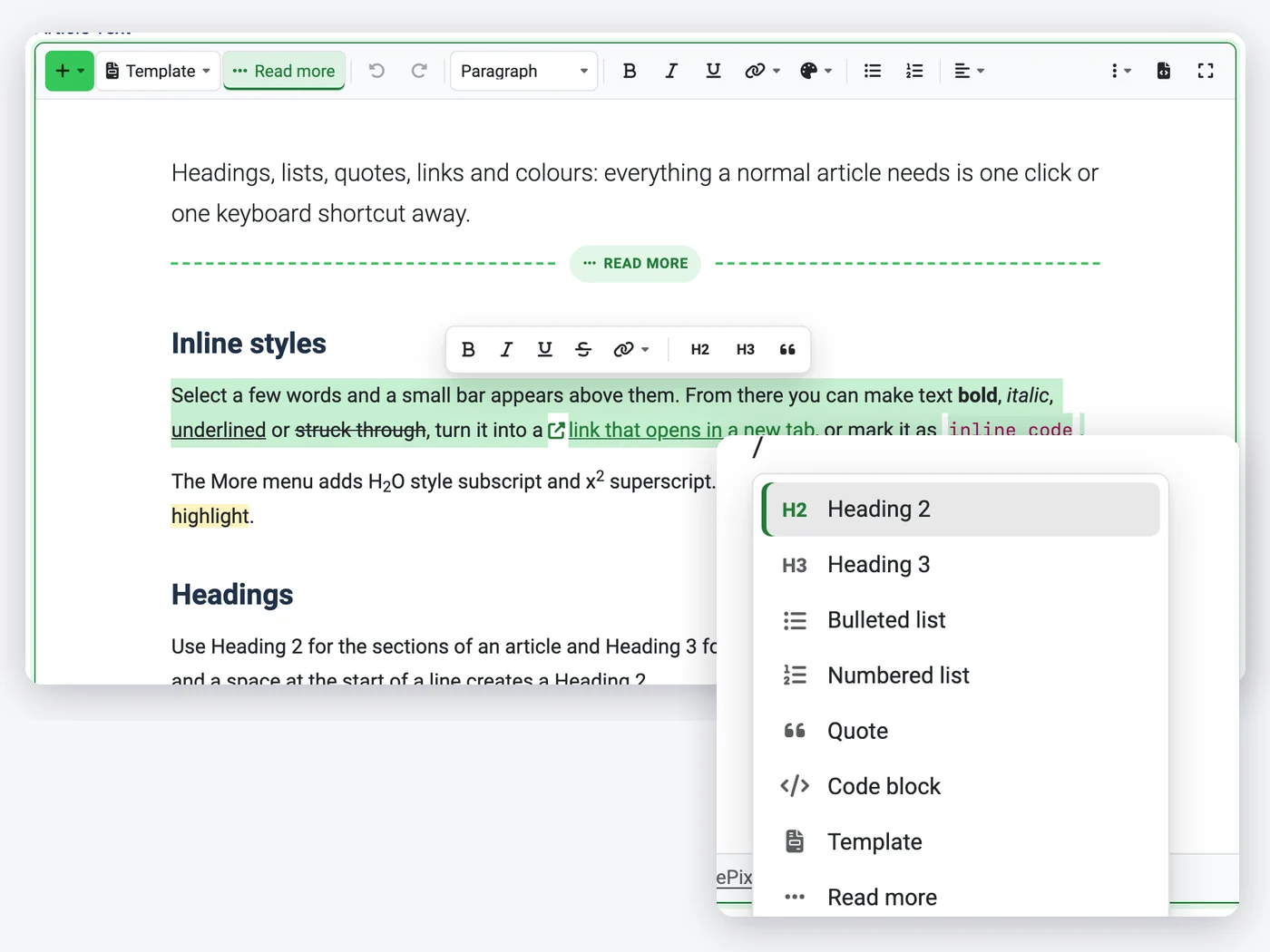
Write in one page, insert with "/" or +
No box per paragraph and no dialogs with tabs. Type, select words for the format bubble, use Markdown shortcuts, and insert any block from the searchable + panel or the "/" menu without leaving the keyboard.
- One-row toolbar, Template and Read more buttons
- Searchable insert panel and "/" menu
- Markdown shortcuts, links and colours in place
Images, galleries and video in a few steps
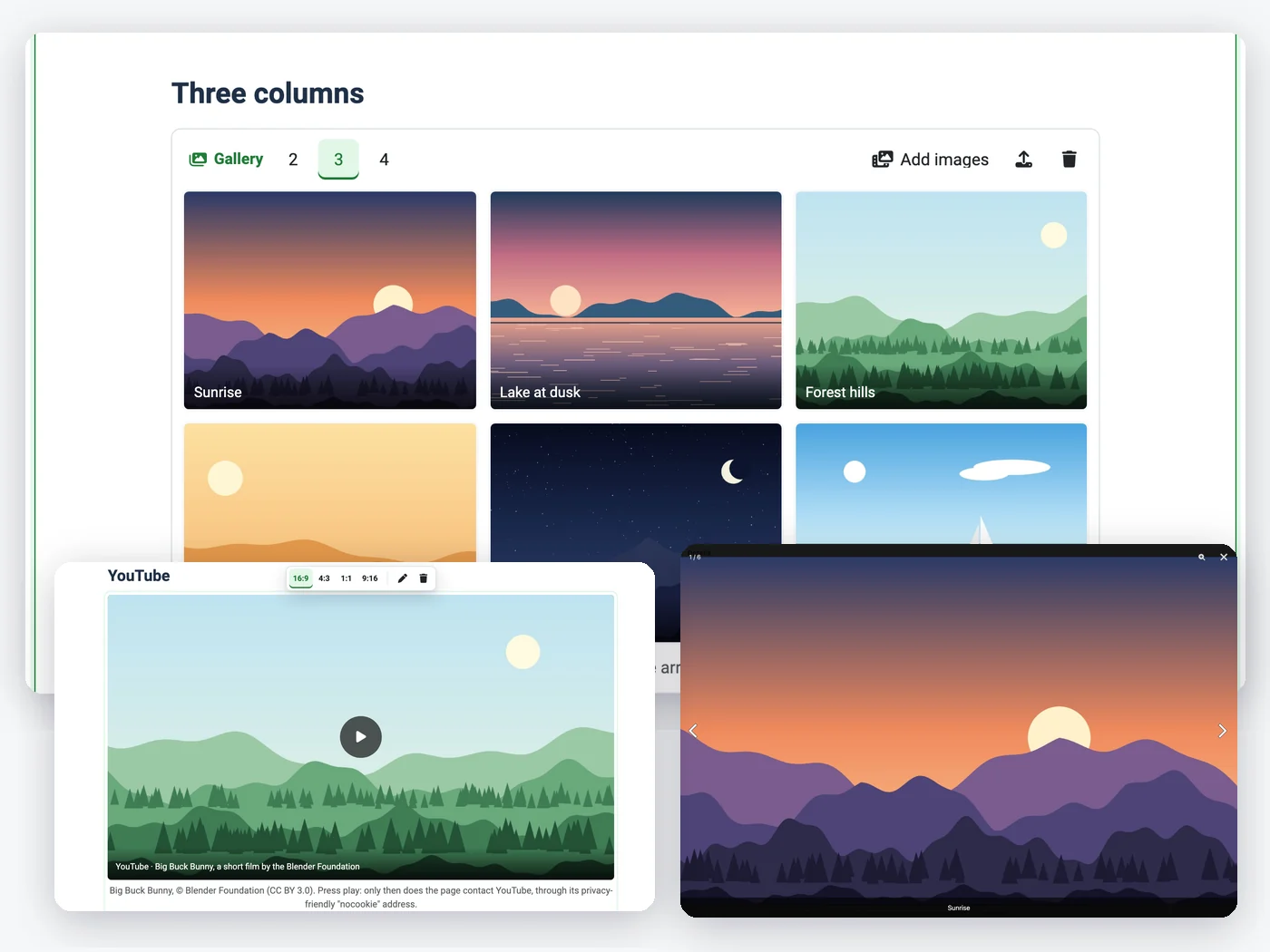
Drag, paste or upload images and type the caption under them; float, widen or zoom them from a small bar. Galleries in 2, 3 or 4 columns open in a lightbox, and YouTube or Vimeo links become posters that load the player only on click.
- Captions, ALT warning, five image layouts
- Galleries with a lightbox loaded on first click
- Click-to-play YouTube and Vimeo, audio, files
Layout blocks and templates
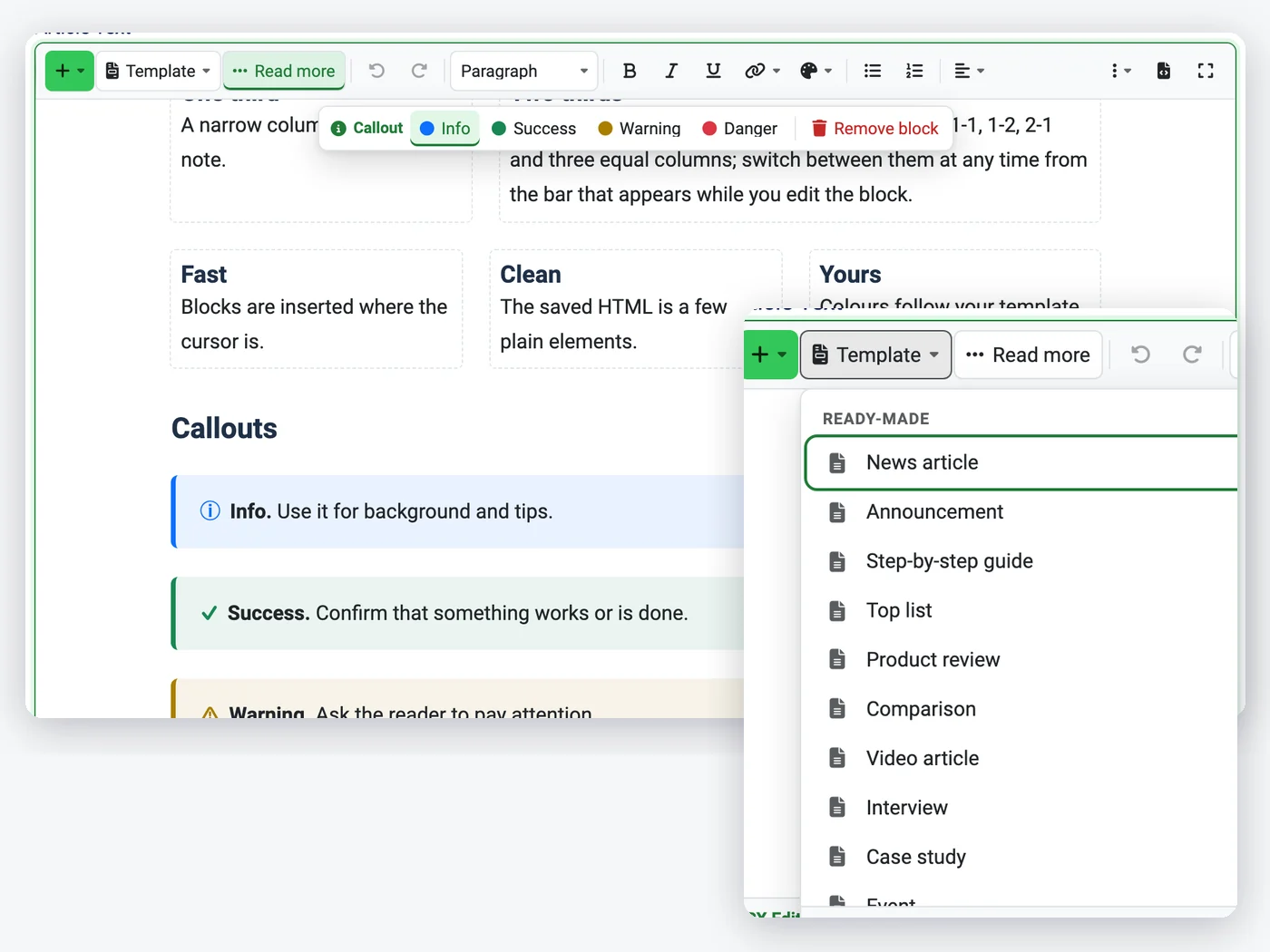
Tables with merged cells, columns in four ratios, callouts, buttons and collapsible sections, nested where you need them. Start an article from 12 ready-made templates, a category of site templates, or templates each author saves with their account.
- Tables, columns, callouts, buttons, details
- 12 templates plus site and personal templates
- Share buttons without third-party scripts
Clean HTML, existing articles untouched
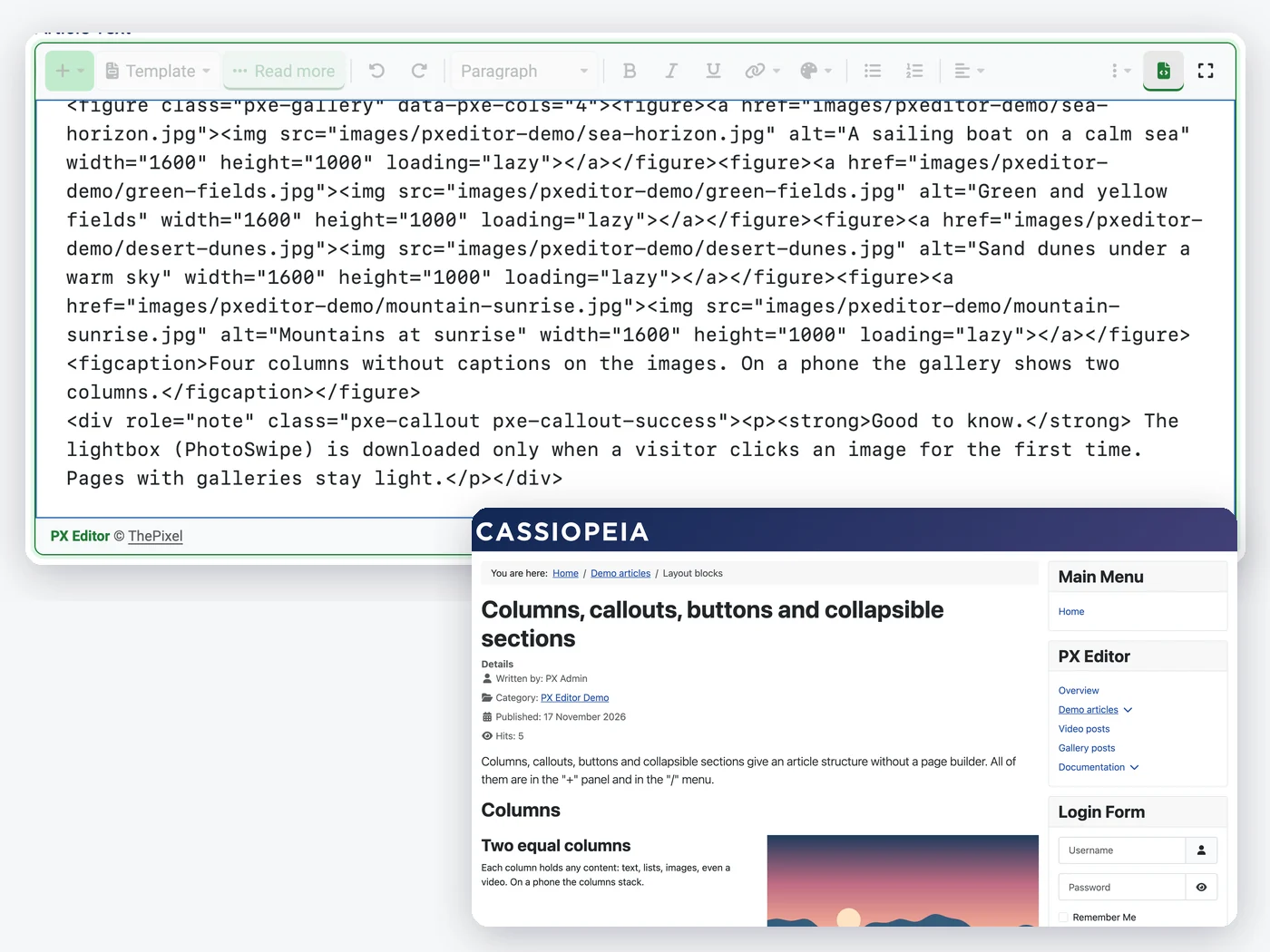
Blocks are plain HTML with pxe- classes: no iframe, no script, nothing Joomla's text filter removes for Authors and Editors. Opening and saving an older article keeps its markup, and anything the editor cannot edit visually stays as an HTML block.
- Passes Joomla's default text filters
- Old articles keep their HTML, b stays b
- Styles load only on pages that use them
How to install PX Editor in Joomla
Install the package
Upload it in the Joomla extension manager, like any other extension.Set it up
Adjust the options to fit your site from one settings screen.Stay up to date
One-click updates from the Joomla update screen — free, no download key needed.All PX Editor features
Everything you get out of the box — no add-ons to buy.
- One flowing writing page with a one-row toolbar
- Searchable + insert panel, "/" menu, selection bubble, Markdown shortcuts
- Images: drag, paste, upload, captions, ALT warning, float / wide / full width, zoom
- Galleries in 2, 3 or 4 columns with a lightbox loaded on first click
- YouTube and Vimeo as click-to-play posters (no iframe), video, audio and download files
- Tables, columns, callouts, buttons, collapsible sections, page break and Read more
- 12 ready-made templates, a site template category and personal templates per account
- Share buttons as plain links, Open Graph tags, post-format tags and field
- Clean HTML that passes Joomla's text filters; existing articles keep their markup
- Keyboard accessible, Atum light and dark, English and Vietnamese, sample data with a user guide
- Free · Joomla 5.4 & 6 · PHP 8.2+
PX Editor is free.
Free to download, free to use.
PX Editor is free for every registered user. Want all our premium templates too? Have a look at our membership plans.
PX Editor updates & FAQ
PX Editor is actively maintained and kept compatible with the latest Joomla releases.
PX Editor changelog
- v1.0.0 Nov 17, 2026 Initial release: one-page writing surface with toolbar, insert panel, "/" menu and Markdown shortcuts; images, galleries with lightbox, YouTube/Vimeo as click-to-play posters, video, audio and files; tables, columns, callouts, buttons, collapsible sections; 12 templates and personal templates; share buttons, Open Graph and post-format tags; sample data with the user guide.
Frequently asked questions
Is PX Editor really free?
Yes. Sign up for a free account and download PX Editor — no credit card, no membership.
Can I use it on client websites?
Yes, on as many websites as you like. It is released under the GPL.
How do I update PX Editor?
New versions show up in System » Update » Extensions in Joomla. Select it and click Update — no download key needed.
Will it work with my template?
Yes — our extensions do not depend on a specific template or framework.
Can you build a custom extension for me?
Yes — we build components, modules and plugins for Joomla 5 and 6, from a small tweak to a complete application.