
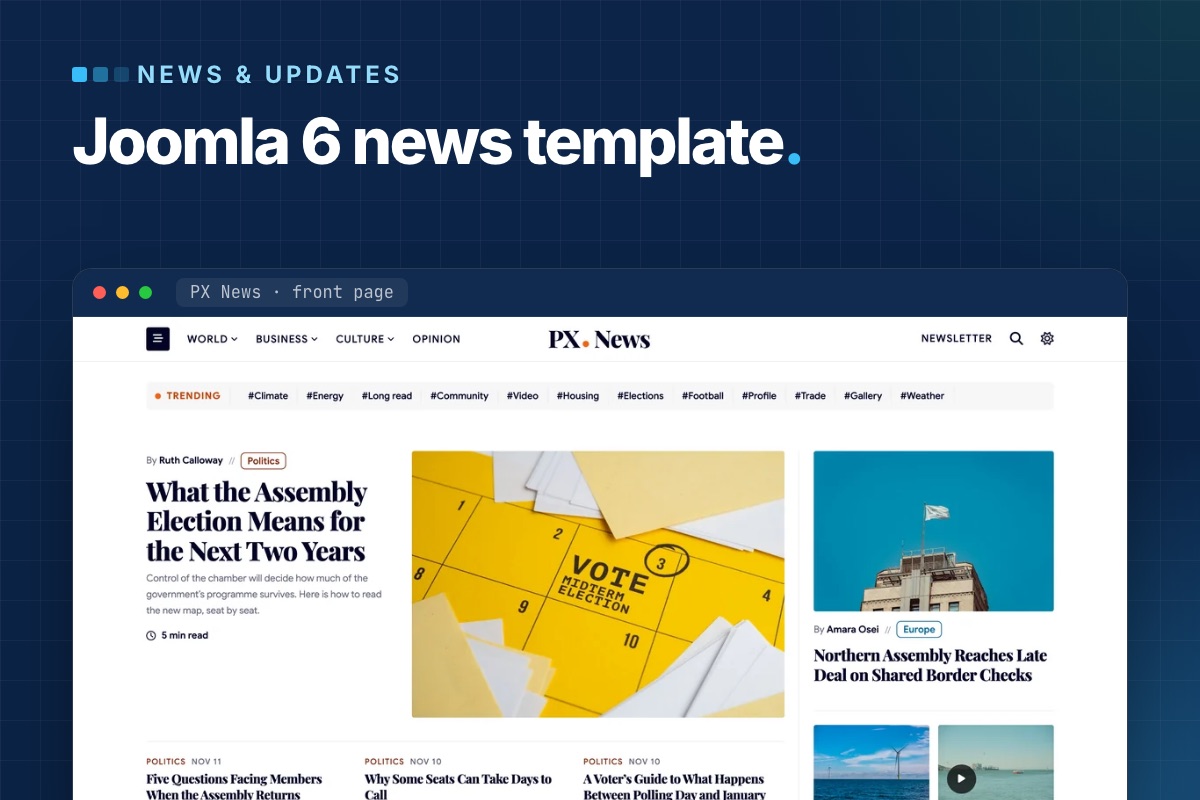

PX News is out: a Joomla 6 news template for sites that publish every day. Everything is built from regular Joomla articles, categories, users and modules, so there is no news component to learn.
What a daily news site needs from a template
A blog or magazine template usually gives you one lead story, a grid and a sidebar. A site that publishes many stories a day needs more on the front page, and it needs it without an editor rearranging the page every morning:
- A dense front page: a lead story, a band per section, and rails with Latest and Most read.
- Sections readers can tell apart at a glance, with menus that show the latest stories.
- Stories that aren't only text: video and photo galleries.
- Bylines that lead to the writer, and a page for the whole newsroom.
- Places for adverts and a newsletter sign-up.
A front page that fills itself
Under a trending topics strip and the lead story, the demo front page stacks twelve bands – among them politics, the city desk, editor's picks, opinion and a desk per section – with rails for Latest, Most read, Trending and adverts.
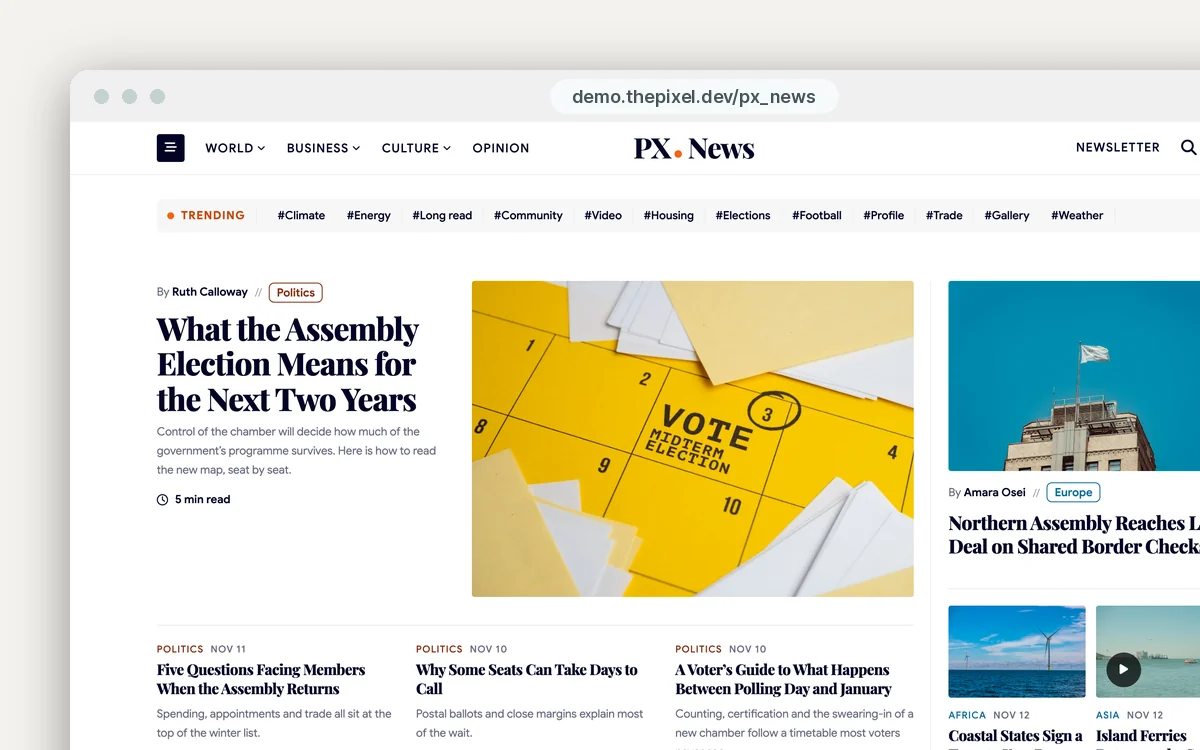
Each band is a core Articles module with a PX News layout, chosen under Advanced » Layout. There are eight: lead, cards, side, stack, numbered, section, quote and mega. Pick the category, the number of stories and the ordering on the module's Module tab, and the band follows what your newsroom publishes.
Sections with their own color and mega menus
Twelve sections come set up – World, Politics, Business, Culture, Opinion, Tech, Science, Health, Sport, Travel, Food and City – with subsections such as Europe, Markets or Film. They are plain Joomla categories: a top-level category with a Category Blog menu item is a section, its child categories show as filter pills on the section page.
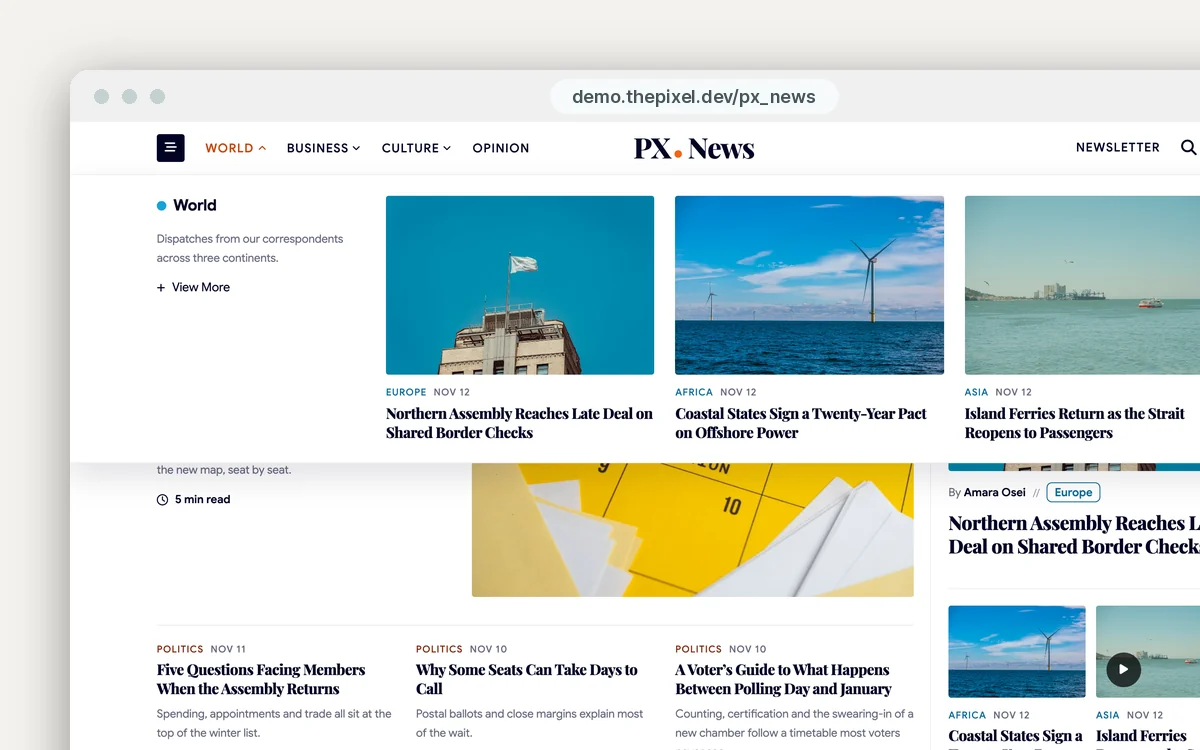
The template adds a Category colour field to the category form (PX News tab). It colors the section's dots, kickers, labels, section heads and mega menu; subsections use their parent's color. World, Business and Culture open a mega menu with their latest stories – an Articles module with the mega layout.
Video and gallery stories
An article gets a Format field: Standard, Video or Gallery. A video story takes a YouTube or Vimeo link or a video file, and the player opens the article. A gallery story takes photos with captions and shows them in a grid that opens in a lightbox. The Video and Gallery menu items list stories tagged Video and Gallery, so tagging a story is all it takes to add it there.
The Format, video and photo fields come from the template's own form files (a T4 Framework feature), so the stories stay normal Joomla articles. They show on articles in categories set to the template's post fields: in the category, Extra field » Field name = post. The demo sections have it; give a new section the same setting.
Bylines and author pages
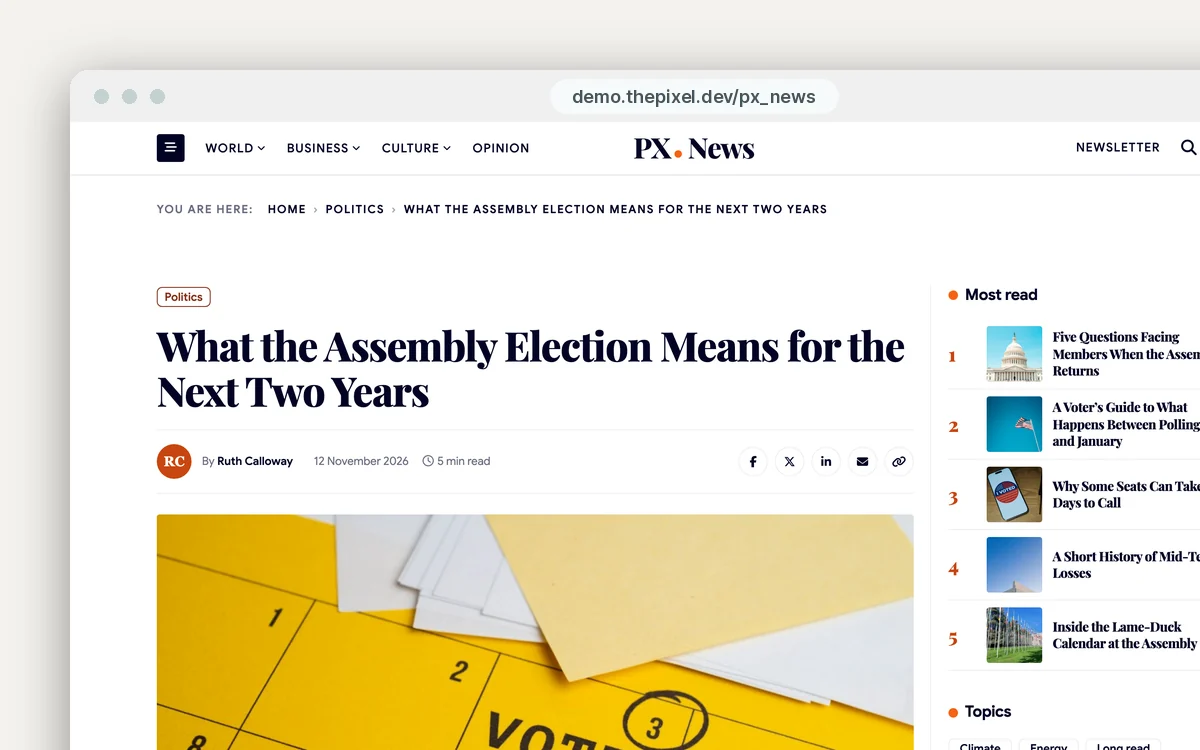
Bylines come from the article's author. Give each journalist a Joomla user in the Author group and fill in Avatar, User Position and About Me on the User info tab of their profile. They show in the author box under each story, on the writer's author page with every story they filed, and on the Our journalists page.
Advert slots, newsletter and dark mode
- Adverts: the slots are PX Content modules with the News Ad block: a label, one line of text and a button. Style 1 is the box for the rails (Box height: Fit content, Medium 300 or Tall 600); style 2 is the wide banner between bands. Editors change the text on the page. For a real ad, put its image or code in a Custom module in the same position. PX Content is the same free module our other templates use.
- Newsletter: sign-up forms on the home page and in the footer use AcyMailing (11.1.1 in the quickstart). Set your From address and sending method before you send anything; if you don't run a newsletter, unpublish the two modules and the Newsletter link in the header.
- Dark mode: a header switch, remembered in the reader's browser. Default theme sets what a first visit opens in – Light, Dark or Follow system – and the Night mode colors are set separately from the light theme.
PX News or PX Magz?
Both run on Joomla 6 and T4, and both come with a quickstart. The difference is pace. PX News is built for a site that publishes through the day: many bands on one page, Latest and Most read in the rails, room for adverts. PX Magz is built around an issue, with photo stories, podcasts and a calmer front page. If your editors publish all day, start with PX News; if you publish features on a schedule, look at PX Magz.
Install: quickstart or existing site
The quickstart installs Joomla 6.2, the template, PX Content, AcyMailing and more than 140 demo stories in one go: upload, extract, run the Joomla installer – the same route as our PX Unity quickstart. Then put in your logo, fonts and brand color, rename the sections to yours, add your journalists, and set the newsletter sender.
On a site you already have, install the T4 Framework plugin, the PX News template and the PX Content module, in that order. That gives you the template but not the demo modules – the PX News documentation lists every module position and layout so you can build the front page yourself.
Requirements: Joomla 6.x, PHP 8.3 or later, MySQL 8.0.13+ or MariaDB 10.4+. PX News doesn't run on Joomla 5.
Get PX News
PX News is part of the Pro membership ($99 for the first year, then $74 a year, as of November 2026), with every ThePixel.dev template and extension. See the Joomla news template page for the downloads, and click through the live demo first. With Pro + Launch ($199 for the first year) our developers install it with your logo, colors and fonts, plus two hours of changes, in two business days.
Running a news site already? We look after a regional daily on Joomla 6 – updates, backups, security and the server: Piura's daily newspaper, kept safe and online. That work is our Joomla maintenance service.