
AI & automation
Guides, tutorials, and insights on using AI tools, MCP servers, and automation workflows with Joomla — from content generation to site management.

- Details
- Category: AI & automation
Generic prompts get generic Joomla answers: code written for Joomla 3, options that don't exist, advice for WordPress with "Joomla" pasted in. The prompts below are the ones we actually use for Joomla work. Each comes with the reason it's phrased the way it is. The pattern behind all of them: pin the Joomla version, paste the real input, constrain the output, and give the model a way to say "I don't know".
A preamble for every Joomla code task
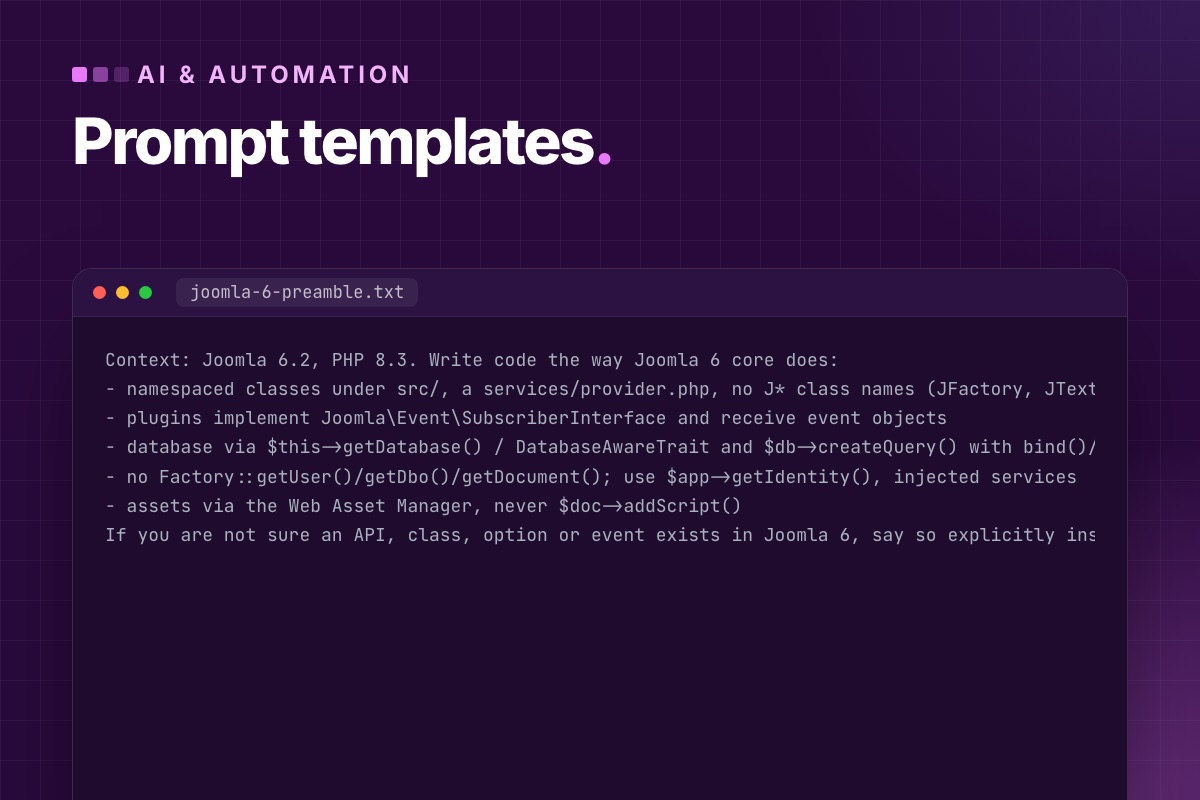
Models have seen far more Joomla 3 code than Joomla 5/6 code, and default to it. We start every code request with this:
Context: Joomla 6.2, PHP 8.3. Write code the way Joomla 6 core does:
- namespaced classes under src/, a services/provider.php, no J* class names (JFactory, JText…)
- plugins implement Joomla\Event\SubscriberInterface and receive event objects
- database via $this->getDatabase() / DatabaseAwareTrait and $db->createQuery() with bind()/whereIn()
- no Factory::getUser()/getDbo()/getDocument(); use $app->getIdentity(), injected services
- assets via the Web Asset Manager, never $doc->addScript()
If you are not sure an API, class, option or event exists in Joomla 6, say so explicitly instead of guessing.
The last line does the most work. Without it, a missing piece gets filled with a plausible invention.
1. Triage the deprecation log
Below is administrator/logs/deprecated.php from a Joomla 6.2 site (grouped and counted).
For each distinct message:
1. which extension or file it comes from (from the path),
2. what the Joomla 7-safe replacement is,
3. effort: trivial / small / needs refactor.
Output a table sorted by extension, then a short list of what to fix first.
Do not invent replacements; if the message doesn't name one and you are unsure, write "check Joomla docs".

[paste: grep -v '^#' deprecated.php | cut -f4- | sort | uniq -c | sort -rn | head -100]
Why it works: the log already contains file paths and Joomla's own replacement hints. The model's job is sorting and grouping, which it does well, not remembering APIs. More on the log in Joomla 7 breaking changes.
2. Review a template override after an update
Joomla updated a core layout that my template overrides.
File: components/com_content/tmpl/article/default.php
Below: (A) the new core layout, (B) my override.
List every functional difference: new variables, removed variables, changed HTML structure, new events/escaping.
Then tell me which core changes my override is missing that matter (security, accessibility, new features).
Do not rewrite the file; I will apply the changes.

(A) [paste core file]
(B) [paste override]
Why it works: diffing two versions of a layout is tedious for people and easy for models. "Do not rewrite" keeps your customisations from being silently dropped.
3. Write a small plugin
[preamble above]
Write a Joomla 6 content plugin "plg_content_readingtime":
- on onContentPrepare for context com_content.article only, add $item->readingTime (words/220, rounded up)
- no output, no assets; the template will print it
Give me: the manifest XML, services/provider.php, src/Extension/ReadingTime.php, the language .ini files.
Namespace: Example\Plugin\Content\ReadingTime.
Why it works: naming every file you expect stops the model from collapsing a plugin into one legacy file, and the namespace is the part it most often gets wrong. Test the result on a real site. Generated manifests often miss <namespace> or the services folder.
4. Write SQL for an audit, read-only
MySQL 8, Joomla 6 database, table prefix jos_.
Write ONE read-only SELECT query (no UPDATE/DELETE) that lists published articles (#__content state=1) with:
id, title, category title, CHAR_LENGTH(metadesc), whether image_intro is set (images is JSON),
number of links to other pages of the same site in introtext+fulltext (href starting with "/" or the domain example.com).
Sort by the missing/short descriptions first.
Why it works: "ONE read-only SELECT" is a constraint you can verify at a glance before running it. Telling the model that images is JSON avoids string matching on it.
5. Translate a language file without breaking it
Translate the values of this Joomla language .ini file from English to German.
Rules: keep every KEY exactly as is; keep placeholders (%s, %d, %1$s, {name}) and HTML tags unchanged;
keep the file format KEY="value" with double quotes, escape inner double quotes as \";
do not add or remove lines. Output only the file.

[paste en-GB.mod_example.ini]
Why it works: the failure modes of translated .ini files are always the same: changed keys, broken placeholders, unescaped quotes that make Joomla skip the rest of the file. Listing them prevents most of them. Still diff the key list afterwards.
6. Explain unfamiliar or suspicious code
This PHP file was found in images/ on a Joomla site. Do not execute anything.
Explain step by step what it does, decode any encoded strings, and say whether it is a backdoor,
what it allows an attacker to do, and what other files or database entries such code typically creates.

[paste file content]
7. Meta descriptions from the real page
Write a meta description for this page. 140–158 characters, plain text, no quotes or emoji,
no marketing words ("discover", "unlock", "ultimate", "comprehensive"). Say concretely what the reader gets,
using the page's own terms. Answer with the description only.
Title: [title]
Page text: [first ~6000 characters of the article, tags stripped]
We run this in batch with a review step. The command is in auto-generating meta descriptions.
8. A content draft that sounds like you
Write a draft blog post for [site], a [what the business does].
Audience: [who, what they already know].
Our experience to use (facts, don't embellish): [3–6 bullet points of what you actually did/saw]
Sources to rely on: [links or pasted notes]. Don't add facts beyond these; mark anything you'd want to add as [CHECK: …].
Structure: short intro, H2 sections, one table or code block if it helps, no conclusion section that repeats the intro.
Output clean HTML (p, h2, ul, table, pre/code), no inline styles.
Why it works: "our experience, don't embellish" plus "[CHECK: …]" markers turns invented details into visible to-dos for the editor. The draft goes into Joomla unpublished. See Claude writes, Joomla publishes.
Habits that matter more than the prompt
- Paste the real thing: the file, the log, the error. Never describe it from memory.
- State the Joomla and PHP version every time.
- Ask for a plan before code on anything bigger than one file.
- Verify option names and menu paths in a real back end before you publish or ship.
- Never paste secrets:
configuration.php, API tokens, customer data.
Want your team to use AI on Joomla work safely? We share our prompts, checklists and review steps, and set up the API side for you.
Talk to us →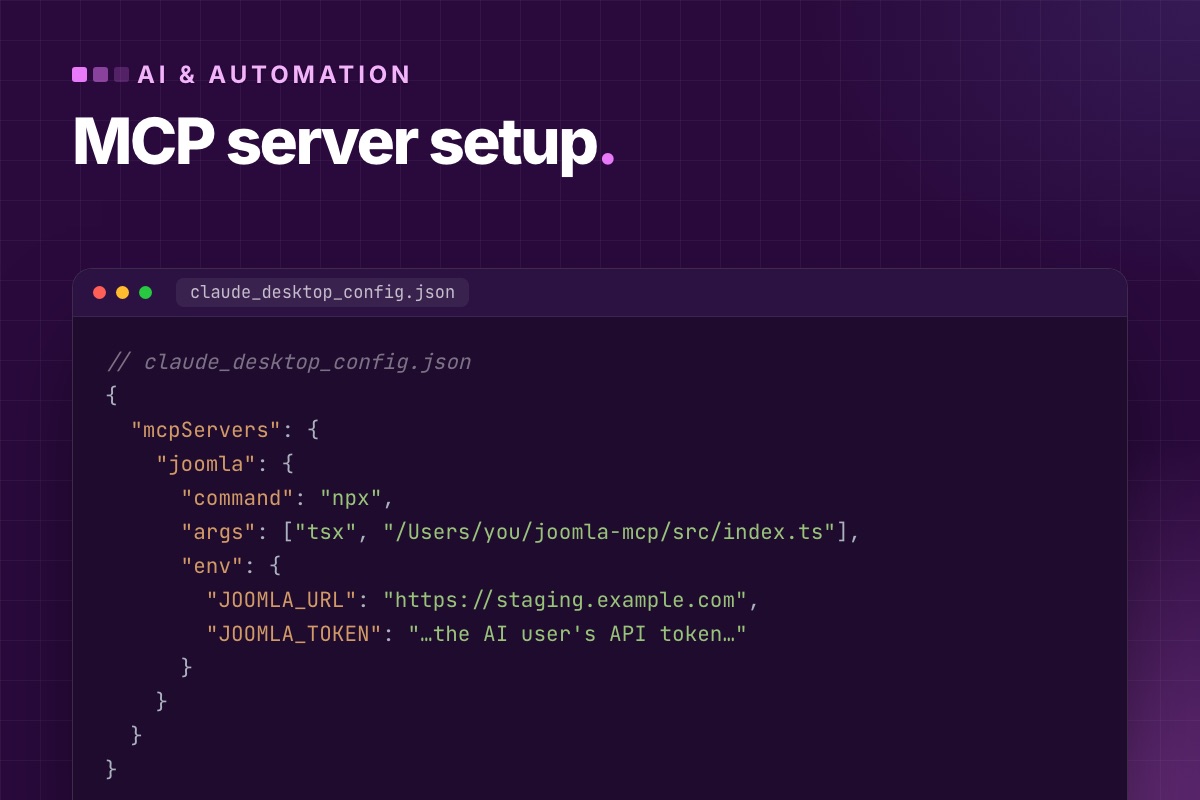

- Details
- Category: AI & automation
The Model Context Protocol (MCP) is the standard way to give an AI assistant tools: functions it can call, with arguments it fills in. A "Joomla MCP server" is a small program that offers Joomla actions as such tools: "list articles", "save a draft", "find pages without a meta description". The assistant decides when to call them. The server decides what is allowed.
This post explains what such a server can and can't do, what to look for before you connect one to a real site, and how to get one running.
First, a correction
An earlier version of this post told you to install a package called joomla-mcp-server from npm. That package doesn't exist, and we should have caught it. To be clear about the state of things in October 2026: Joomla core has no MCP server, and the Joomla project doesn't publish one. There are community projects, and you can build your own in an afternoon. Both are covered below.
How it fits together
You ──▶ Claude ──(MCP, local)──▶ Joomla MCP server ──(HTTPS, API token)──▶ Joomla Web Services API
                                     │
                                     └─ decides which tools exist and what they may do
Everything goes through Joomla's own REST API (/api/index.php/v1/…, in core since Joomla 4.0). So an MCP server can never do more than the Joomla user behind its token, which is your most important safety net. The API itself is explained in Joomla REST API for beginners.
What it's good at
- Questions about your content: "Which articles in the VirtueMart category have no meta description?", "List posts older than two years that mention Joomla 4."
- Drafts: write an article from a brief and save it unpublished in the right category, with a meta description.
- Bulk fixes you review: propose meta descriptions, alt texts or internal links, one article at a time, with a person approving.
- Inventory: list modules, menu items, redirects or users (read-only) to answer "where is this used?"
What it's not good at: anything that needs to be right without review (publishing, deleting, changing permissions), and anything outside the API: template code, server configuration, extensions without web services.
Before you connect one to a real site
Whether you install a community server or write your own, check these. They matter more than the feature list.
| Check | Why |
|---|---|
| Which tools write, and which delete? | A tool that exists will eventually be called. Prefer servers where writes are drafts and deletes don't exist. |
| Whose token does it use? | Never a Super User. Give it a dedicated user in a restricted group (Joomla only lets Super Users have tokens until you allow the group in the User – Joomla API Token plugin). |
| Where does the token live? | In the server's environment, never in a prompt, a repository or tool output. |
| Does it treat site content as data? | Article text can contain instructions aimed at the model ("prompt injection"). Reading content must never trigger a write by itself. |
| Can you read the code? | An MCP server runs on your machine with your token. If you can't read what it does, don't run it. |
Getting one running
Option A: build a small one
With the official TypeScript SDK (@modelcontextprotocol/server, v2), a server with four tools (list, get, create draft, update meta description) is around 150 lines, and you know exactly what it can do. The full code, tested against Joomla 6.2, is in How to build a Joomla MCP server from scratch.
Option B: a community server
Go through the table above first, and point it at a staging copy of your site, never live, until you have seen every tool it offers.
Connecting Claude
Claude Desktop reads MCP servers from its configuration file (Settings → Developer → Edit Config). The server is started as a local command, with the Joomla URL and token as environment variables:
// claude_desktop_config.json
{
  "mcpServers": {
    "joomla": {
      "command": "npx",
      "args": ["tsx", "/Users/you/joomla-mcp/src/index.ts"],
      "env": {
        "JOOMLA_URL": "https://staging.example.com",
        "JOOMLA_TOKEN": "…the AI user's API token…"
      }
    }
  }
}
Restart Claude Desktop, and the Joomla tools appear in the tools menu. Start with a read-only question, check the answer against the back end, then try a draft.
A sensible first setup
- A staging copy of the site.
- A user "AI writer" who can create and edit own articles in two categories, and nothing else.
- An MCP server with four tools: list, get, create draft, update meta description.
- A person who reviews every draft in the normal editor and publishes it. Our pipeline is in Claude writes, Joomla publishes.
Run that for a month before adding tools. Most teams find that the read-only questions save more time than the writing.
Want an MCP server you can trust on your site? We build them on the Joomla API, with a restricted user, draft-only writes and your custom components included.
Custom extension development →Page 2 of 2